
 Script Planner Assistant▸
 AI Apps
 AI News

Chess Tempo: An Online Chess Training Platform
Chess Tempo: An Online Chess Training PlatformIntroduction
What is Chess Tempo?
Chess Tempo is an online chess training platform. Its tactical puzzle collection is of very high quality, and later it added a variety of training tools and online play features, evolving into a comprehensive learning website. The name "Tempo" represents a turn or rhythm in the game.
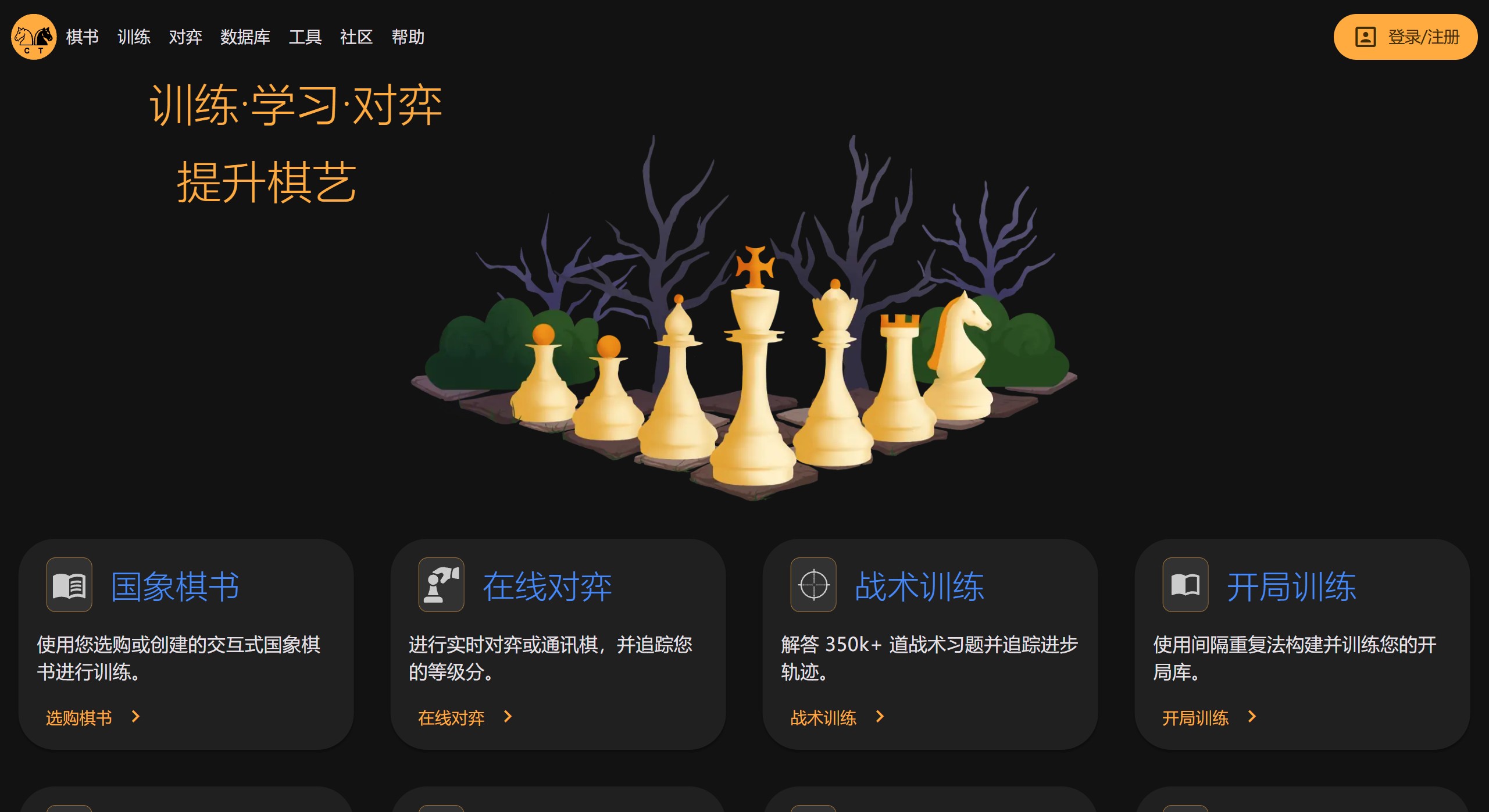
Chess Tempo Main Features
Tactical Training: This is the website's core feature. The puzzle database contains over 350,000 puzzles from real games. The system adjusts difficulty based on your performance and records data to track your progress. The comments from other users below the puzzles are of very high quality and can help you better understand the position.
Opening Training: This tool helps you build your own opening repertoire. You can import games or play directly to create the repertoire. It uses spaced repetition for training, and the system prioritizes reviewing moves you tend to forget. It can also work with online games to point out where you deviated from your repertoire.
Endgame Training: There are over 17,000 endgame positions from real games here, including positions with 3 to 7 pieces. The system serves puzzles according to your level and gives feedback on the best and second-best moves. Paid users can create their own endgame puzzle sets.
Online Play: You can play real-time or correspondence chess with other users. Games have ratings, and all games are saved in your personal profile for easy later review.
Analysis Panel: This is a powerful analysis tool. Paid users can use cloud engines for in-depth analysis of positions without using local device resources.
How to Use Chess Tempo
Register an Account: Most features require registering a free account first.
Choose a Mode: After logging in, select modules such as tactics, openings, or endgames on the main interface to start practicing.
Play Online: Click on the online play module, select a time control, such as 3+0 or 5+3, and the system will match you with an opponent.
Review and Analyze: After a game, use the analysis panel to review, find mistakes, and use the engine to see better moves.
Practical Tips
Make Good Use of Spaced Repetition: In opening training, don't try to memorize all moves at once. The system will scientifically schedule reviews to reinforce what you're about to forget, which is the most effective way to memorize.
Read Puzzle Comments: When you encounter a position you don't understand in a tactical puzzle, read other users' comments, especially those from strong players. Comments are often easier to understand than engine variations.
Optimize Your Repertoire: After playing a game, check the system's feedback to find where you deviated from your repertoire. If your opponent plays a strong move you weren't ready for, you can add it to your repertoire to keep improving.
Start Simple: In endgame training, start with simple 3-piece or 4-piece positions to build confidence and understanding first, then move on to more complex ones.















