
 Script Planner Assistant▸
 AI Apps
 AI News

Minecraft Maps: Download Site for Minecraft Worlds
Minecraft Maps: Download Site for Minecraft WorldsIntroduction
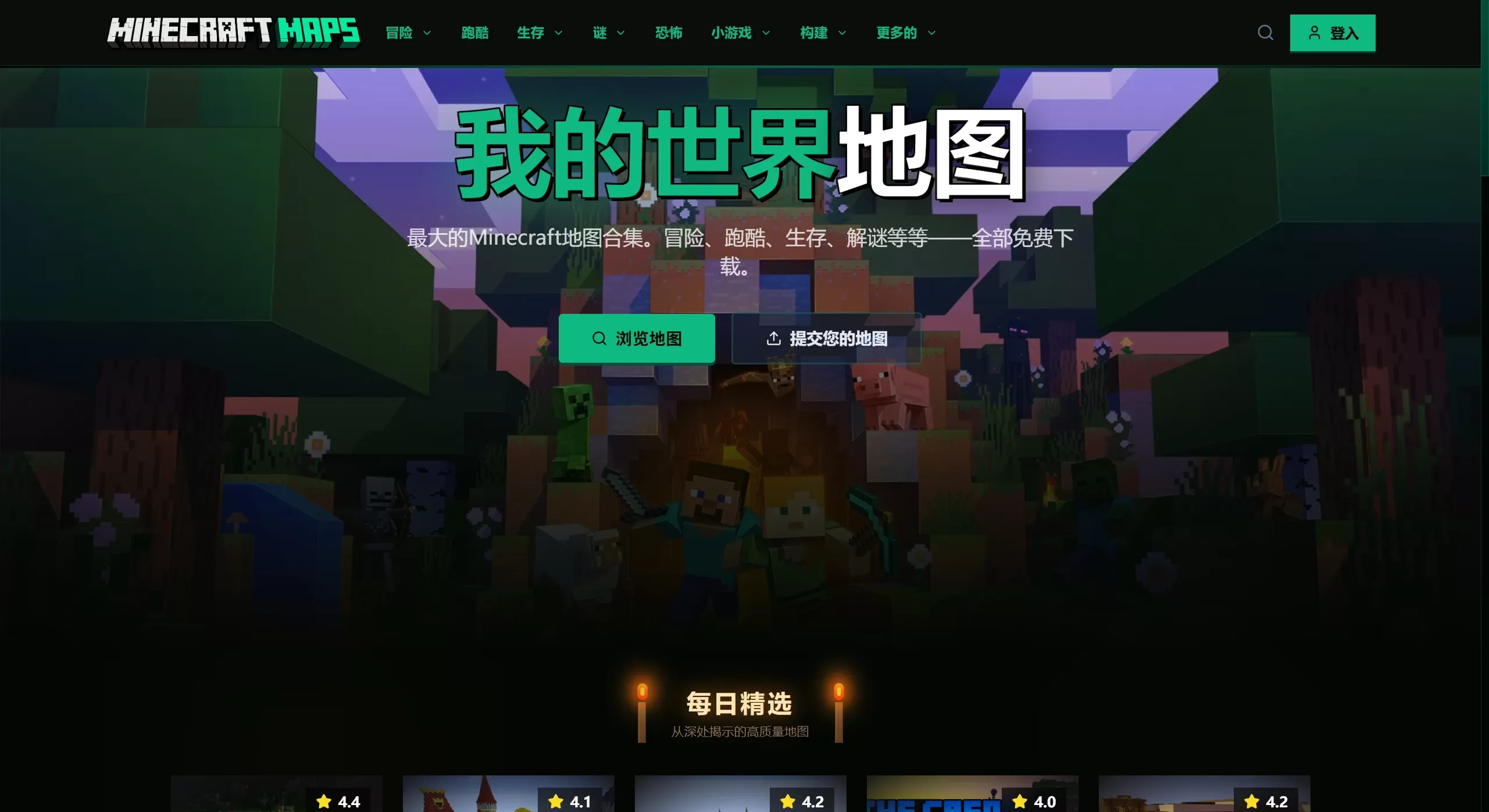
What is Minecraft Maps
Minecraft Maps is a pretty old "Minecraft" map sharing and download site, known to quite a few people in the community. Unlike all-in-one platforms such as CurseForge and Planet Minecraft, it doesn't do mods or resource packs — it only hosts map saves.
If you enjoy playing adventure, puzzle, or various special gameplay types, this site is basically a treasure trove.
The biggest feature of Minecraft Maps is its "specialization". It has accumulated tens of thousands of player-made map saves. Whether you want to play a complete RPG storyline, take on a challenging parkour course, or experience a horror atmosphere, you can find corresponding resources here.
🗂️ Main Categories of Minecraft Maps
The website divides maps into several core sections:
Adventure Maps: The richest section. Usually features complete storylines, quest lines, and custom-built structures. Follow the author's guidance to explore, fight monsters, and solve puzzles — it plays like an RPG.
Puzzle Maps: Focused on brain-teasers. Escape rooms, logic puzzles, complex mechanisms — you have to think hard to get through.
Parkour Maps: For those who love jumping challenges. From simple jumping practice to extremely difficult "extreme" jumps, it's all here.
Horror Maps: Use lighting, sound effects, and storylines to create a scary atmosphere. Looking for a thrill? There are plenty of classic horror works (such as adaptations of "Resident Evil" and "Silent Hill").
PvP & Mini-games: Suitable for multiplayer. Competitive map saves for Bed Wars, Hunger Games, Spleef, and more can all be found here.
Survival Challenges: Things like "Skyblock", "Superflat Survival", "Hardcore Survival" — provide special starting environments for players who enjoy survival mode.
🌟 Website Features of Minecraft Maps
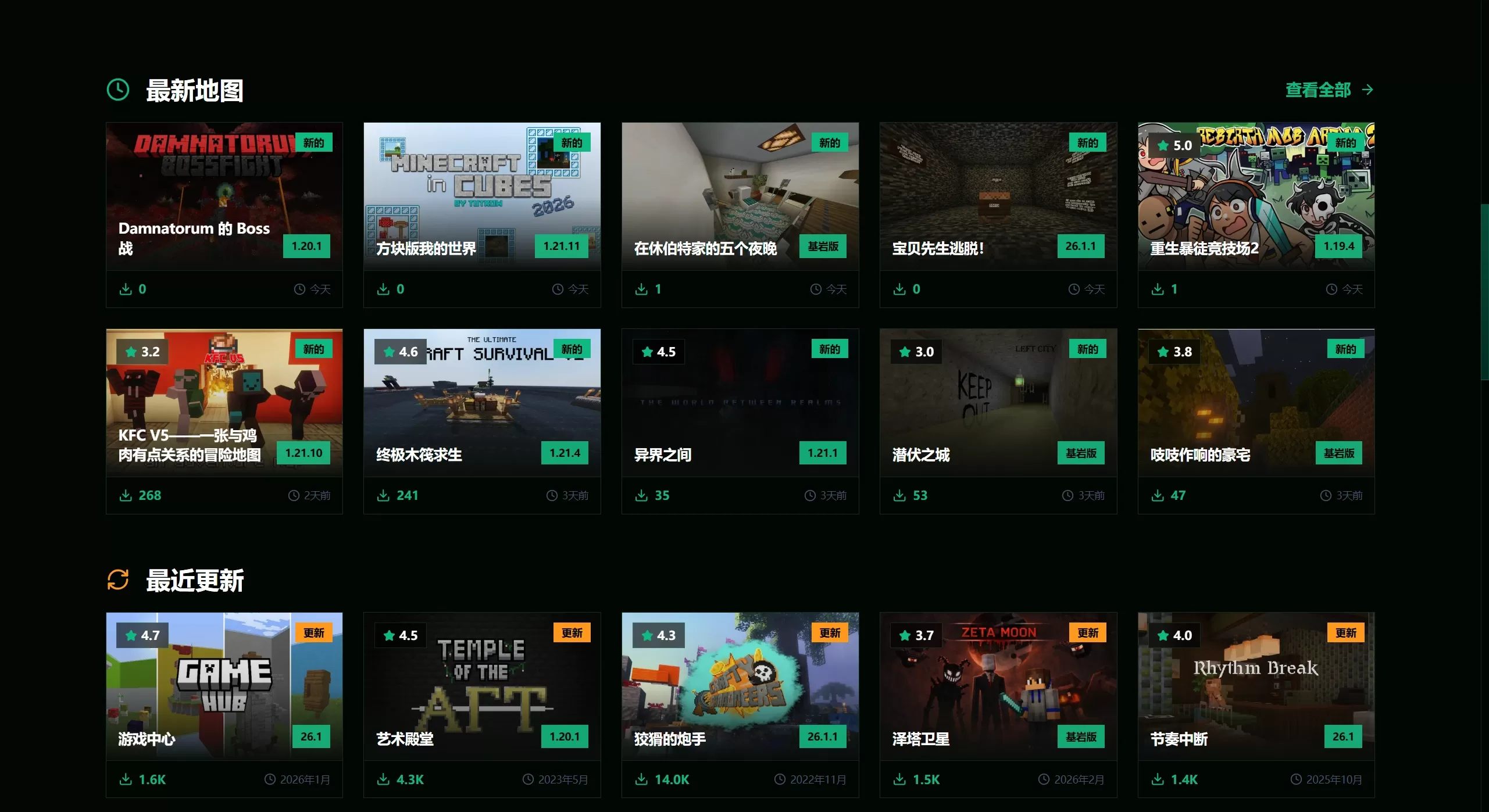
Ratings & Reviews: Every map has user ratings and a comment section, helping you avoid pitfalls and find high-quality maps with fewer bugs.
Clear Version Labels: Authors usually specify the applicable version when publishing. This is important for Java Edition players — using the wrong version can easily cause map loading failures or missing blocks.
Direct Downloads: The download links are fairly direct, with not too many ad redirects — just click "Download" to get the .zip or .rar archive.
Featured Sections: There's a "Featured Maps" and "Top-Rated Charts" — if you don't know what to play, picking from here is generally safe.
📥 How to Use These Map Resources
Download: Find a map you like on the site and click the download button.
Extract: Get the archive, and after extraction, it will usually be a folder (containing a level.dat file inside).
Install:
Java Edition: Place the extracted folder into the .minecraft/saves folder.
Bedrock Edition: If it's a .mcworld file, double-click or import it directly; if it's a folder, place it into the com.mojang/minecraftWorlds directory.
Play: Enter the game, and you'll see this map in the "Singleplayer" list.















