
 Script Planner Assistant▸
 AI Apps
 AI News

Video Studio AI: A Zero-Barrier Online AI Video Generator
Video Studio AI: A Zero-Barrier Online AI Video GeneratorIntroduction
Video Studio ai is an online AI video generation tool built specifically for everyday users and lightweight creators. In a nutshell, its core selling point is "zero learning curve." You don't need any editing skills at all — just type in a text description, or upload a static image or character design, and it will automatically create the scenes, animations, and transitions for you, and output a ready-to-share video you can post on social media or use for marketing.
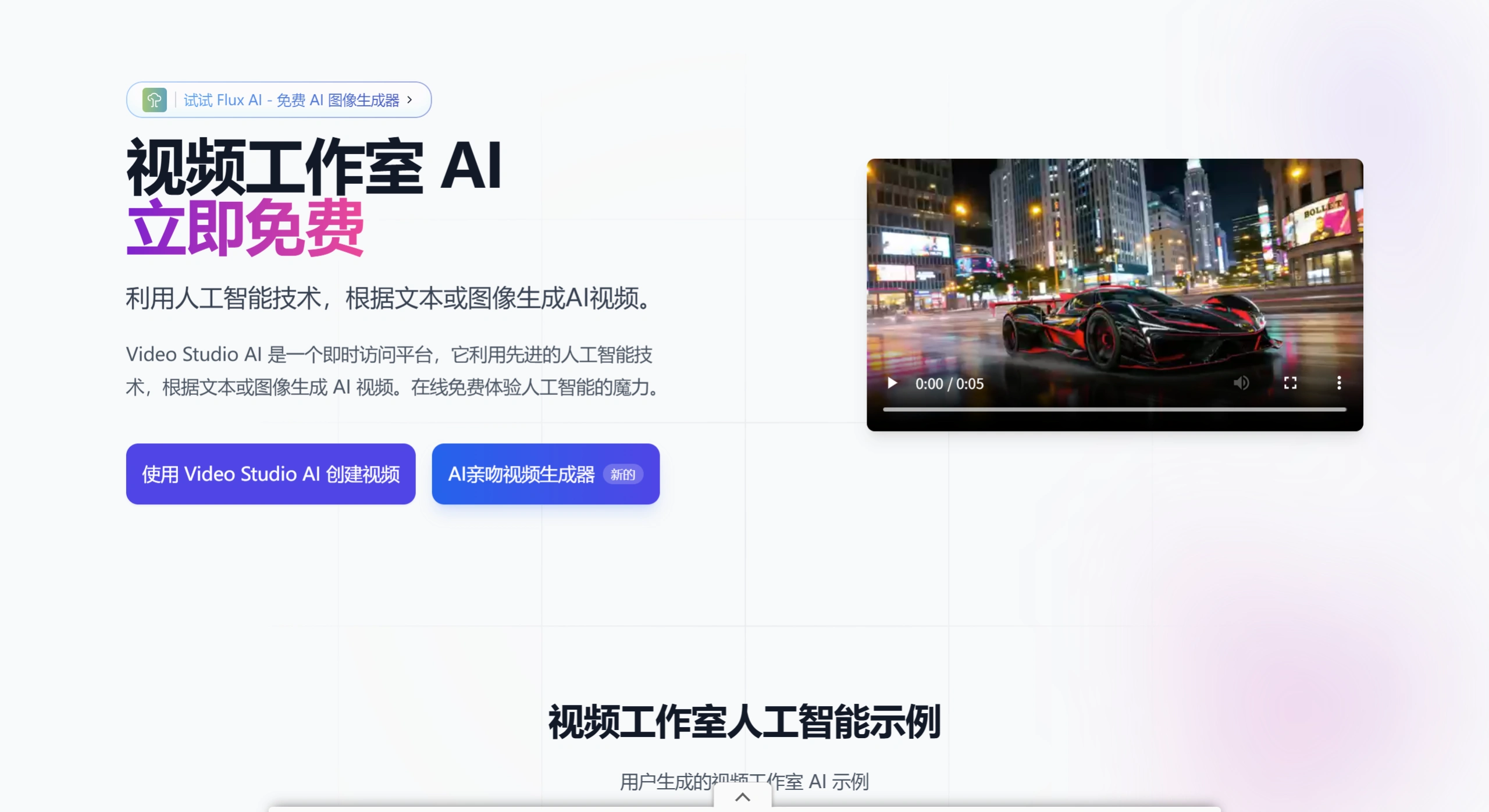
Video Studio AI Core Features
Text to Video: Enter an English prompt, and the AI will automatically generate matching dynamic visuals.
Image to Video: Upload a static image (people, landscapes, product shots — anything works), and the AI will add dynamic effects directly to the picture.
Character Animation: Upload a character design sheet, and it will generate an animated demo video of that character.
AI Hug / Duo Video: This is the platform's flagship feature — upload two front-facing photos of people, and it will generate a short video of them hugging and interacting.
Video Template Library: Comes with built-in templates covering a wide range of themes, basically covering social, advertising, and educational scenarios.
Real-time Preview: You can check the result before rendering, saving you from wasting time on repeated generations.
Seamless Transitions: It automatically handles transitions between clips, making the footage look more cohesive.
AI Video Editing: Includes a few basic editing tools, supporting simple trimming and adjustments.
Video Studio AI Use Cases
Social Media Operations: Quickly produce short-video content for TikTok, Instagram, and YouTube Shorts.
E-commerce and Marketing: Batch-generate product showcases, brand ads, and promotional materials.
Education and Training: Used for course introductions, visualizing knowledge points, or creating instructional demo animations.
Personal Creative Projects: For example, turn travel photos and family portraits into dynamic videos, or create short videos for character IPs.
Startups: Low-cost, fast production of brand introductions and pitch videos.
Video Studio AI Pros and Cons
| Pros | Cons |
|---|---|
| Extremely low barrier to entry; no editing background required | With complex scenes, consistency in animation logic is mediocre |
| Real-time preview reduces wasted renders | Queues may occur during peak generation times; occasional failures |
| Supports text-to-video, image-to-video, and character animation modes | Limited advanced customization options; creative freedom is constrained by templates |
| New users receive free credits, allowing zero-cost trials | Free tier has watermarks or quota limits (depending on the current policy) |
| Relatively fast generation (typically 2–4 minutes) | Still has flaws with group photos and complex body interactions |
How to Use Video Studio AI
Visit the official website videostudioai.ai and register an account.
Go to the creation page and choose "Text to Video," "Image to Video," or "Character Animation."
Enter an English prompt, or upload an image (front-facing, clear photos with good lighting are recommended).
Choose a style template, click generate, and wait 2–4 minutes.
Preview the result — if you're satisfied, download it directly; if not, adjust the prompt and regenerate.
Video Studio AI vs. Competitors
| Dimension | Video Studio AI | Runway Gen-4.5 | Pika | Kling AI |
|---|---|---|---|---|
| Positioning | Very beginner-friendly | Professional film / VFX | Fast output | Domestic comprehensive video generation |
| Core Features | Text-to-video, image-to-video, AI Hug | Camera control, character consistency, Aleph transformation | Rich templates, fast generation | Strong Chinese understanding, powerful physics simulation |
| Ease of Use | Very low | Relatively high | Low | Medium |
| Generation Length | Focus on short videos | Supports longer narratives | Short videos | Good support for medium-to-long videos |
| Chinese Support | Prompts must be in English | English interface | English interface | Native Chinese |
| Price | Free credits + paid subscription | From $15/month | Free quota available | Domestic pricing is friendly |
| Best For | Self-media, e-commerce, individuals | Professional creators, ad teams | Rapidly testing creative ideas | Domestic creators, marketing teams |












