
 Script Planner Assistant▸
 AI Apps
 AI News

Pika Labs: Tutorials & Registration Guide
Pika Labs: Tutorials & Registration GuideIntroduction
Pika Labs is a company that develops an AI text-to-video platform, allowing users to generate videos by inputting text or providing an image and animating it. Pika Labs can generate very smooth videos, which can even be used for advertising and film production. Pika Labs' AI performs excellently in terms of temporal consistency and transitions, producing remarkably fluid video results.
Netizens were amazed by the performance of this AI, and some used it to create dreamlike animations and Van Gogh-style videos. Some netizens tried to "combine" Pika Labs' AI with Midjourney and large models. In just 4 hours, they produced a movie opening with a documentary-like feel, and the effect was stunning.
Pika's excellence lies in its support for using key prompt words to flexibly control elements within the frame, achieving dynamic transitions without breaking the integrity of the overall picture. In addition, Pika can recognize elements in the frame and reasonably fill in content that doesn't exist in the image without causing distortion or deformation of the picture. With Pika, we can quickly produce cinema-quality video works.
Pika website address:https://www.pika.art
Basic Operations of Pika:
1. Using the Pika platform, you can generate videos based on input titles and static images.
2. Choose the video style you want, such as "3D animation," "anime," or "cinematic," among others.
3. Input the relevant title or upload an image, and Pika's AI model will automatically process and generate the video.
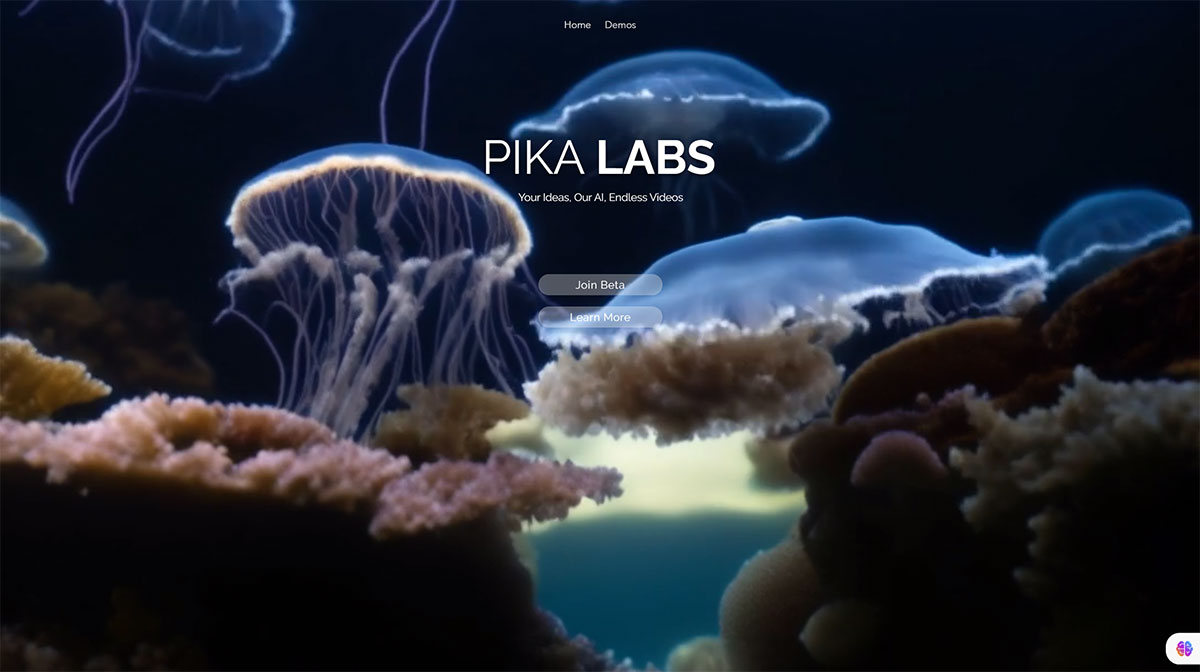
On November 28, Pika Labs officially announced the release of the official version Pika 1.0, a major product upgrade that includes a new AI model capable of generating and editing videos in various styles such as 3D animation, anime, cartoon, and cinematic, as well as a brand-new web experience that makes it easier to use. You can join the Pika 1.0 waiting list at https://pika.art.
The new features of Pika 1.0 mainly include the following aspects:
1. Generate videos from text. You only need to input a few lines of text—you can enter prompt words about scenes, actions, colors, resolution, etc.—to create short, high-quality videos;
2. Generate videos from images. You can upload one of your own images and then add some text prompts to turn the image into a dynamic video. You can also edit and modify the video by inputting relevant text to add, remove, or change elements such as background environments, clothing, and props;
3. Switch video styles, for example, converting between black and white, animation, and other different styles;
4. Change the aspect ratio of the video.
With PIKA, you can quickly produce cinema-quality videos without filming or editing. You can use the same seed number to generate multiple videos and then stitch them together yourself to form a complete story.












