
 Script Planner Assistant▸
 AI Apps
 AI News

Runwayml_云技派,专注ai人工智能!
Runwayml_云技派,专注ai人工智能!Introduction
Today I'm recommending an AI video editing tool called Runwayml. Its capabilities go far beyond editing—more importantly, it supports text-to-video, allowing you to create stunning productions with just a single sentence. It is a product launched by Runway, the company behind Stable Diffusion and Everything Everywhere All at Once.
Runwayml is a major improvement over the first generation. Runwayml can create complete videos based solely on text descriptions, whereas older versions could only generate new videos using data from existing videos. The company has been researching this innovative model since last December and released it in March of this year, but it has only recently been made available for free to the public, and it took the entire internet by storm within a single day. They are now excited to reveal that this is the first text-to-video AI model ever offered to the public.
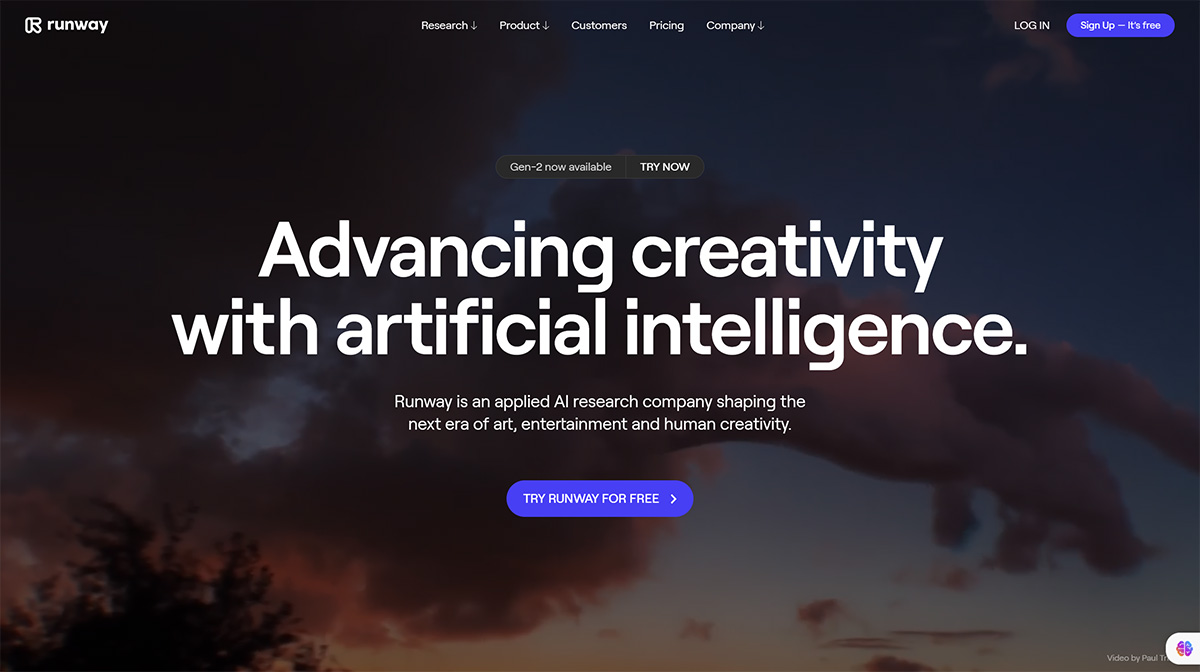
One of the latest models released by Runwayml is Gen-2, a generative video model that can synthesize realistic and consistent videos from text or images. Gen-2 is built on a new technology called stable diffusion, which allows the model to learn from large-scale video datasets and produce high-quality output. Gen-2 can be used for a variety of applications, such as creating new scenes, characters, or animations, enhancing existing videos, or generating video content for storytelling or education.
Gen-2 differs from Gen-1, which is another generative video model from RunwayML that can transform any video into another video based on a given style or content. Gen-1 uses a different technology called latent diffusion, which encodes the input video into a latent space and then decodes it into a new video. Gen-1 can be used for tasks such as video-to-video conversion, style transfer, or content manipulation.
Advantages of Runwayml:
It can synthesize videos in any style you can imagine, using only text prompts.
It can transfer the style of any image or prompt to every frame of a video.
It can turn models into fully stylized and animated renders.
It can isolate subjects in a video and modify them with simple text prompts.
It can convert untextured renders into photorealistic outputs by applying an input image or prompt.
How to Use Runwayml?
To use Runway, sign up for a free account and access their magical AI tools. These tools allow you to generate videos, images, and animations using text, images, or video clips. You can also train your own custom AI models, remove backgrounds from videos, create slow-motion videos, and much more.












