
 Script Planner Assistant▸
 AI Apps
 AI News
What Are the Differences Between WaifuXL and Waifu2x?
小编 ·

What Are the Differences Between WaifuXL and Waifu2x?
WaifuXL and Waifu2x are both anime image super-resolution tools used to enhance the quality of anime images. WaifuXL uses the Real-ESRGAN model to provide higher-quality upscaling results with simple operation, while Waifu2x supports multiple models for different needs and also handles video processing. WaifuXL has advantages in image upscaling factor, detail handling, privacy protection, and ease of use, while Waifu2x is notable for its diverse processing modes and command-line operation. The two tools have different features.
Technical Principles
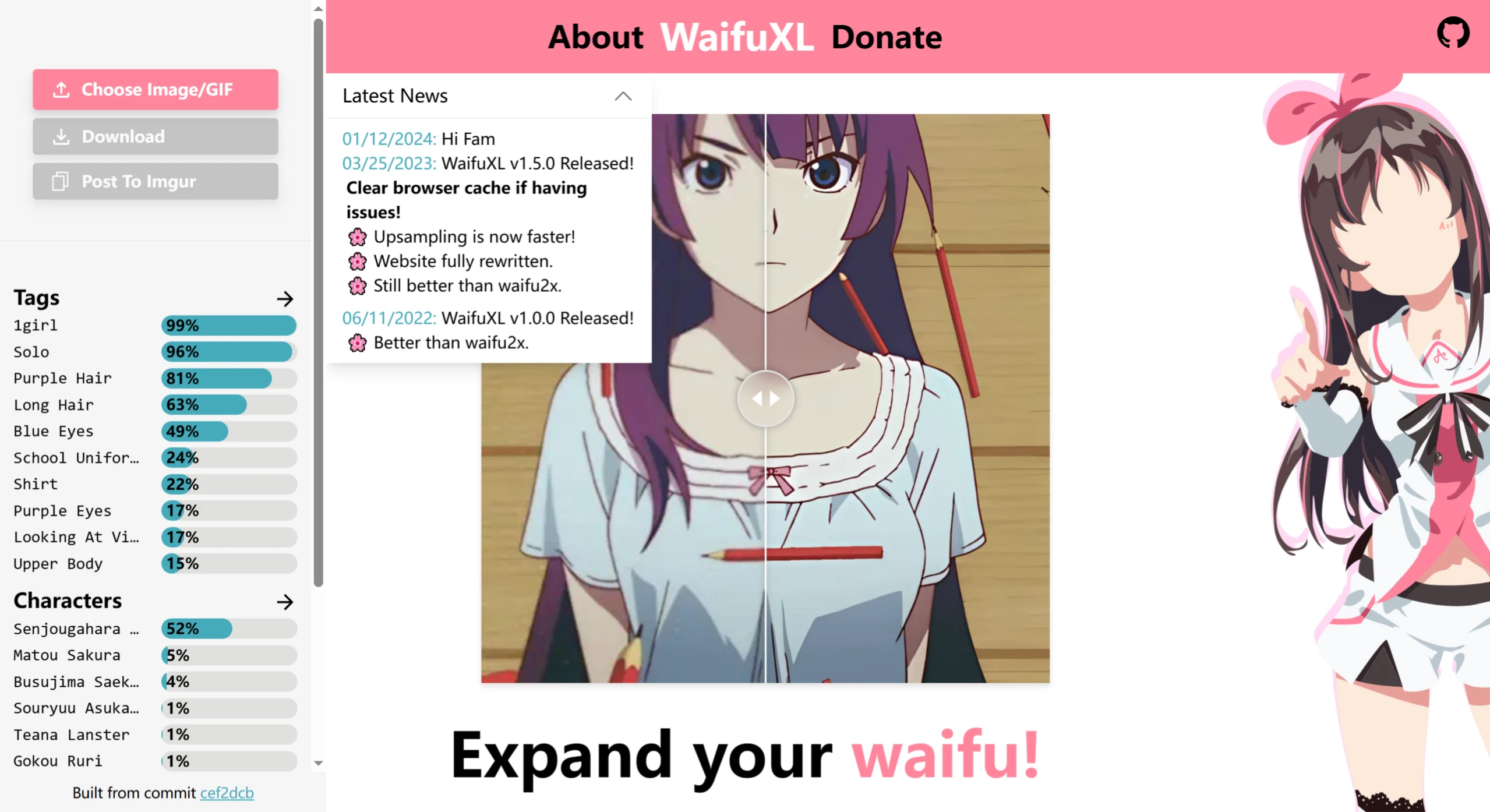
WaifuXL: Adopts the Real-ESRGAN super-resolution model and an image tagging network based on MobilenetV3, executed on the user's device in WebAssembly form through Onnx Runtime, requiring no backend support.
Waifu2x: Uses deep convolutional neural network technology, which identifies and reconstructs image details by learning from and analyzing large amounts of image data, thereby achieving image upscaling and noise reduction.
Features
WaifuXL: Can upscale images up to 16x, supports multiple image formats such as JPEG, PNG, and GIF, automatically detects and tags elements in images, and classifies images and GIFs into safe, suspicious, and explicit categories. It also supports batch processing, allowing users to process multiple images or GIFs simultaneously.
Waifu2x: Can upscale images up to 10x the original size, offers three different processing modes (normal, anime, and photo modes), supports a command-line interface, and allows advanced users to perform batch processing or integrate into other workflows.
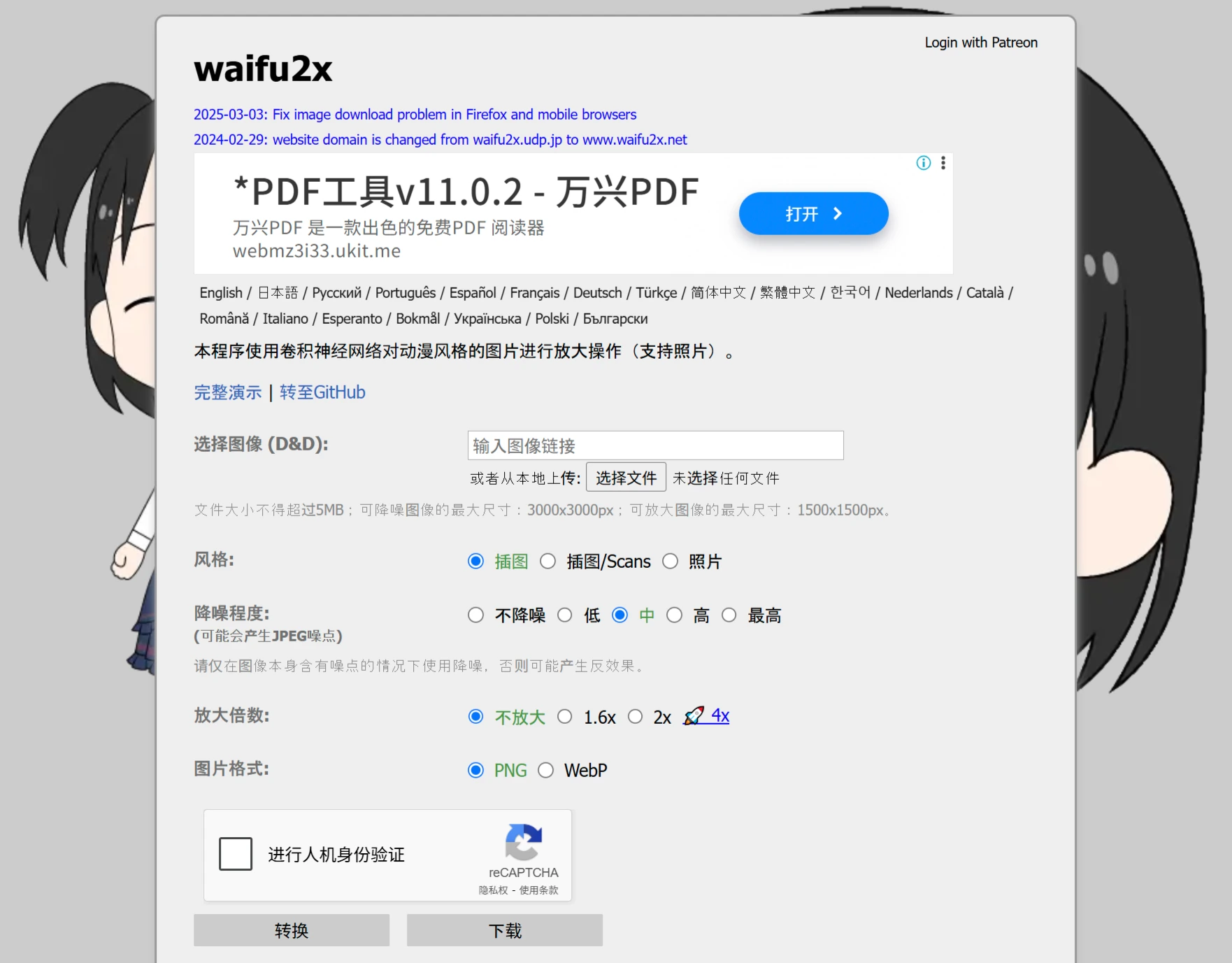
Image Quality
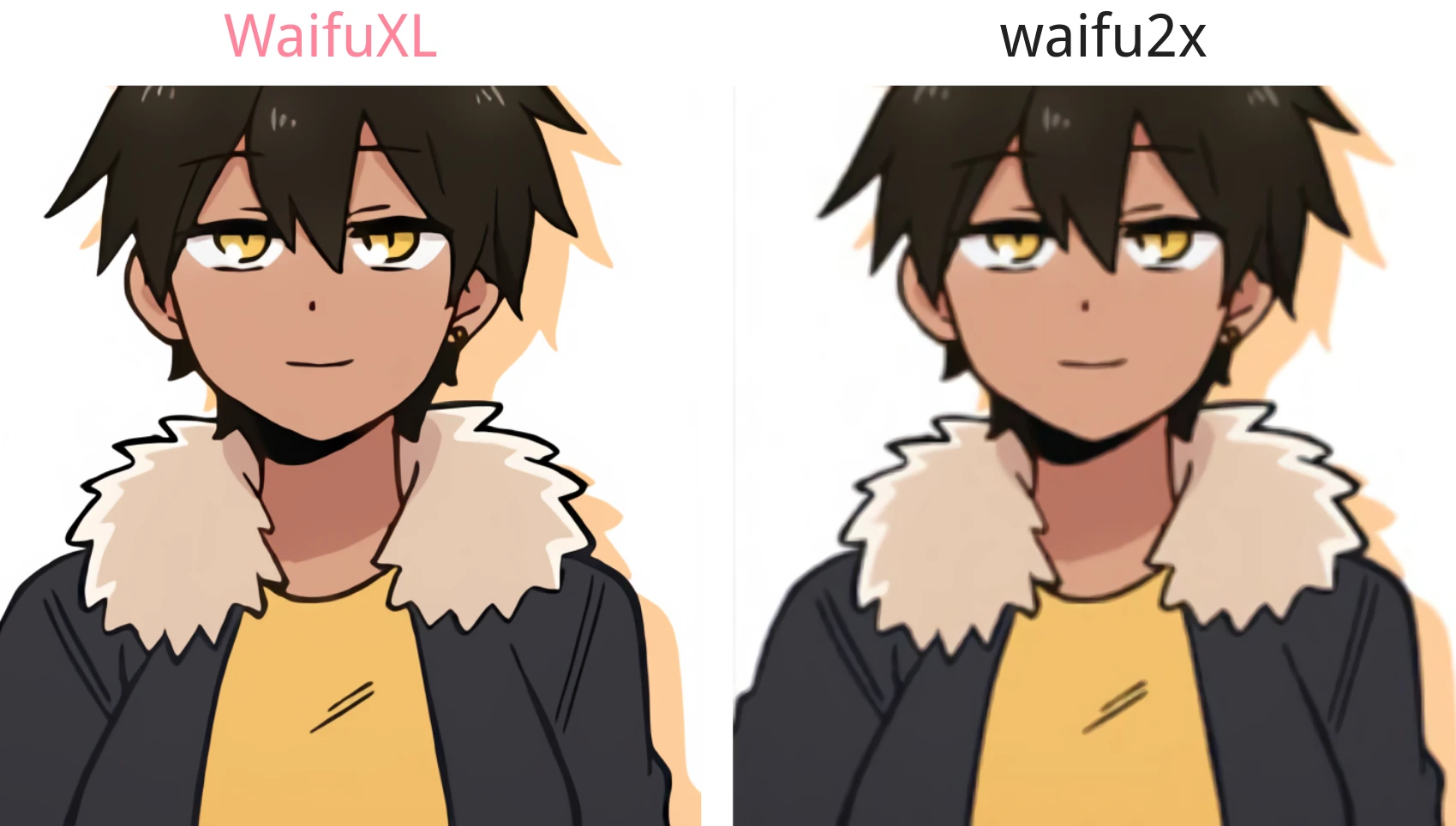
WaifuXL: Compared with Waifu2x, it can provide higher-quality upscaling results. When processing low-resolution images, it better restores details, making lines clearer and colors more vivid, and handles complex textures and detailed parts of images more delicately.
Waifu2x: Maintains relatively high clarity and details when upscaling images, but may be slightly inferior to WaifuXL when dealing with extremely high quality requirements or very low-resolution images, and may exhibit slight blurriness or loss of details at high upscaling factors.
Processing Speed
WaifuXL: After optimization, it processes quickly, especially on modern browsers and devices with good performance, completing image processing tasks in a short time. Even when batch-processing multiple images, it maintains relatively high efficiency.
Waifu2x: Although its algorithms have also been optimized, due to its relatively traditional technical principles and model structure, processing speed may be somewhat slower when handling large-scale images or high-resolution images, especially in the free version, where processing speed may be limited to some extent.
Ease of Use
WaifuXL: Runs directly in the browser without the need to download or install additional software. Users can operate it by simply visiting the website in a browser. The interface is intuitive, making it easy for ordinary users to get started with virtually no professional knowledge required.
Waifu2x: In addition to the web version, a client version is also available, requiring users to download and install it according to their operating system, which may pose a certain threshold for users who are not familiar with computer operations.
Privacy Protection
WaifuXL: All image processing is completed in the user's browser, without involving any server upload or download. User images always remain local, protecting user privacy.
Waifu2x: Although it also claims to value user privacy, some features may require uploading images to the server for processing, posing certain privacy risks. Especially when using some third-party Waifu2x services, attention should be paid to the privacy policy.









