
 Script Planner Assistant▸
 AI Apps
 AI News

HeyGen AI Digital Human
HeyGen AI Digital HumanIntroduction
HeyGen is an AI video virtual digital human generation platform. With just typing and clicking, you can convert text into spokesperson videos. You can choose from over 100 AI virtual digital humans, or create your own virtual digital human.
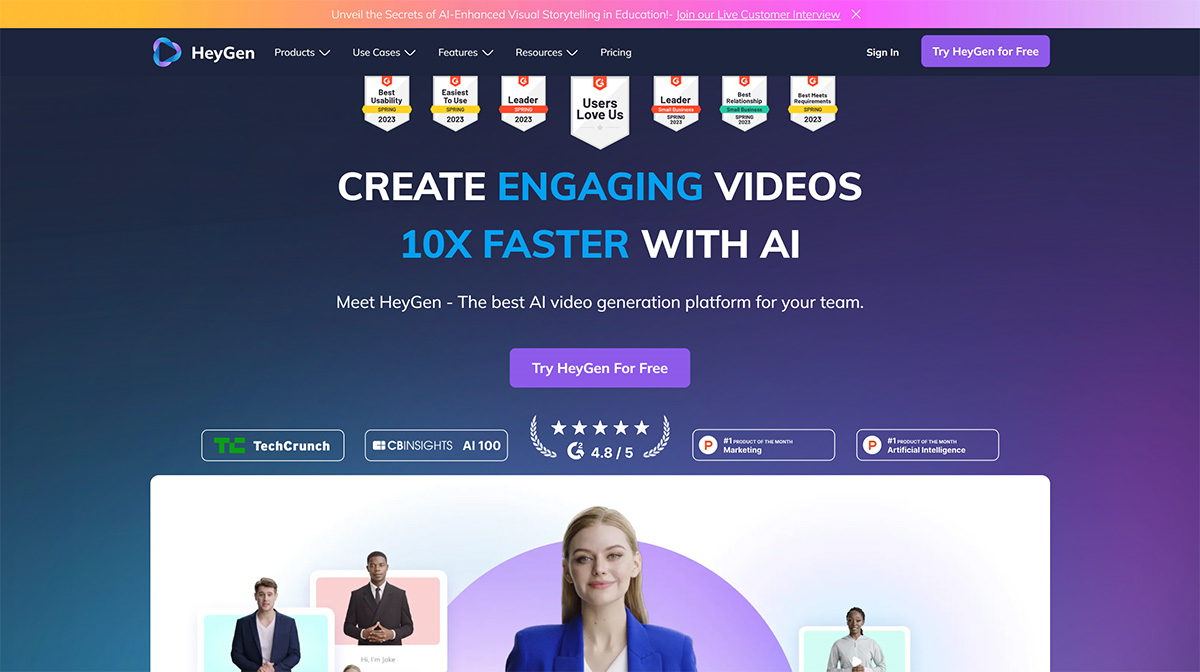
HeyGen is an AIGC product that uses AI digital humans to help users create promotional videos. Both backgrounds and spokesperson avatars come built into the system, and there are no copyright issues whether you use the free version or the paid version. It is also extremely simple to operate and use.
HeyGen supports over 40 languages and different accents, allowing your virtual human to synchronize perfectly with your text. You can also combine multiple scenes, add background music, download HD videos, or share videos with your colleagues or clients. It is suitable for creating AI virtual digital human videos for corporate training, marketing, e-learning, and other fields.
HeyGen's Features:
1. Text-to-Video: Convert text into professional videos from your browser in just a few minutes.
2. Audio Upload: Record and upload your real voice to create a personalized avatar.
3. Over 40 Languages: Choose from over 300 voices across more than 40 popular languages.
4. Multi-Scene Videos: Merge multiple scenes into a single video. It's as simple as PowerPoint slides for end-to-end video creation.
5. 1080P Download: Videos are available in 1080P with unlimited downloads.
6. Video Sharing: Easily share videos with colleagues or clients.
7. Creative Styles: Choose from a variety of fonts, images, or shapes.
8. Background Music: Pick or upload your favorite music to add the perfect finishing touch.
Steps to Use HeyGen Digital Human:
1. Log in to HeyGen registration page: https://app.heygen.com/login
2. After entering the main interface, click "Try for free" in the upper right corner. You can register directly using your Google account, and you will receive 2 free minutes upon successful registration.
3. After successful registration, follow along with me step by step to use HeyGen to generate a virtual digital human. We need three steps:
Step 1: Select a background and a unique avatar image. First, you need to create a digital human avatar image—you can find a photo of your favorite person online.
Step 2: Create a virtual character. After generating the image character, you will use the image to create a virtual person.
Step 3: Add voice and subtitles. Next, we need to add subtitles and audio to the video. Before adding subtitles, we first need to adjust the voice to Chinese. HeyGen has many different voices built in; choose your favorite narrator and set their voice.
Step 4: Submit to generate video. Click Submit in the upper right corner. Note: You can preview it again before generating, but please note that the person in the video will not move during preview. Video generation requires a short wait.
Step 5: Download video. Click Video, enter the created video, and click the download button as shown in the image below.
HeyGen's Latest Features:
1. You can have video chats with AI—simply type text to converse with an AI robot, and the robot has a concrete form that can chat with you through video!
Related News:
HeyGen Launches Avatar Look Feature
How to Use HeyGen to Generate Digital Humans and Voice Cloning











