
 Script Planner Assistant▸
 AI Apps
 AI News

Website Snapshot Bizsoso: Clone Sites in One Click
Website Snapshot Bizsoso: Clone Sites in One ClickIntroduction
What is Website Snapshot Bizsoso
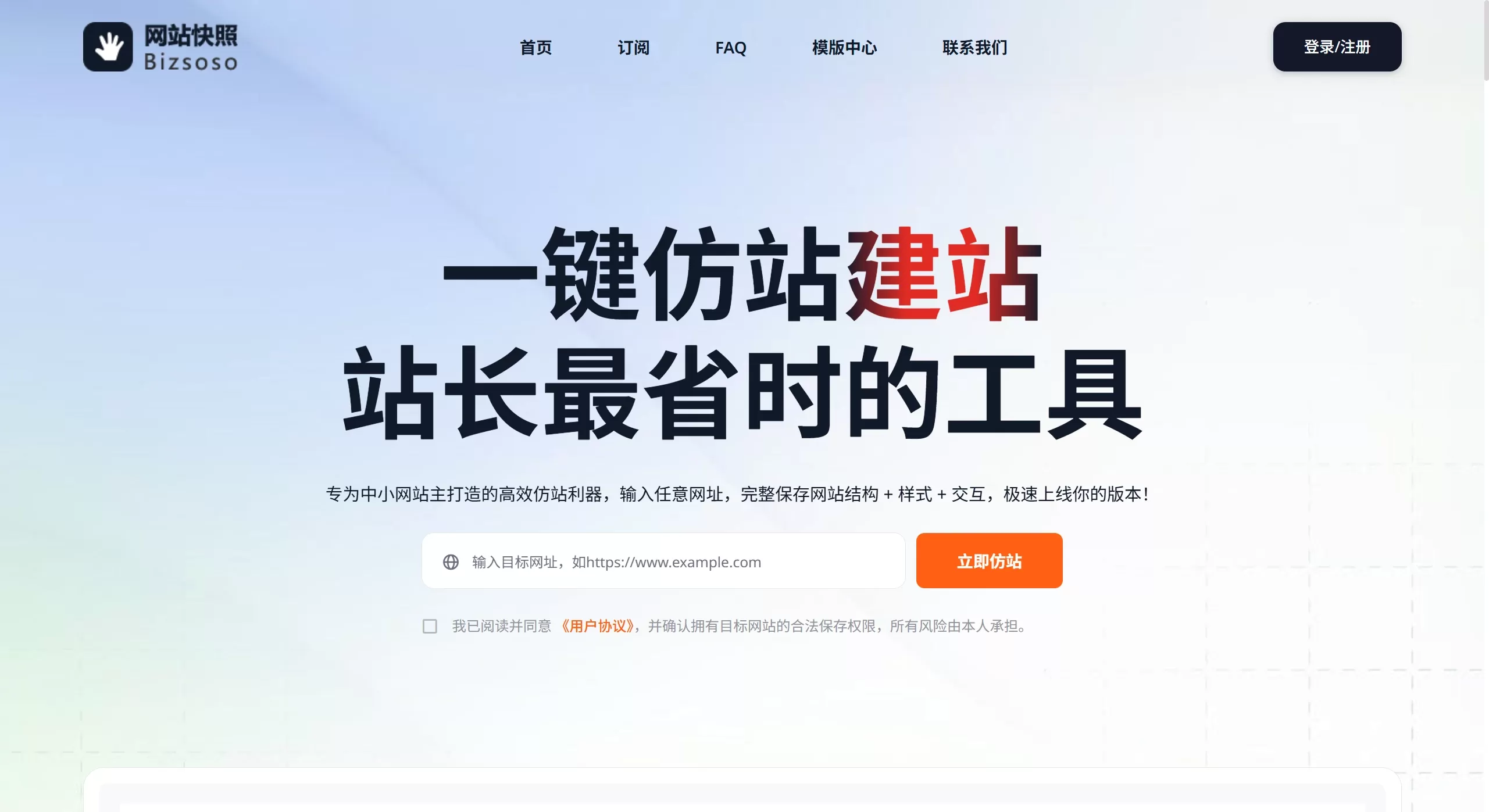
Bizsoso Website Snapshot (grab.bizsoso.com) is a tool mainly aimed at small and medium website owners, independent site operators, and entrepreneurs. It's very easy to use — just enter a URL, and it will completely save the site's structure, styles, interactions, and front-end resources, letting you quickly replicate a website. It claims to deliver a 90% speed boost, and in practice it really does save a lot of hassle.
Features
Complete website crawling: Page structure, HTML, CSS, and JS are all packaged together
Smart batch download: Supports crawling multiple pages, automatically discovers internal links, and can basically scrape an entire site
Permanent offline access: Saved content won't be lost — even if the original page goes offline, you can still view it normally
Multi-threaded acceleration: Multiple threads run simultaneously, making crawling large sites noticeably faster
Online editing & replacement: Supports batch HTML edits — text, images, and styles can all be adjusted
Smart path fixing: Resource paths are handled automatically, so local viewing won't break
Resumable download protection: Even if the crawl is interrupted halfway, you can pick up where you left off
One-click packaging & export: All resources are downloaded in one click with a clean structure and no external dependencies
Template library management: Crawled sites are automatically archived, with categories, thumbnails, and tags for easy retrieval
Use Cases
Independent site owners / startup teams: No need to hire dedicated designers or front-end developers — just find a template and tweak the text and images to go live
Rapid MVP validation: Want to test a competitor's page? Just crawl it, modify it, and quickly produce a prototype, saving design communication time
Client benchmarking needs: When a client says "build it like this," directly clone a reference site to preserve its structure and interactions
Quick landing page setup: In the early stage of a project, you can go live and start running the same day
Building a UI inspiration library: Save any website you like and gradually build up your own template library for instant use
Website redesign A/B testing: Crawl some inspiration sites and mix and match modules to quickly test page effects
Pros and Cons of Website Snapshot Bizsoso
✅ Pros
Cost-saving: No need to outsource design and development — one person can handle site cloning, cutting costs significantly
Fast launch: An entire site can be replicated, edited, and published in about 10 minutes
Controllable source code: Full code is provided, and anyone familiar with HTML can modify it freely
Permanent storage: Build your own template library — your inspiration assets won't suffer from dead links
Easy to use: No coding knowledge required to operate, and tech-savvy users can do even more with it
❌ Cons
Static content only: Back-end logic cannot be replicated — only the front-end display layer can be crawled
Some pages fail to crawl: Even some pure HTML static pages may fail to be crawled due to technical reasons
Legal risk: You must confirm that you have the legal right to save the target website — don't infringe
Risk of similarity: It's best to modify the content yourself rather than keeping it identical to the original
Resource consumption: Server resources will be used, and the free version has feature limitations
How to Use Website Snapshot Bizsoso
Access the tool: Open grab.bizsoso.com
Enter the URL: Fill in the link of the page you want to crawl (homepage, detail page, landing page, etc.)
Automatic replication: The system automatically crawls the page structure, styles, images, and scripts
Online editing (optional): Directly modify text, styles, and image paths, or manually edit the source code
Package download: Click "Export" to generate a compressed archive of the entire site (HTML+CSS+JS+images)
Deploy & launch: Upload to your own server, CDN, or site-building platform and you're good to go
Frequently Asked Questions
What content can Website Snapshot Bizsoso save? Page structure, HTML, CSS, JS, images, and other front-end resources
Does it support multi-level page crawling? Yes, it can automatically discover and save internal site links, with a high degree of fidelity
How is it different from screenshot tools? It saves the complete page structure and interactions, not just a single image
Can the downloaded files be opened locally? Yes, resource paths are handled automatically, so local viewing won't cause any issues
Can the content be freely modified? Online editing and source code modification are both supported












