
 Script Planner Assistant▸
 AI Apps
 AI News

Twillot: Twitter Bookmark Manager & Data Backup Tool
Twillot: Twitter Bookmark Manager & Data Backup ToolIntroduction
What is Twillot
Twillot is a browser extension for X users, specifically designed to solve the problems of the official bookmarks: they can't be searched, can't be categorized, and are easy to lose. It uses AI technology to organize messy bookmarks into a personal knowledge base, with all data stored locally.
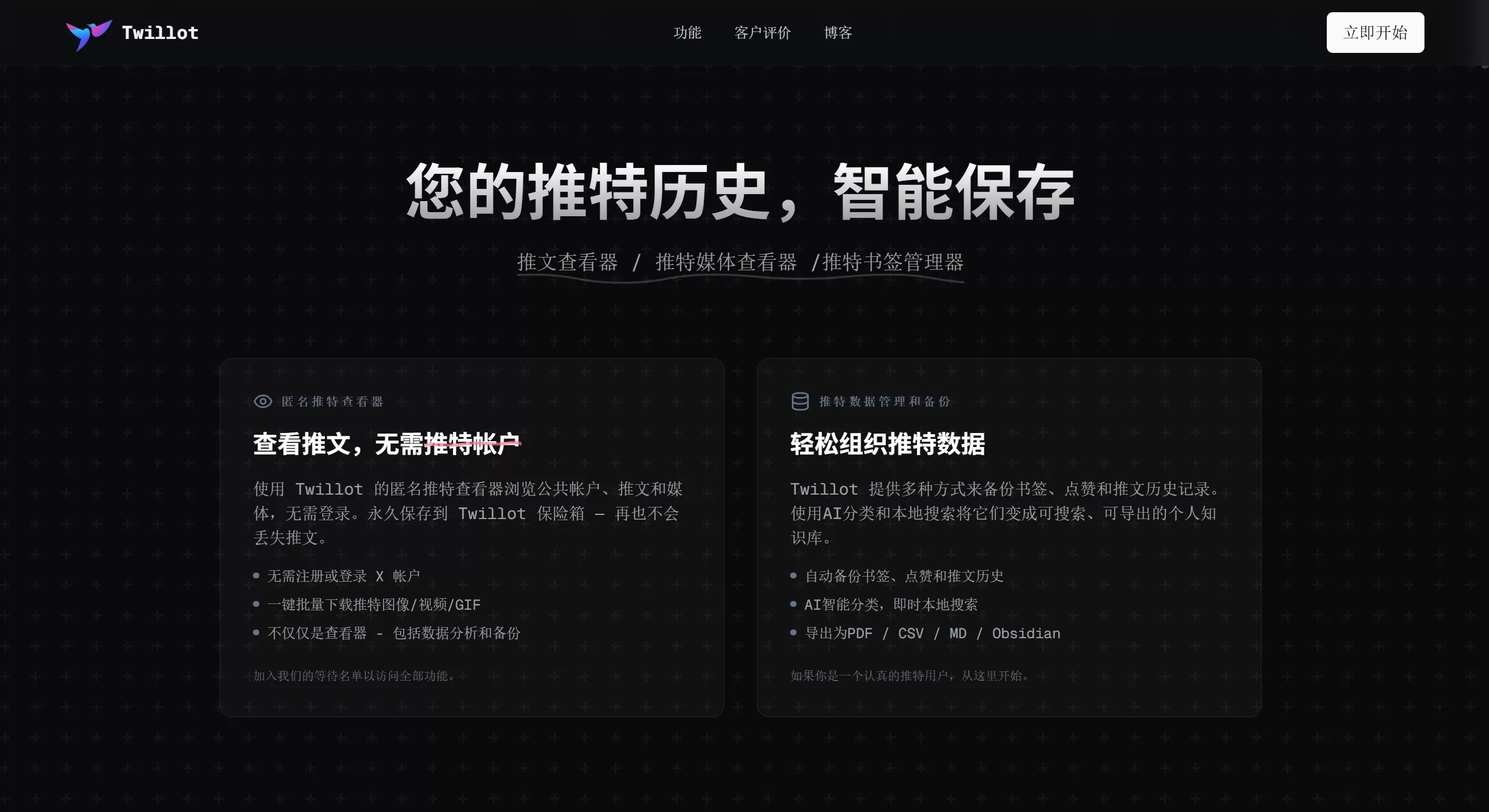
Twillot Features
AI Smart Categorization
Automatic topic categorization: AI analyzes tweet content and automatically sorts them into folders such as Technology, Finance, and Entertainment
Smart tags: AI automatically generates tags, processing up to 500 bookmarks at a time
Smart lists: AI helps you create X lists based on the activity level of followed accounts
Search and Filtering
Full-text search: Search by keyword, author, date, and media type, very fast
Address bar search: Type tt + Tab key in the browser address bar to search bookmarks directly
Highlight display: Keywords in search results are highlighted for easy viewing
Local Backup
Data stored locally: All bookmarks are stored on your own computer, not uploaded to any server
Break through limits: No X bookmark count limit, and local data is unaffected if a tweet is deleted or the account is suspended
Anti-loss: Automatically backs up bookmark content, so you can still view it even if the original tweet is deleted
Batch Operations
Batch delete: Delete up to 500 bookmarks or tweets at once
Batch download: One-click download of images, videos, and GIFs from bookmarks, preserving original quality
Batch follow management: Batch unfollow or block users
Export and Sync
Supported formats: PDF, CSV, Markdown, JSON, Excel
Third-party tools: Can import to Notion, Obsidian, Google Drive, Roam Research
Export tweet threads: Supports exporting complete Threads and interaction data
Data Visualization
Dashboard: View charts to understand your bookmark habits, content types, and frequently interacted authors
Media browsing: View bookmarked images and videos in a waterfall layout, supports batch selection
Activity analysis: Generate charts to understand your reading preferences
Other Features
Free Premium folders: Use folders and color tags without buying Twitter Blue
Ad-free: Block ads in the X timeline
Anonymous viewing: View public tweets without logging in
Zen mode: Immersive reading, removing distracting elements
Twillot Use Cases
Content creators: Save inspiration, quotes, and competitor content, AI auto-categorizes
Researchers: Organize industry trends and academic materials, supports export for citations
Marketing professionals: Track competitors, monitor public sentiment, build an intelligence database
Data analysts: Export data for secondary analysis and report generation
Heavy users: Solve the problems of official bookmarks that can't be searched, load slowly, and have limited quantity
Privacy-sensitive users: Data stored locally, not in the cloud, under your own control
Account cleanup: Batch delete historical tweets, likes, and bookmarks, clean up your digital footprint
How to Use Twillot
Installation
Chrome: Search "Twillot Bookmarks for X" in the Web Store
Direct download: Visit s.twillot.com/x-bookmarks
Edge: Recommended to install from Chrome Web Store
Authorization
Log in to your X account first
Click the Twillot icon in the browser toolbar
Click "Authenticate" on the extension page to authorize
After authorization, bookmarks will automatically sync to local
Basic Operations
Search: The top search bar supports filtering by keyword, author, and date
AI categorization: Select multiple bookmarks and click the AI categorize button (Pro version limited to 500 per day)
Export: Select bookmarks then click export, choose a format (PDF/CSV/Markdown, etc.)
Batch delete: Check multiple bookmarks and click delete (can be undone)
Quick search: Type tt + Tab + keyword in the address bar to jump directly to results
Twillot FAQ
Q1: Is Twillot safe? Will it leak privacy?
A: Data is stored locally, not uploaded to any server. Anonymous mode doesn't require login and doesn't record browsing history.
Q2: Is it paid?
A: There is a free version and a Pro version:
Free version: Basic search, folders, media browsing, ad removal
Pro version (from $3.24/month): AI categorization (500 per day), batch download, PDF/Markdown export, advanced data analysis
Q3: If the original tweet is deleted, will the bookmarks in Twillot remain?
A: Yes. Content has been synced locally, so deletion of the original tweet or account suspension won't affect it.
Q4: Which browsers are supported?
A: Mainly supports Chrome and Edge. Other browsers are not currently supported.
Q5: How to export to Notion or Obsidian?
A: Select bookmarks, click export, choose Markdown or CSV format, then import to Notion/Obsidian. Some versions support direct sync.
Q6: What to do if sync fails or loads slowly?
A: Check your network and try re-authorizing. If it still doesn't work, it may be a Twitter API limit; you can contact the official team or check GitHub Issues.
Q7: What's the difference from Circleboom and Dewey?
A: Twillot focuses on local storage + AI categorization + privacy protection. Circleboom is an official partner with more comprehensive features; Dewey is suitable for researchers doing annotation. Twillot is cheaper (from $3.24/month) and supports permanent backup.
Q8: Can it batch delete tweets or unlike?
A: Yes. Twillot 2.0 supports batch deletion of tweets, likes, and bookmarks, as well as batch unfollow/block.
Related News:















