
 Script Planner Assistant▸
 AI Apps
 AI News

FlowIn AI: An Intelligent Content Creation Assistant
FlowIn AI: An Intelligent Content Creation AssistantIntroduction
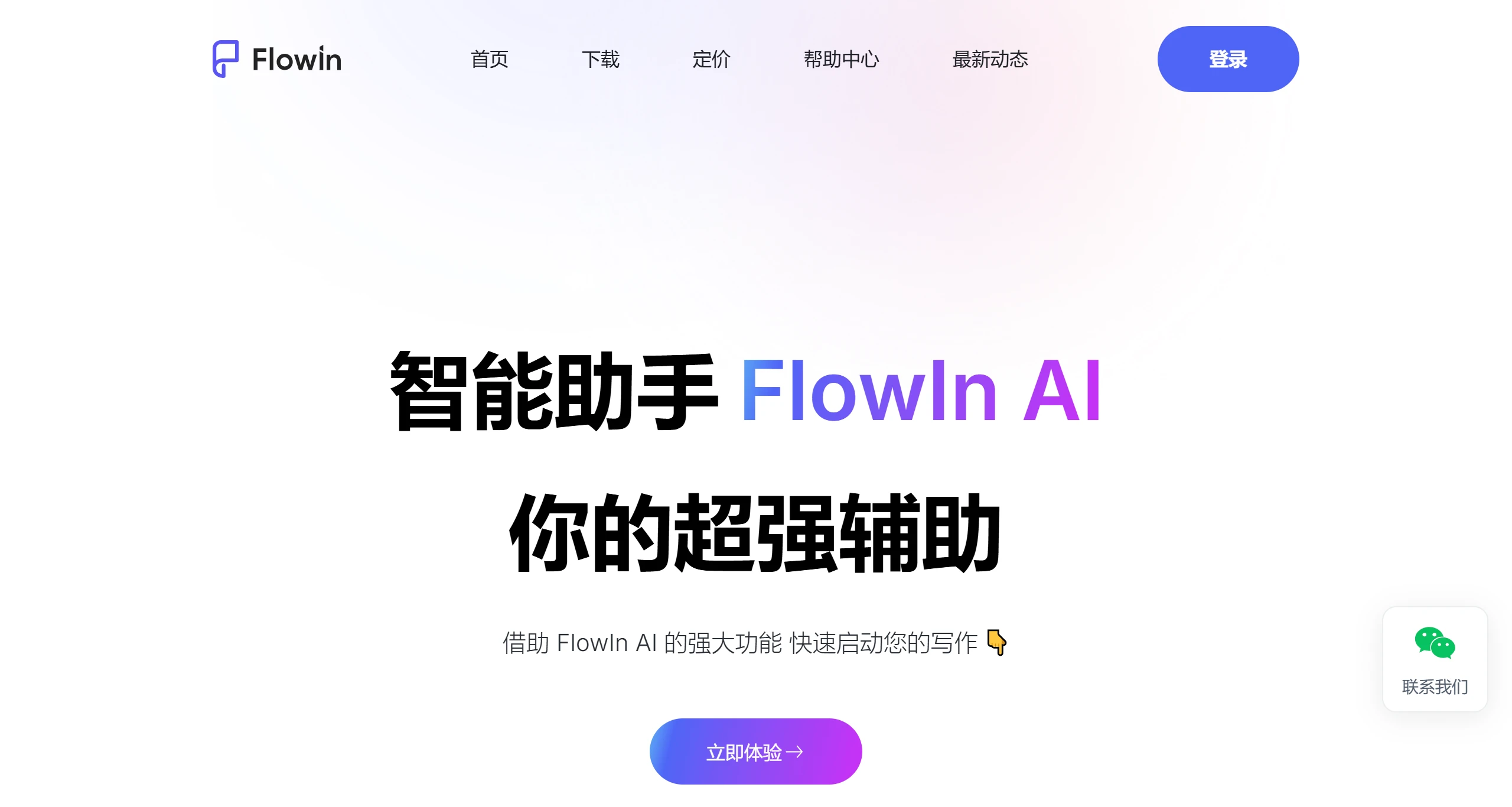
FlowIn ai is a content creation platform built for the AI era. It lets you freely combine and drag-and-drop a variety of elements to create visually appealing, rich content. With support for team collaboration and permission control, it meets the needs of co-creation and can be applied across many fields, including personal creation, team collaboration, and teaching assistance.
What can FlowIn AI do?
AI copywriting: Whether you're polishing a resume, drafting an official document, or sharing work insights, we make writing effortless and stress-free.
AI document continuation: Simply open your document, and the AI will help you continue, revise, expand, and refine your writing—easily eliminating writing anxiety.
AI assistant: The AI assistant can help you write articles and plans, look up information, and quickly translate.
Features of FlowIn AI:
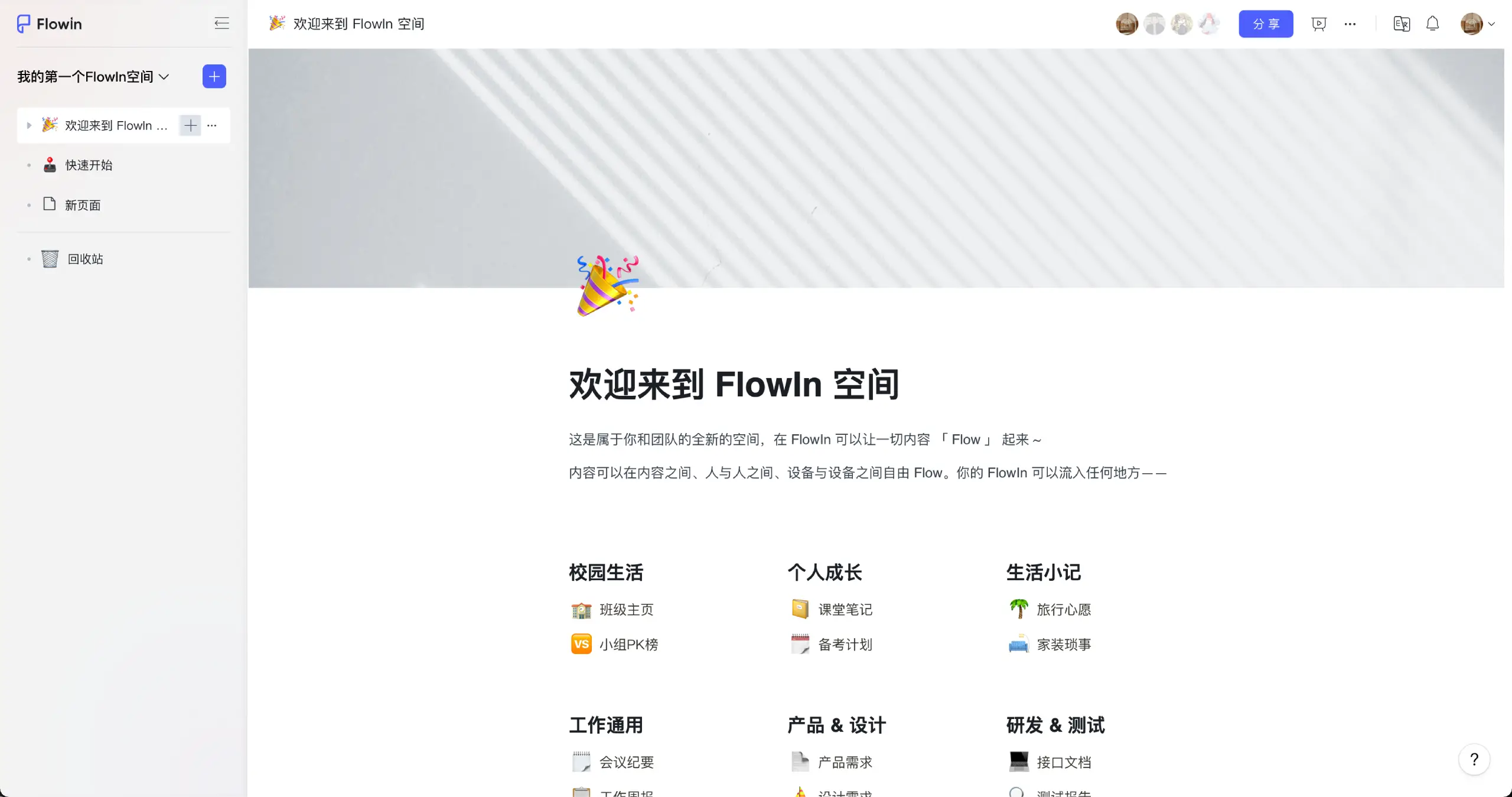
Free-form building: The same content can take on many different layouts. Users can leverage a variety of elements—including text, images, and tables—and easily arrange them through drag-and-drop. Content can be dragged onto the canvas or into columns, organized together in any reasonable way. A wide range of element types can be added and mixed freely, making information organization exceptionally easy. It is highly intuitive and can also be opened on any device.
Multi-person collaboration: Invite new members to join your space to build alongside your teammates. Real-time collaboration lets you enjoy the joy of collective intelligence. All participants can edit, communicate, and collaborate on the same document in real time, greatly boosting collaboration efficiency. Real-time collaboration better meets the needs of teamwork: it supports multi-user real-time editing, real-time communication and feedback, as well as version control and history records—giving you an effortless, highly efficient document collaboration experience.
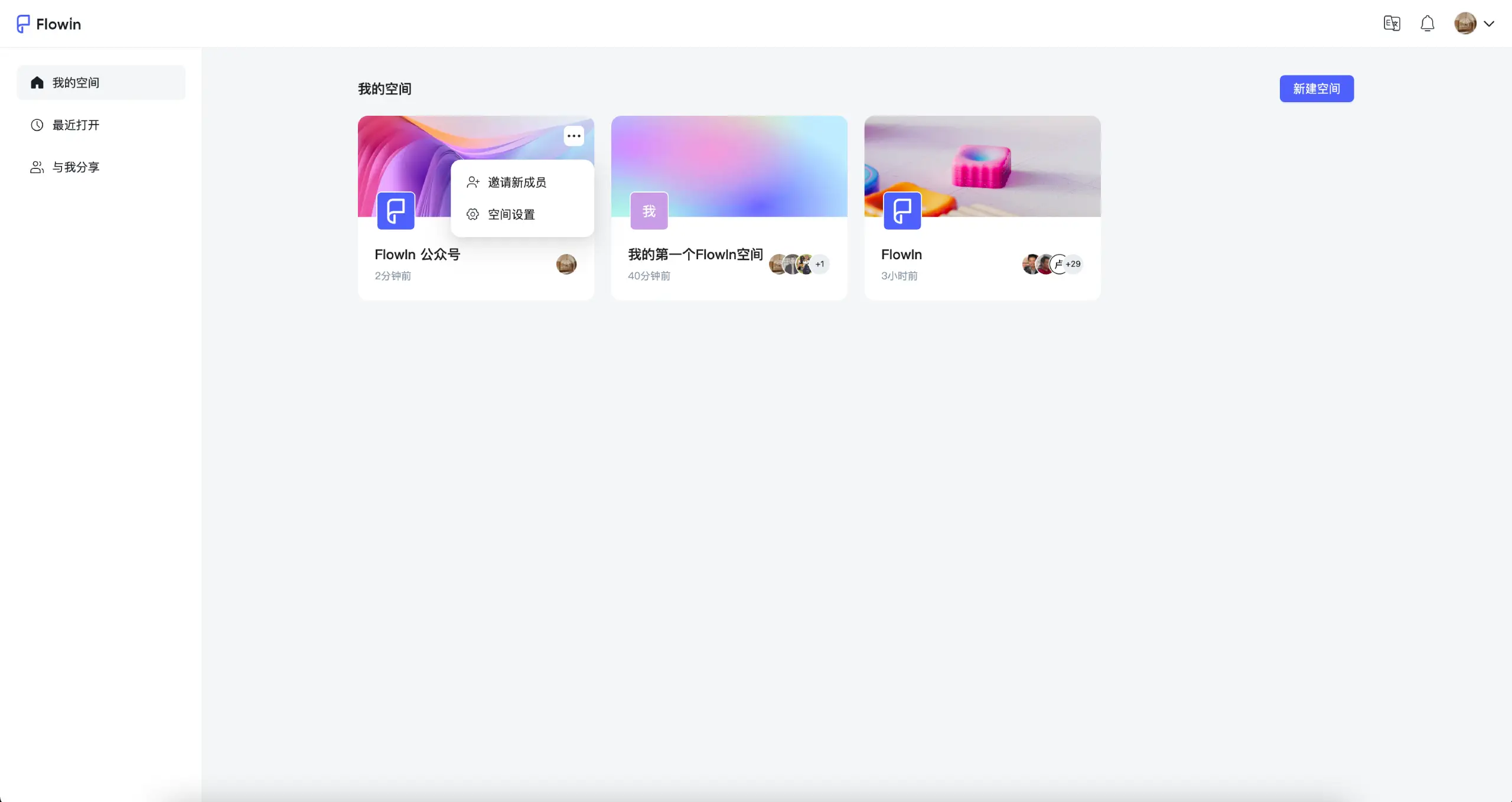
Rich, precise permissions: Content sharing permissions are rich and precisely controllable. Invite members into a space to co-create alongside them—any document within the space can be co-created. Sharing a single page to enable co-creation and collaborative editing for just that page. Edit and read permissions can be adjusted at any time, and you can remove a collaborator's access with a single click.
Product solutions: A wide variety of elements can be inserted into documents. These rich elements are like diverse LEGO blocks—the more types you have, the more versatile the structures you can build, unleashing limitless creativity with boundless scenarios.
FlowIn AI applications in education:
Lesson plans and courseware creation: Teachers can use FlowIn AI's AI-assisted creation features to quickly generate or refine lesson plan content. FlowIn AI's intelligent editing tools help teachers build structured course outlines and automatically generate or suggest relevant teaching materials, such as case studies and interactive Q&A.
Personalized learning resources: By analyzing students' learning data with AI, FlowIn AI can provide customized learning materials for each student. This includes practice questions, supplemental readings, and adaptive tests tailored to each student's progress and comprehension level.
Automated assessment and feedback: Teachers can use FlowIn AI to automate assignment grading. The system provides instant feedback, including grammar corrections and logic suggestions.
Educational resource integration and sharing: FlowIn AI's collaboration features allow teaching teams to jointly create and maintain a course resource library, enabling resource sharing.
Interactive learning experiences: FlowIn AI supports the creation of interactive content such as simulated experiments and animated explanations. These multimedia elements boost student engagement and interest.
Academic writing and research support: For educators and higher-education students, FlowIn AI assists with literature reviews, drafting and editing academic papers, and provides reference management capabilities.
Online course and micro-lesson development: Teachers can use FlowIn AI to quickly produce high-quality online course content, including video scripts and courseware design.















