
 Script Planner Assistant▸
 AI Apps
 AI News

Baidu Search AI Companion Browser Assistant
Baidu Search AI Companion Browser AssistantIntroduction
Baidu Search ai companion integrates AI chat and AI Assistant, helping you efficiently answer questions, assisting you in content comprehension, and sparking your inspiration and creativity. In addition to AI chat, the AI Assistant also provides many specific AI features:
Help you create and provide inspiration, including social media copywriting/image generation/weekly report writing
Assist you in making decisions based on your personal needs, such as providing travel guides
As your friend, I can listen to your worries and accompany you to help resolve your troubles
Help you summarize and condense articles, quickly generating key points
In addition to chat conversations, anyone can also quickly access and use multiple types of AI-native assistants in the "AI Assistant" section of the AI Companion, including text creation, image generation, lifestyle and entertainment, workplace tasks, and emotional communication.
Baidu AI Companion browser assistant features:
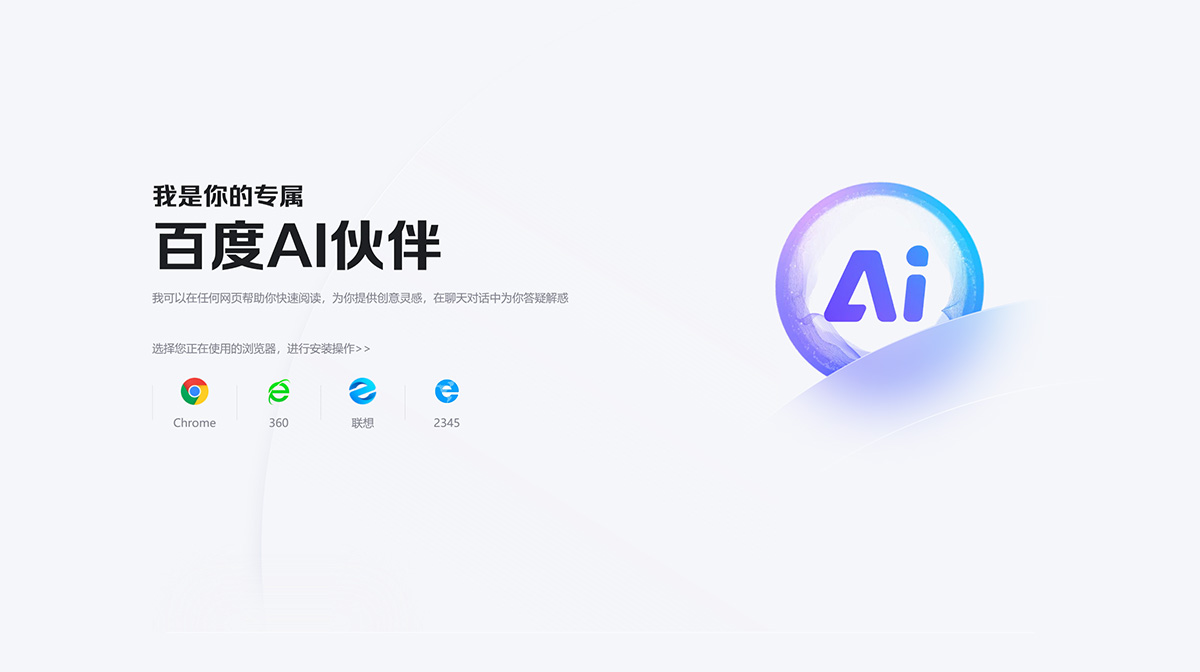
The Baidu Search AI Companion browser assistant can help you quickly read on any webpage, provide you with creative inspiration, and answer your questions in chat conversations. Please select the browser you are currently using to proceed with installation. Currently, only Chrome, 360, Lenovo, and 2345 browsers are supported.
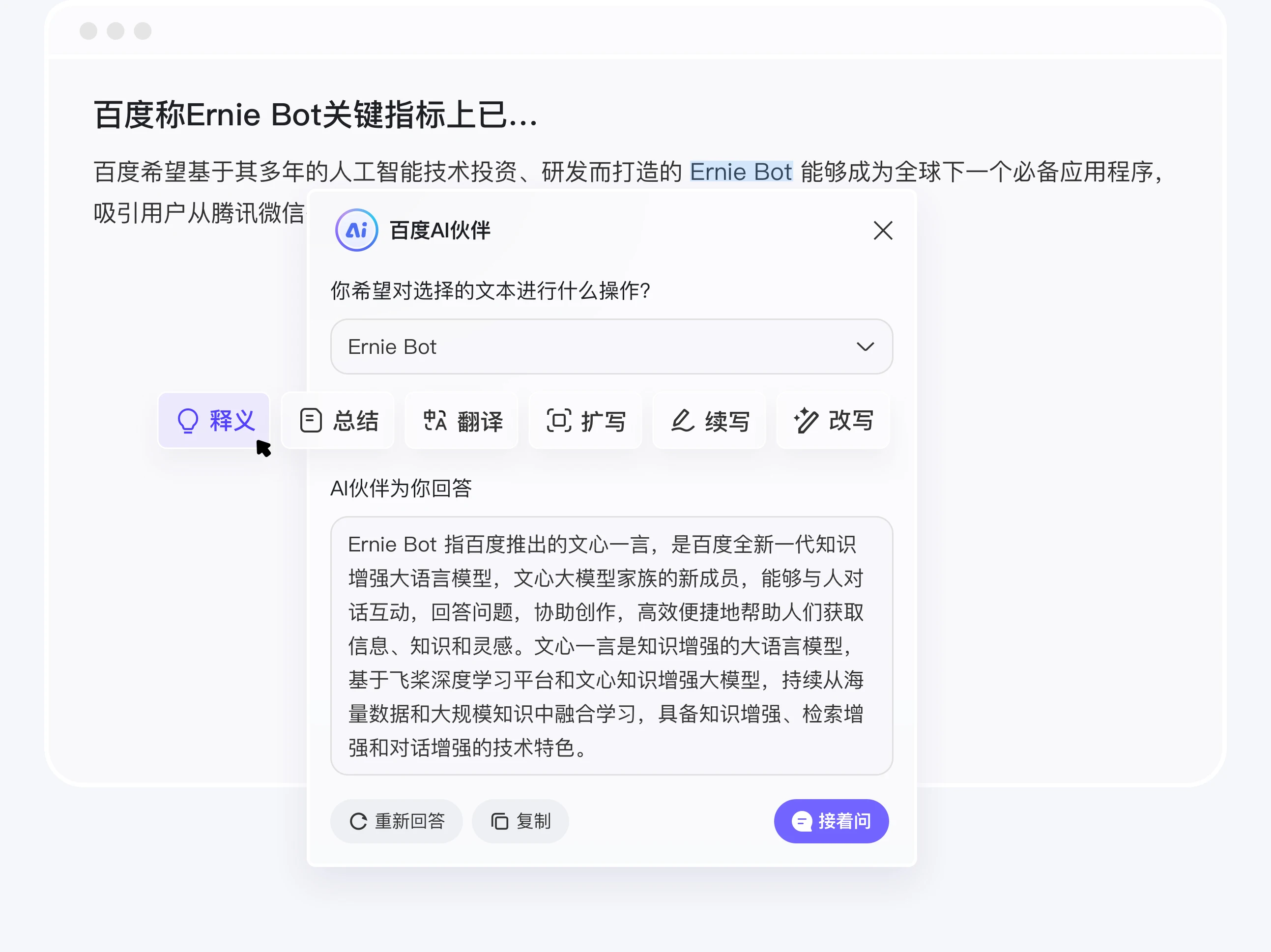
Selection Companion: Select the text you want to process, and with one click, quickly explain, summarize, summarize, translate, etc. The expand, rewrite, and continue writing capabilities assist in efficient creation.
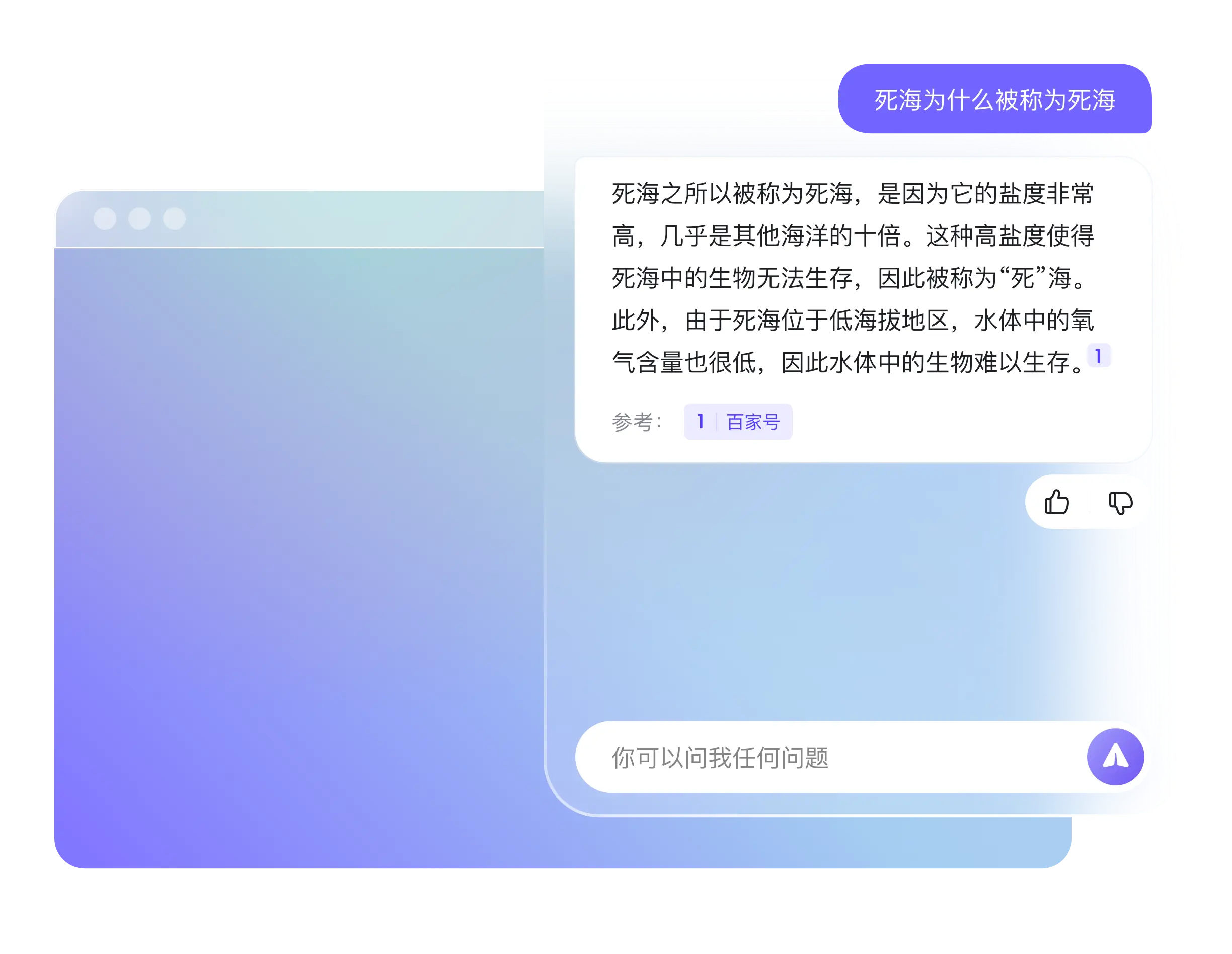
Chat Conversation: Open the sidebar and chat with the Baidu AI Companion to get answers to all your questions and provide you with creative inspiration.
Summary: Click on content summary to help you quickly summarize and condense articles, generate key points of the full text, and quickly grasp important information.
Through the browser plugin - AI Companion browser assistant, the AI Companion can achieve "smart summaries" on any webpage, helping you quickly understand the content of articles. It can provide some recommended questions based on the page you are currently searching on, guiding you to further conversations and efficiently resolving key issues.















