Script Planner Assistant▸
 AI Apps
 AI News

BookAI_云技派,专注ai人工智能!
BookAI_云技派,专注ai人工智能!Introduction
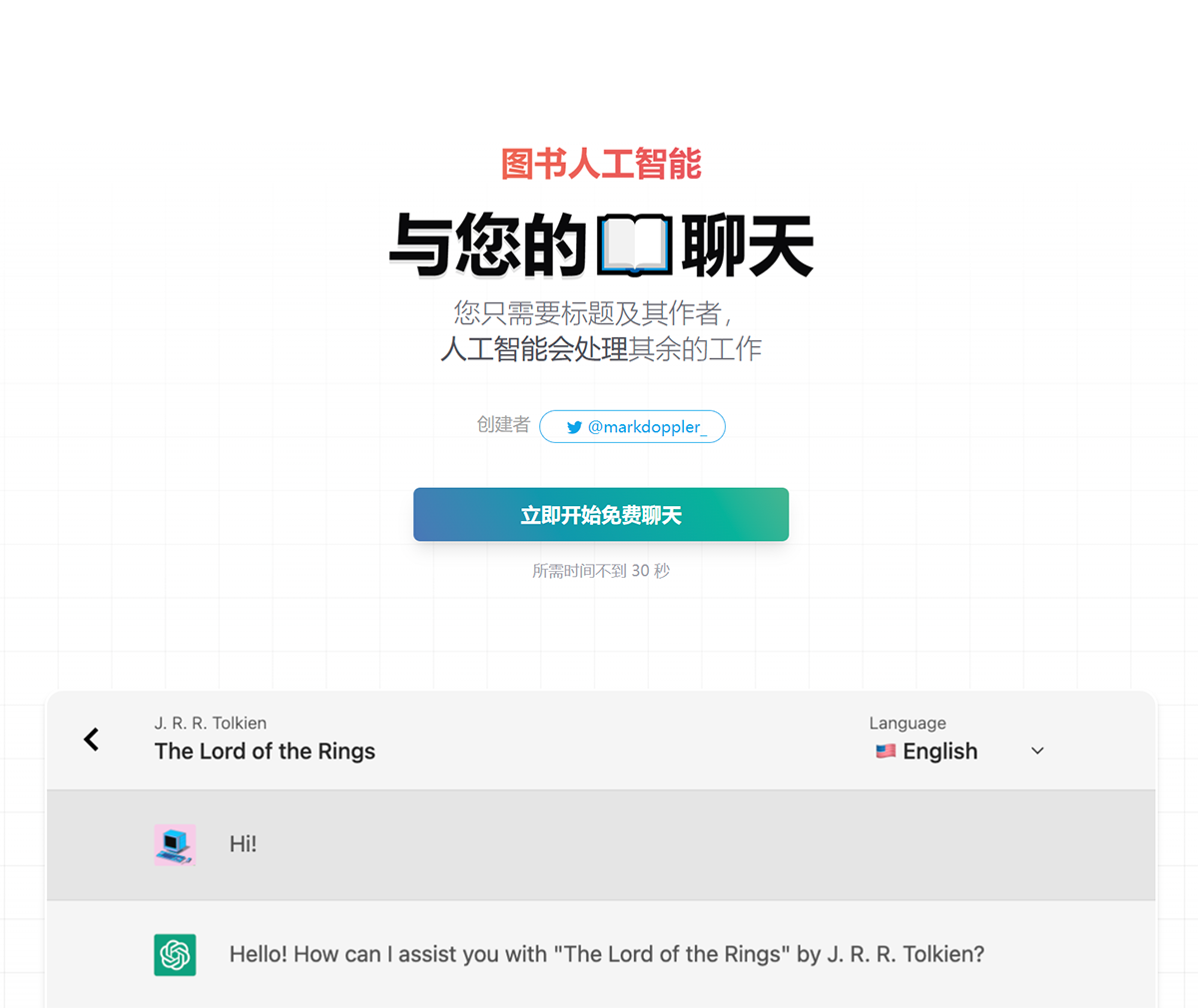
Bookai.chat is a ChatGPT-based AI reading tool created by @markdoppler. It allows users to interact with books through a chat interface. Users only need to enter the title and author of a book to converse with it, engage in discussions about the book's content, and obtain relevant information and experiences. It includes features such as browsing, quick scanning, asking questions, getting recommendations, and discussing book content, thereby transforming the reading experience. Users can ask questions, receive book recommendations, and access a vast online library of well-known books across various genres and subjects.This makes it ideal for book enthusiasts, students, and reading clubs.
BookAI.chat does not use the knowledge of these books to converse with you with 100% accuracy, after all, it is backed by ChatGPT, which is known for making up answers.
BookAI Features and Characteristics:
The usage method is relatively simple. Users only need to enter the book title and author in the chat interface, and then converse with the artificial intelligence. Reading is achieved through interaction with the AI. Users can obtain various information and experiences about the book without actually owning it, and still enjoy the pleasure of reading.
The emergence of this tool provides a new way and possibility for reading, making it more personalized and interactive. Users can converse with books through BookAI.chat, obtain more information, understand the author's viewpoints, ask questions, and engage in discussions, thereby gaining a deeper understanding of the book's content and ideas.
BookAI Usage Steps:
1. Open the website
2. Click the login button in the upper right corner, enter your email address to activate, and you can start using it;
3. On the main interface, add the book you want to read, including the book title, author, and cover link. The cover is optional!
4. After adding, click on the book to enter the chat interface, where you can choose the large model 3.5/4.0. Note that 4.0 requires an upgrade to a Pro membership (paid);
5. The upper right corner supports switching to the Chinese language, and then you can chat with the machine!