
 Script Planner Assistant▸
 AI Apps
 AI News

Paico: AI-Native UI Design Generation Platform by Pixso
Paico: AI-Native UI Design Generation Platform by PixsoIntroduction
What is Paico
Paico is an AI-native UI design generation platform launched by Pixso for product managers, designers, and development teams. It can be seen as a new-generation AI design agent. Users can directly generate editable high-fidelity UI drafts by describing their needs in natural language, and it is deeply integrated with Pixso's design collaboration ecosystem.
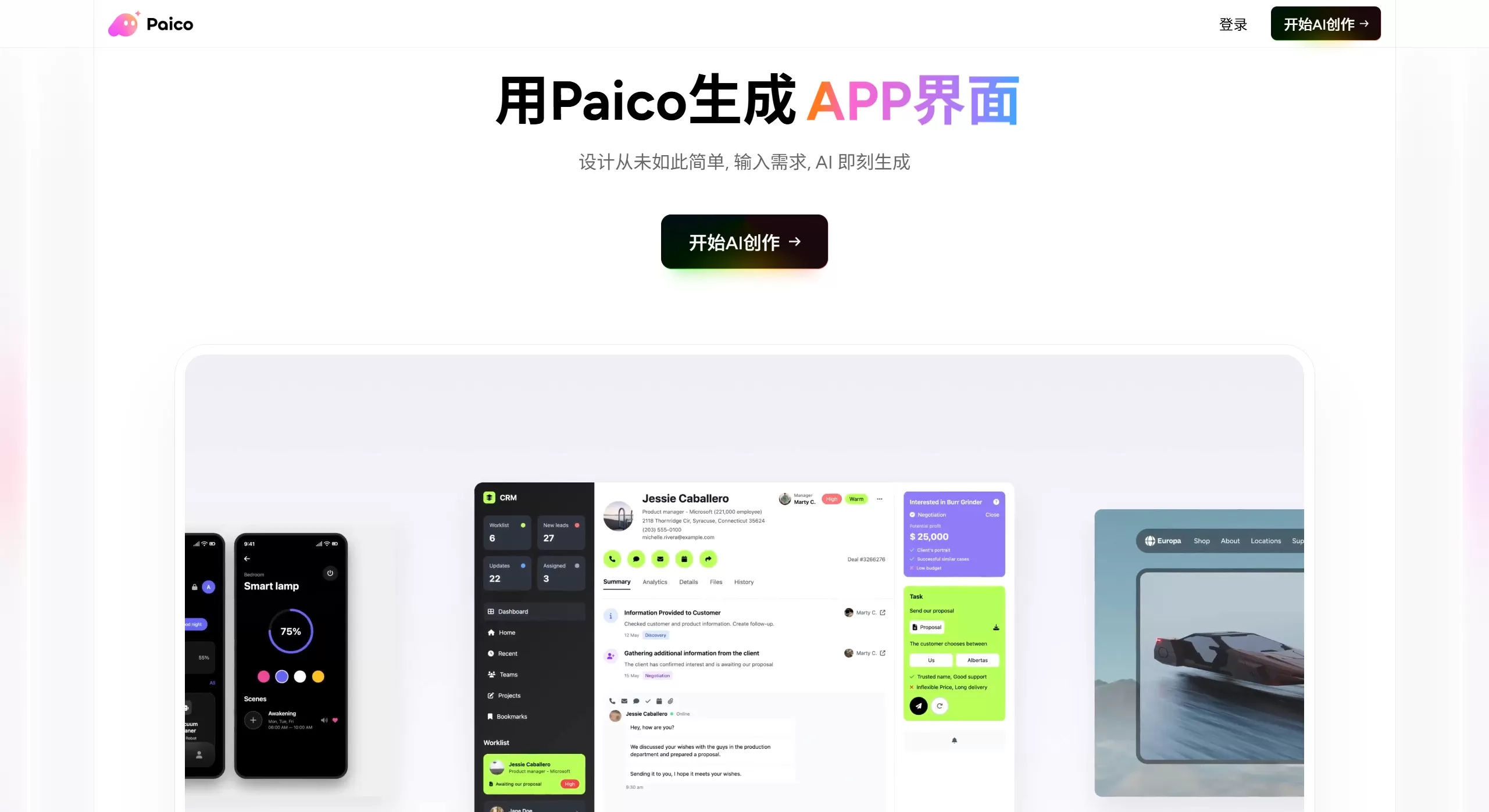
Paico official website screenshot
Core Features
AI Text-to-Design: Enter a product feature description and automatically generate a complete UI interface with layout, components, and copy, covering common scenarios such as Web, mobile, and SaaS backends.
Image-to-Editable Design: Upload competitor screenshots or hand-drawn sketches, and AI will identify the content and convert them into vector UI drafts with separated layers, which can then be directly modified in Pixso.
Dual-Mode Generation
Chat Mode: Quickly output in 3 minutes, suitable for simple pages
Agent Mode: Performs in-depth planning in 10 minutes, autonomously organizes the logical relationships of multiple pages, and generates more complex page combinations
Multi-turn Dialogue Optimization: Continuously adjust layout, color schemes, and copy using natural language. Version cards support the ability to revisit historical records.
Automatic Responsive Adaptation: Flex and Grid rules are built into the underlying layer, and it automatically adapts to PC, tablet, and mobile devices during generation, without the need to manually set breakpoints.
Design System Compatibility: Built-in mainstream component libraries such as Ant Design, Arco Design, TDesign, Shadcn UI, etc. It also supports enterprises to upload their own design specifications to ensure brand consistency.
Product-Development Collaborative Delivery: One-click synchronization to Pixso for pixel-level editing; it also supports Design-to-Code (D2C), outputting engineering-grade code in React, Vue, HTML, Flutter, etc.
Target Users and Scenarios
| Role | Core Value | Applicable Scenarios |
|---|---|---|
| Product Manager | Quickly visualize requirements without waiting for design scheduling | Generate interactive prototypes before requirement reviews to validate product logic |
| UI/UX Designer | Rapidly produce multiple versions of solutions, focusing on detail refinement | Initial exploration of B-end backends and C-end pages, replication and redesign of competitors |
| Front-end Developer | Directly obtain component-based code, reducing the cost of design draft alignment | Extract React/Vue code directly from design drafts for business logic binding |
| Independent Developer/Entrepreneur | Produce professional interfaces with zero design skills | Rapid MVP validation, from idea to launch for personal apps |
Paico Pros and Cons
Pros
The generated result is not a static image, but editable vector layers, solving the problem of "viewable but unmodifiable".
Better understanding of Chinese requirements, more aligned with the interaction logic and component specifications of domestic Internet products.
Seamless integration with the Pixso ecosystem, forming a complete closed loop from AI generation to team collaboration and development delivery.
Supports private deployment, meeting the data security requirements of financial and government institutions.
Cons
Limited capability in handling overly complex product logic and avant-garde visual styles (such as 3D light and shadow conceptual designs), leaning towards structured interfaces.
Layer naming and grouping logic generated by AI sometimes require manual organization.
The interaction logic of complex multi-page applications still requires manual supplementation and adjustment.
Paico Usage Process
Register and Describe: Visit paico.cc to register, and write your page requirements in natural language in the AI dialogue box, for example: "Create a shopping cart page for a fresh produce e-commerce site, with green as the primary color and a simple style."
Generate and Iterate: Select Chat or Agent mode to generate the initial draft, adjust details through multi-turn dialogues, and use version cards to compare different solutions.
Export and Deliver: After confirmation, import to Pixso with one click for refined editing, or switch to code mode to directly extract front-end code.
The Relationship Between Paico and Pixso
Paico is not an independent tool, but rather an upgraded version or new entry point of Pixso's AI capabilities. It is responsible for rapid generation and creative exploration, while Pixso handles in-depth editing and team collaboration. Together, they form a combined workflow of "AI Generation + Professional Refinement".












