
 Script Planner Assistant▸
 AI Apps
 AI News

Biaosuan Toolbox: An All-in-One AI Content Production and Operations Platform
Biaosuan Toolbox: An All-in-One AI Content Production and Operations PlatformIntroduction
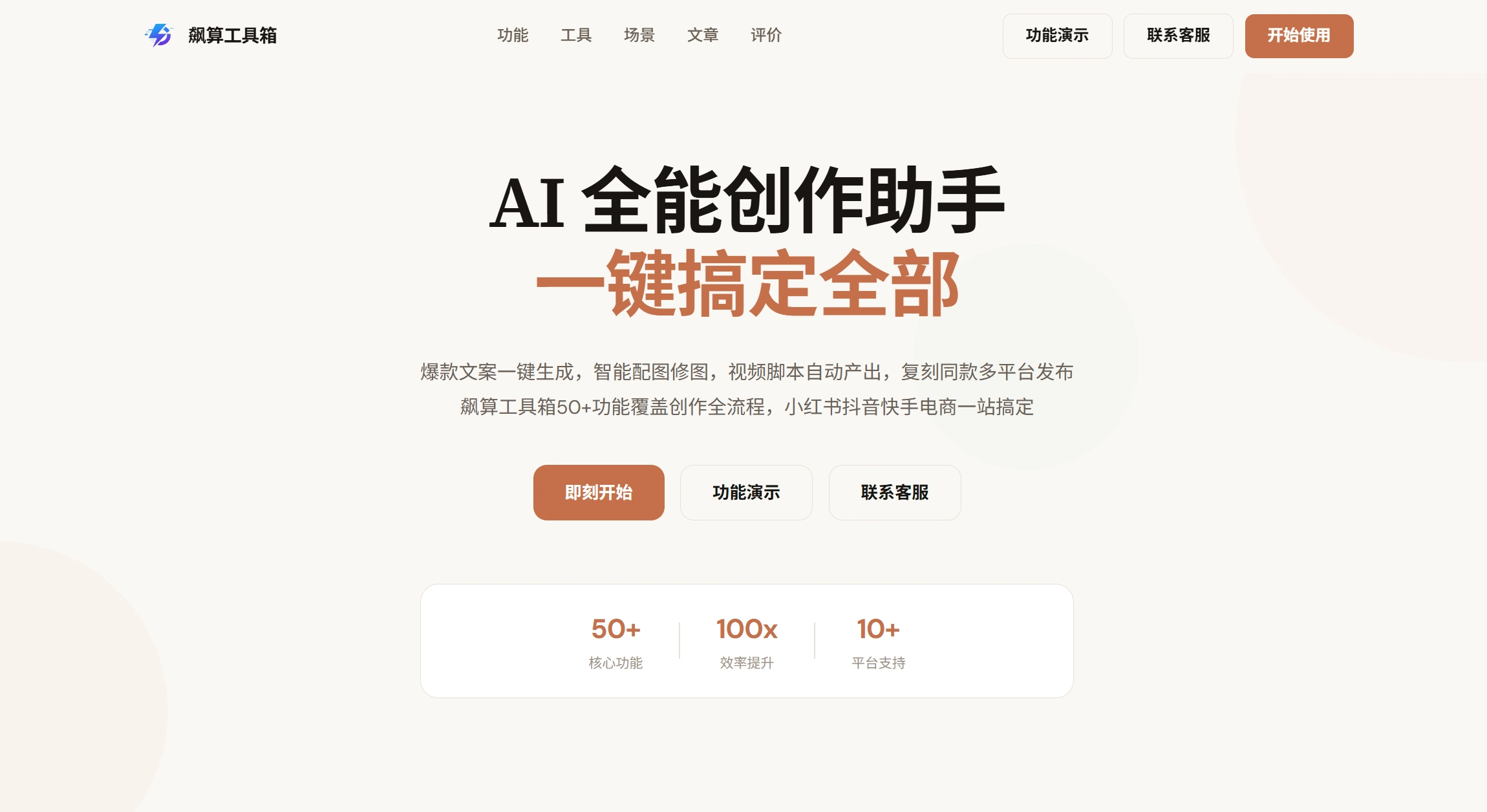
BiaoSuan Toolbox is an AI content production and operations software developed by Xuzhou Kuasuo Technology. Its features cover copywriting, writing, image design, short video creation, e-commerce graphic design, and multi-account management—essentially covering every step of the content creation process from start to finish.
The most direct benefit of using BiaoSuan is that you don't need to switch back and forth between multiple tools. Copywriting, images, video, and distribution are all included in one platform. For individuals, you can turn ideas directly into content without any prior skills; for teams, batch production and multi-account distribution can save a significant amount of manpower. Overall, it greatly simplifies the content production process.
On the technical side, the frontend uses React + TypeScript, the backend runs on a Node.js and Python hybrid architecture, and it integrates models such as OpenAI, ERNIE Bot, Stable Diffusion, FLUX, and Kling.
Core Features of BiaoSuan Toolbox
1. Image and Text Creation
Over a dozen image-and-text generation modes, adaptable to different platforms such as Xiaohongshu, WeChat Official Accounts, and Moments:
Enter one sentence, and AI automatically generates complete image-and-text content
Copy competitors' viral content, and AI performs original rewrites while preserving the viral logic
Batch generate multiple distinct copies, suitable for matrix accounts
Combine platform trending topics to recommend subjects and generate copy
2. E-commerce Image Design
Targeted at Taobao, Pinduoduo, and Douyin Shop:
Full detail page design
Batch creation of main images and image sets
Model try-on image generation
Promotional images for selling products
3. AI Image Design
Free creation on a blank canvas, plus a large number of ready-to-use templates. Additionally, it supports image editing and retouching, batch replication, poster and Logo design, image translation, ID photo background color change, and reverse-engineering prompts from images.
4. Video Creation
One-click conversion from image-and-text to short video
Enter copy generation to create original videos
Automatically match footage, music, and transitions
Recreate the style of popular videos
Generate promotional voice-over scripts and finished videos
5. Operations Assistance
Selected text while browsing the web can be extracted and saved directly, text can be converted into mind maps with one click, edited content can be published to multiple platforms simultaneously, and built-in sensitive word detection is included.
6. Template Library
Built-in with thousands of templates categorized by industry.
Application Scenarios for BiaoSuan Toolbox
Self-media creators: WeChat Official Account articles, Xiaohongshu notes, batch short video output
E-commerce merchants: main images, detail pages, promotional image creation
Physical store owners: event posters, promotional materials, customer acquisition content
Operations teams: multi-account management, batch content distribution
Matrix operators: batch generation of differentiated content, synchronized multi-account operations
Copywriters and designers: improve efficiency and reduce repetitive work
Tutorial for Using BiaoSuan Toolbox
Go to the official website to register an account and use it directly in the web version.
Click "Notes" in the left menu to enter the editing area. The operation is similar to a standard document editor, supporting text, images, and tables, with content auto-saved.
To generate image-and-text content with one sentence, enter keywords in the image-and-text creation module (e.g., "summer women's new dress"), and AI will complete it automatically.
While editing a note, select text and click "AI Generate Image" to get a matching image in seconds.
Sorted text content can be converted into a mind map with one click.
After binding accounts from various platforms, content can be batch-published from a single edit.
Competitor Comparison
| Comparison Dimension | BiaoSuan Toolbox | Traditional Design Tools (e.g., PS/Canva) | Standard AI Writing Tools | Traditional Matrix Distribution Tools |
|---|---|---|---|---|
| Core Positioning | One-stop platform for content creation + operations distribution | Professional image design and layout | Pure text content generation | Multi-platform account management and publishing |
| Entry Barrier | Extremely low (one-sentence commands / AI auto-layout) | High (requires professional design foundation) | Low (requires manual layout and image matching) | Medium (requires manual material upload) |
| Feature Richness | Covers image-text, video, e-commerce graphics, risk control, distribution | Image processing only | Text generation only | Publishing management only |
| Batch Output Capability | Extremely strong (supports multi-link rewriting, batch image editing and layout) | Weak (requires manual creation one by one) | Medium (batch text generation only) | Medium (requires all materials prepared in advance) |
| Platform Adaptability | Strong (aligns with native traffic logic of platforms like Xiaohongshu) | Weak (requires self-exploration of platform tone) | Weak (generic text lacking internet feel) | Medium (only solves publishing channel issues) |
Review
Saves time: Many operators find it very practical. Previously, layout, image editing, and distribution took several hours; now it can be done in minutes, allowing one person to do the work of an entire team.
Easy to use: Pure web-based, no download required, works on both Windows and Mac. AI auto-layout and color matching, with "one-sentence image generation" enabling those without design skills to create visually appealing content.
Original and safe: It's not a tool that merely swaps words; rewriting reorganizes sentences and logic, preserving the viral framework while keeping content original. The built-in prohibited word detection also helps prevent traffic restrictions.















