
 Script Planner Assistant▸
 AI Apps
 AI News

Artefacts AI_云技派,专注ai人工智能!
Artefacts AI_云技派,专注ai人工智能!Introduction
Artefacts can modify a product's 3D scene in real-time through text descriptions, and the generation process looks very smooth with good results, allowing you to easily create 3D models from a single image. By seamlessly integrating intuitive 3D design capabilities with AI-assisted workflows, it brings new possibilities to creativity. Features of the tool include converting text to 3D models and converting images to high-resolution 3D models】
How to use Artefacts:
1. Visit the official Artefacts.Ai websitehttps://artefacts.ai/. After entering the webpage, click "Join Now" to register a new account.
2. Choose the type of image to create. Currently, there are two options in the creator tool:
A2 - Image Maker: Image generation (can be understood as text-to-image)
A3 - 3D Generator: 3D generator (can be understood as image-to-3D model)
Next, each function will be demonstrated one by one.
DA2- Image Maker operation process:
In the left toolbar, click "A2 - Image Maker" to enter the image editing page.
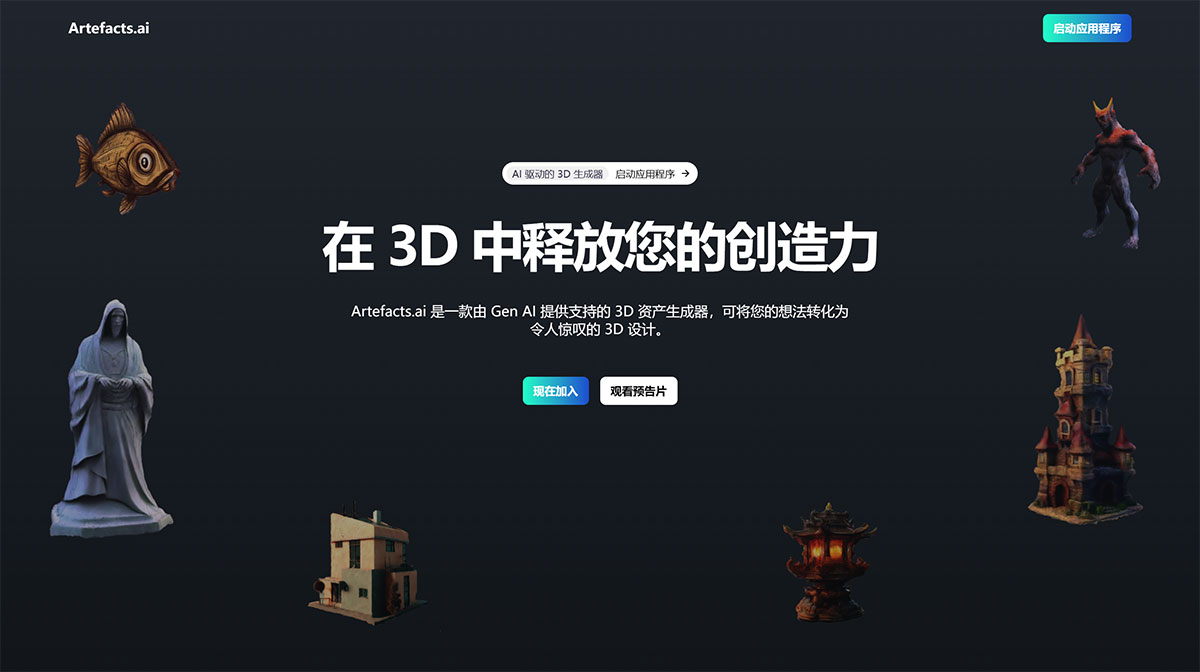
Artefacts AI Features:
Text to 3D (Upgraded)
Simple and fast! You can transform your text into captivating 3D models with just one click, bringing your ideas to life in an instant.
Image to 3D
High resolution and uniqueness! You can effortlessly convert images of your desired objects into stunning 3D models using our Image-to-3D feature. Gain better control and enjoy higher-resolution results.












