
 Script Planner Assistant▸
 AI Apps
 AI News

CineART AI: Cinematic-Grade AI Long-Video Creation Platform by Tianyu Digital
CineART AI: Cinematic-Grade AI Long-Video Creation Platform by Tianyu DigitalIntroduction
CineART ai is a film-grade AI long video creation platform launched by Tianyu Digital. It is built on several self-developed large models and text-to-video algorithms from the company, and integrates ByteDance's Seedance 2.0 model to deliver cinematic visual quality and generation efficiency. The platform follows a "director's logic" approach, combining the entire workflow—from scriptwriting and storyboarding to final export—into one place, so users don't have to jump back and forth between different tools.
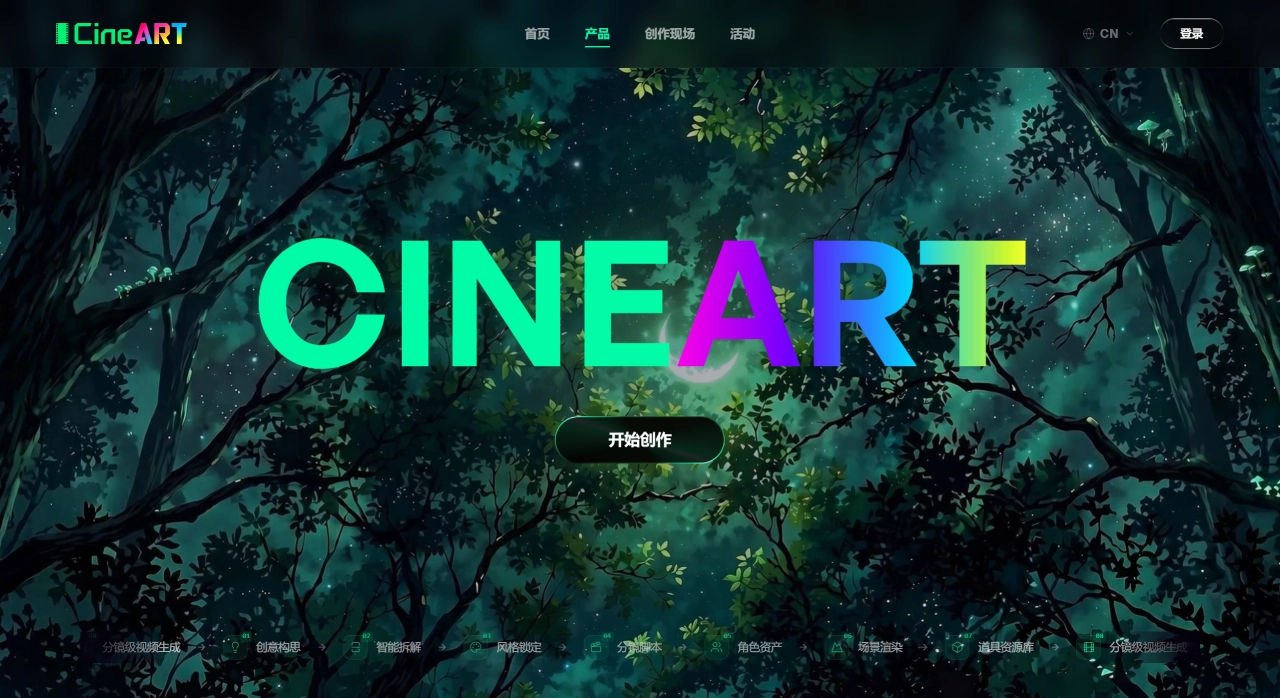
CineART AI Core Features
Director-style creation: The platform embeds the way directors conceptualize scripts and break down storyboards into its algorithms, producing content with more coherent narrative flow and fewer plot discontinuities.
Two modes: "Film" and "Series": Choose "Film" mode for short films, TVCs, or brand ads for fast output; choose "Series" mode for episodic micro-dramas or longer series, where you first build the structure using a "Series–Episode–Scene–Storyboard" framework, then refine each scene one by one.
Storyboard creation panel: Shots are arranged by scene and storyboard order, keeping the visual logic clear—even beginners can structure a well-organized narrative.
Five resource centers: Characters, scenes, props, micro-expressions, and emotions can all be created and managed in one place. Set them up once and reuse them repeatedly, effectively solving issues like inconsistent character appearances, randomly shifting scenes, and props going out of frame.
Multimodal generation and multi-model invocation: Supports text-to-video, image-to-video, and audio-to-video, with the ability to switch between different base models directly within the platform.
Intelligent prompt optimization: Enter a one-sentence description and the system will automatically expand and refine it, also providing composition and camera parameter suggestions for reference.
Multi-task asynchronous generation: Multiple projects can be processed simultaneously with real-time progress tracking, so there's no queueing.
Fifteen camera angle switches: Change perspectives and adjust composition with a single click.
One continuous shot: Click "Use previous storyboard's end frame" to automatically connect to the last frame of the previous shot, ensuring smooth long-take motion.
Rough cut and multi-format export: Includes a built-in rough cut feature for stitching clips and adjusting pacing. Export supports project files, alpha-channel assets, text structure, and separated audio tracks for easy import into CapCut, Premiere Pro, and other software.
Team collaboration: Team members can edit online at the same time, with modifications synced in real time.
CineART AI Application Scenarios
Primarily used for micro-drama production
Brand TVCs and ads
Corporate promotional videos
Film dailies and trailers,
General short video creation
CineART AI Pros and Cons
Pros
Full workflow integration—no need to switch between multiple tools.
Low cost: roughly 50 RMB per minute of video.
High efficiency: one person can output two quality TVCs per day.
Clear narrative logic, with consistency in characters and scenes.
Beginner-friendly, with automatic prompt optimization.
Has completed national compliance filing; generated content is commercially usable.
Supports multi-user online collaboration; export formats are compatible with mainstream editing software.
Cons
Image generation hit rate is about 30%, video generation hit rate reaches 50%—still not stable enough.
For projects pursuing extreme artistry and a "human touch," the results have yet to be validated.
The platform just launched, so community content and template libraries are still being built up.
Some capabilities rely on external technology after integrating Seedance 2.0.
CineART AI Usage Tutorial
After logging in, choose either "Film" or "Series" mode.
Describe your idea in one sentence; the system will optimize the prompt, and you can also manually adjust composition parameters.
Arrange shots by scene in the storyboard panel, choosing "first frame" or "first and last frame" as needed. For a continuous long take, click "Use previous storyboard's end frame."
Invoke the model to generate assets; multiple tasks can run simultaneously. After generation, you can modify visual details or change camera angles.
Use the rough cut feature to assemble clips and adjust pacing, then export in your desired format and import into CapCut or Premiere Pro for post-production.
For team collaboration, members can edit online with real-time syncing.
CineART AI vs. Competitors
| Dimension | CineART | Sora | Kling | Jimeng |
|---|---|---|---|---|
| Developer | Tianyu Digital | OpenAI | Kuaishou | ByteDance |
| Positioning | Full-chain film/video creation platform | General text-to-video model | Video generation tool | Video generation tool |
| Creation workflow | Idea → Storyboard → Generate → Edit → Export | Single-step generation | Single-step generation + editing | Single-step generation |
| Narrative coherence | Director-logic-driven, four-level structure | Skews toward physics simulation | Motion control | Chinese scenario adaptation |
| Character consistency | Unified management via five resource centers | Uncertain | Relies on image-to-video | Relies on image-to-video |
| Cost (approx.) | 50 RMB/minute | Relatively high | Medium | Medium |
| Target users | Film, advertising, and short-drama teams | General creators | Individual creators | Individual creators |
| Compliance filing | Completed | Not specified | Not specified | Not specified |
| Post-production compatibility | Compatible with CapCut, Premiere Pro | Limited | Limited | ByteDance ecosystem |
Why Choose CineART AI
If you want to produce story-driven content like micro-dramas, TVCs, or promotional videos, and you're looking for low-cost, high-efficiency output, or if your team needs multi-user collaboration, or you're a complete beginner wanting to get up to speed quickly, CineART is a good fit. However, if you only need to occasionally generate a single image or a few seconds of short video, or you have very specific artistic style requirements, or you already have an established AI workflow, then there's no particular need to use it.












