
 Script Planner Assistant▸
 AI Apps
 AI News

Apifox: All-in-One Collaboration Platform for API Design, Development & Testing
Apifox: All-in-One Collaboration Platform for API Design, Development & TestingIntroduction
Apifox Introduction
Apifox is a collaboration platform that bundles API documentation, debugging, Mock, and automated testing all into one place. To sum it up in one sentence:
Apifox = Postman + Swagger + Mock + JMeter
In plain terms, it lets you handle all things API-related with a single toolkit, without bouncing back and forth between multiple tools. Define your interface documentation clearly, and debugging, Mock, and testing can all be used directly without repeated configuration, ensuring that the documentation always stays in sync with the actual code.
Apifox Features
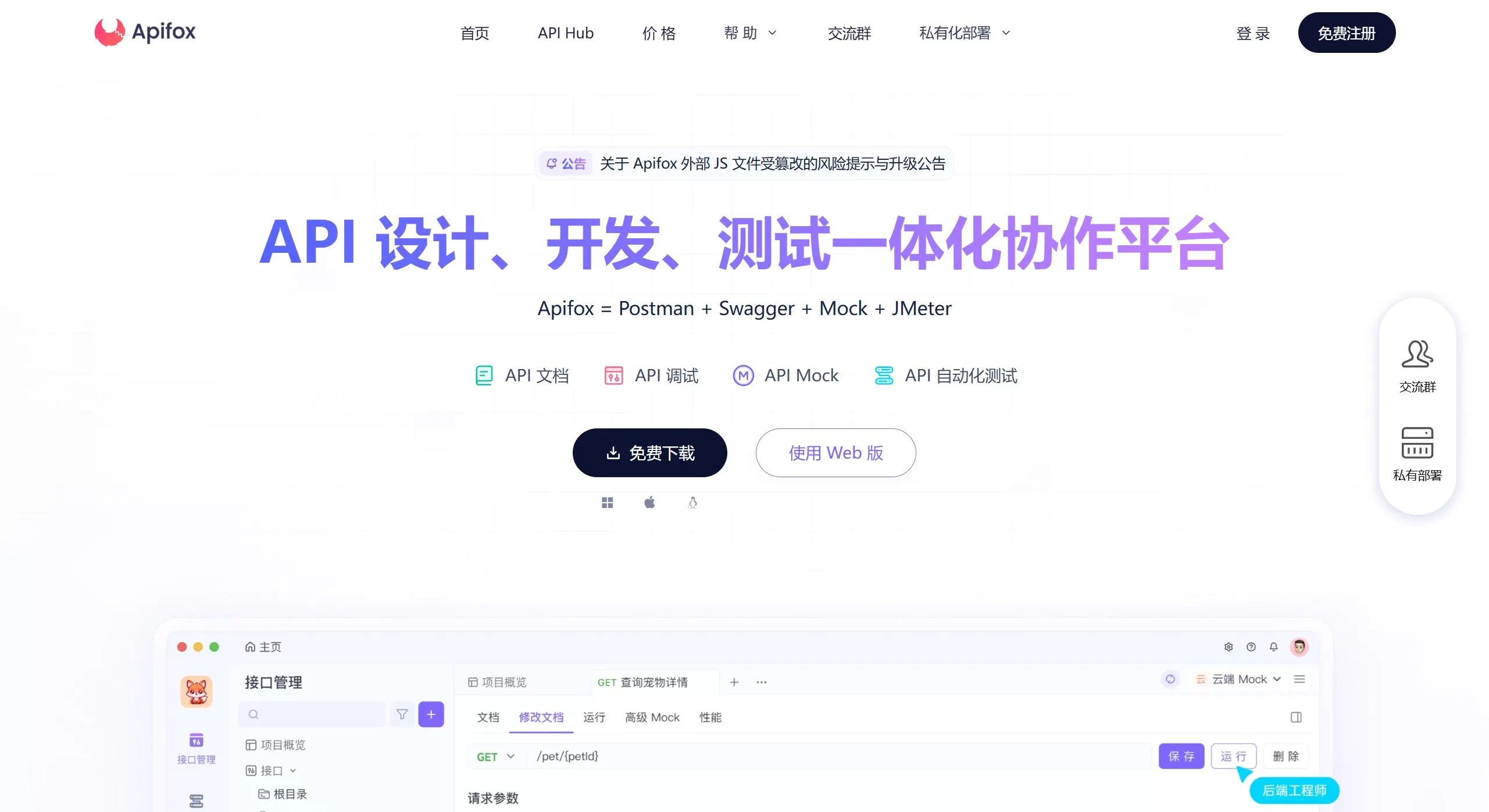
Core Function Modules
📝 API Design: Supports RESTful and GraphQL, uses OpenAPI 3.0 and JSON Schema specifications, visual editing, basically no learning curve
📄 API Documentation: Automatically generated and kept up to date, can be exported to HTML format with one click, supports sharing for online debugging directly
🛠 API Debugging: Debug without defining the interface first, supports environment variables, pre/post scripts, Cookie and Session can be shared globally
🎭 API Mock: Built-in Faker.js, basically zero configuration to generate plausible Mock data, can return different content based on request parameters
⚙️ Automated Testing: Supports scenario orchestration, flow control (if/for/wait), data-driven testing, concurrent testing, and result analysis
💻 Code Generation: Supports 130+ languages/frameworks (TypeScript, Java, Go, Python, etc.), automatically generates business code and interface invocation code
👥 Team Collaboration: Real-time multi-user collaboration, permission management, version control, works smoothly for teams
Intelligent Features
✅ Automatic Data Validation: During debugging, automatically checks whether the returned data matches the interface documentation definition, no need to write assertions manually
🧠 Smart Mock: Automatically generates corresponding data based on field names, e.g., fields containing "image" return image URLs, fields containing "city" return city names
🎨 Custom Code Templates: You can define your own templates to generate code that matches team standards
Extensibility
🌐 Multi-language Scripts: Supports JavaScript, Java, Python, PHP, Go, Shell, Ruby, Lua, etc.
🔌 IDE Plugin: Apifox Helper (IDEA plugin), converts interface code to interface documentation with one click
⚙️ CLI Tool: Apifox-CLI, run automated tests from the command line, easy CI/CD integration
📥 Data Import: Supports importing API files in 20+ formats (Swagger, Postman, YAPI, etc.)
Apifox Use Cases
Mainly targeted at teams doing front-end and back-end separated development; different roles can all use it:
Front-end Development
View interface documentation defined by the back-end, confirm parameters and response structure
When the back-end isn't ready yet, use Mock data directly for page development
Call interfaces, inspect request/response details, quickly locate issues
Automatically generate front-end request code, write less repetitive code
Back-end Development
Discuss interface specifications together with the front-end as a development agreement
Use the "Interface Cases" feature to call interfaces and ensure your own work is correct
Once the interface is working, documentation is generated automatically, no manual maintenance
Write test cases to ensure interface stability
QA / Testers
Verify that interface functions work properly
Write test scenarios based on interfaces, with flow control support
Do some performance testing to see how the interface behaves under different loads
Automatically generate test reports and analyze results
Where it feels especially handy
Visual management of API specifications
Visual testing and assertions
API spec changes sync to everyone in real time
Visual orchestration of complex request logic
Auto-generate Mock data for prototyping
Unlimited debug calls (saves some money)
Apifox Pros and Cons Analysis
✅ Pros
All-in-one: Design, documentation, debugging, Mock, and testing all in one place, no switching back and forth, data stays consistent
Chinese support: Local software with a Chinese UI, friendly to domestic users
Zero-config Mock: Generate plausible data without writing rules, noticeably boosts front-end development efficiency
Visual operation: Clean interface, test workflows can be orchestrated by drag-and-drop, low barrier to entry
Real-time collaboration: Supports multiple people editing at the same time, great for teams
Code generation: 130+ languages/frameworks, saves a lot of repetitive work
CI/CD integration: CLI tool can plug into Jenkins, GitLab CI, etc.
Free tier is enough: Basic features don't cost money, and debug calls aren't limited
❌ Cons
Network-dependent: Online tool, experience suffers when offline or on an unstable network
Some features limited: Compared with desktop tools like JMeter, support for certain complex scenarios is weaker
Some learning curve: There are indeed many features, takes a bit of time to get familiar at first
Advanced features paid: Some advanced and team collaboration features require a paid plan
How to Use Apifox
Quick Start
Step 1: Create a Project
Go to the Apifox official website to sign up and log in
Create a new project → select the "API Testing" type
Step 2: Import/Create Interfaces
Add interfaces manually, or import them from Swagger, YAPI, Postman
Step 3: Configure Environments
Define global variables (e.g., base_url, token)
Configure parameters for several environments (development/testing/production)
How to Use
API Design and Debugging
Create a new interface in the project, define request method, URL, parameters, response structure
Use "Interface Cases" to debug
Once it works, save it as a test case with one click
Using Mock Data
Configure the response data structure in the interface definition
The system automatically generates a Mock URL
Front-end uses the Mock URL to develop first, switches back to the real interface once the back-end is ready
Automated Testing
Go to the "Automated Testing" module, create a new "Scenario Case"
Add the interfaces or interface cases you want to test
Orchestrate steps, add flow control (If, For, Wait)
Data can be passed between steps (using results or variables from previous steps)
Review the test report after running
Advanced Features
Pre-request Script: Executes before the request is sent, suitable for dynamically generating parameters or computing signatures
Post-request Script: Executes after the request completes, used to extract data, set environment variables, and make assertions
CI/CD Integration
# 用 Apifox CLI 跑测试
apifox run --project-id <项目ID> --scenario-id <场景ID> --env <环境>
IDEA Plugin
Install the Apifox Helper plugin
Select interface code in IDEA
Generate interface documentation with one click and sync it to Apifox
Apifox FAQ
What's the difference?
Apifox is an all-in-one tool that combines Postman (debugging), Swagger (documentation), Mock.js (mocking), and JMeter (testing) into a single package. It also supports Chinese, real-time collaboration, and zero-configuration mocking, making it more friendly for teams in China.
Q2: How do I migrate from Postman to Apifox?
Apifox can directly import Postman Collections, and Pre-request and Test scripts will be mapped to the corresponding "API cases." However, you'll need to manually reconfigure environment variables.
Q3: Can I customize the Mock data?
Although it supports zero-configuration Mock, customizing it isn't difficult either:
Modify the Mock rules in the "Return Response" section of the API definition
Write custom rules using Faker.js syntax
Add "expectations" so that different request parameters return different data












