
 Script Planner Assistant▸
 AI Apps
 AI News

iFlytek Loomy: Review & Guide to the Desktop AI Assistant from iFlytek
iFlytek Loomy: Review & Guide to the Desktop AI Assistant from iFlytekIntroduction
What is Loomy
Loomy is a desktop AI intelligent assistant launched by iFlytek, based on the AstronClaw architecture. Positioned as an "AI work buddy," it is part of the iFlytek Claw product matrix.
Unlike common cloud-based AI conversation tools, Loomy runs as a desktop client, deeply integrated into the local computer environment, and can directly execute multi-step automated tasks, bringing AI closer to real office scenarios.
Loomy official website:https://loomy.xunfei.cn/
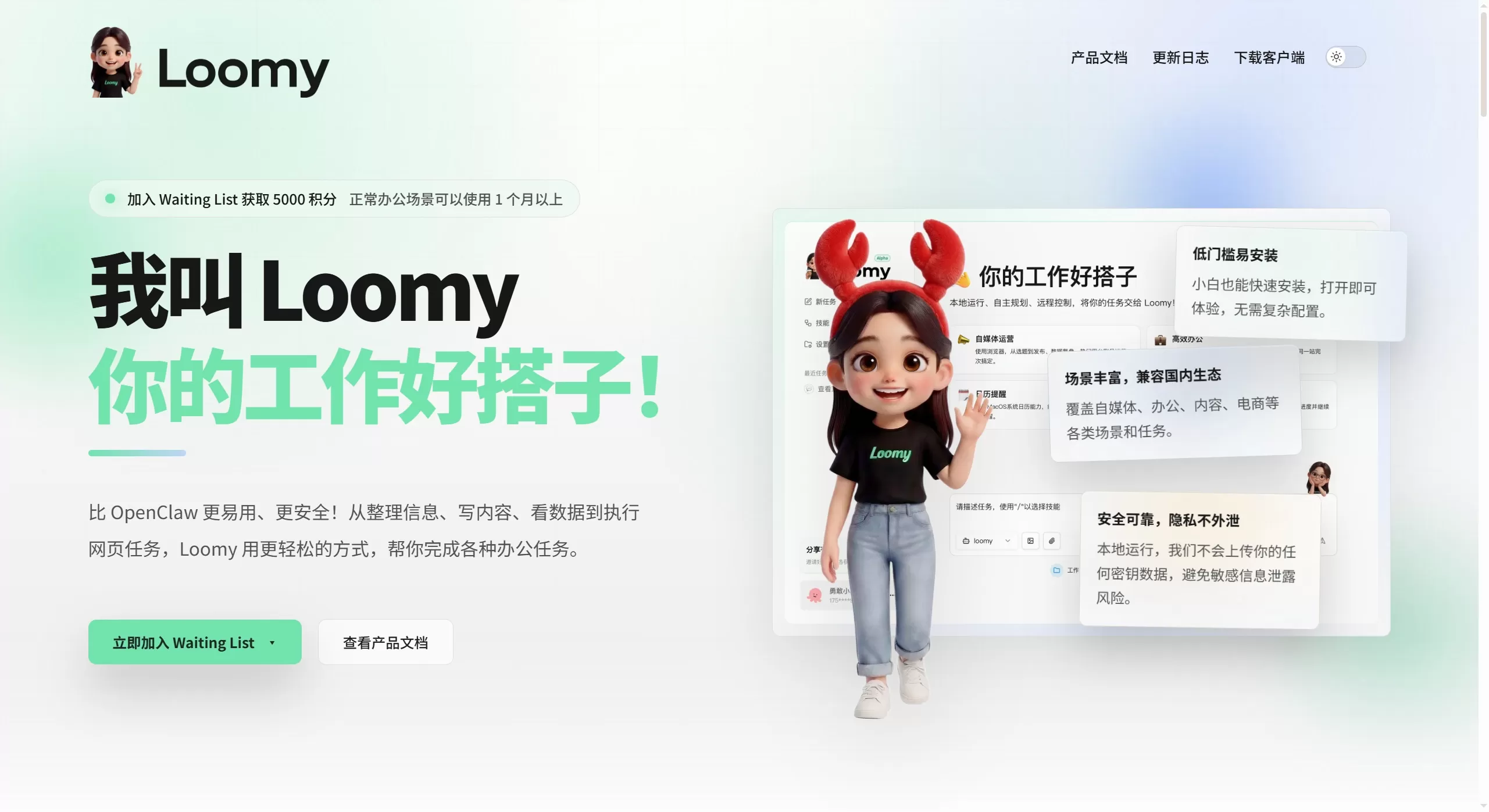
Core Features of Loomy
Natural Language Task Execution
Users can use natural language commands to let Loomy automatically complete complex operations, including:
File organization and classification
Content creation (copy, scripts, reports, etc.)
Data analysis and report generation
Web operations and information scraping
Email handling and sending
Directory-Level Isolation Security Mechanism
To address data security needs in local office work, Loomy adopts a directory-level isolation design:
AI can only access user-authorized working directories
Operations beyond the authorized scope require secondary confirmation
Mechanically prevents AI from obtaining system-level permissions, reducing the risk of data leakage
Mainstream IM Remote Control
Compatible with instant messaging tools such as Feishu, DingTalk, and QQ:
Remotely control your computer via mobile IM
Execute tasks using natural language commands
No spatial limitations, supports mobile office work
Open Ecosystem and Multi-Model Support
Skill ecosystem: Compatible with the OpenClaw skill system, supports the MCP protocol, comes with a built-in SkillHub skill marketplace, and allows one-click installation or custom skills
Model switching: Supports mainstream models such as DeepSeek and MiniMax, and can also call iFlytek Spark models via API Key
Out-of-the-Box Ready
Compared to OpenClaw which requires manual environment configuration, Loomy features a zero-configuration design:
Ready to use within as fast as 1 minute after downloading and installing
No programming or technical background required
Visualized Task Management
Task execution is visual, traceable, and intervenable
Complex requirements are automatically broken down into steps
Proactively asks clarifying questions when instructions are unclear, avoiding blind execution
Loomy Application Scenarios
Document processing: organize desktop files, batch renaming, categorization and archiving, format conversion
Content creation: self-media topic planning, title generation, video script writing, image-text drafts
Data analysis: data scraping, report generation, chart creation, trend analysis
Email office work: automatically write emails, scheduled sending, attachment organization, meeting minutes summary
Remote office work: control office computers via mobile IM while out to handle urgent matters and organize reporting materials
E-commerce operations: product information organization, batch listing, competitor data monitoring
Investment monitoring: periodically scrape financial data and generate analysis reports
For example, operators of Douyin tech and digital review accounts can instruct Loomy to "analyze this week's hot topics in the tech circle, recommend 3 topic directions, each including a title, core selling points, and estimated audience reaction." Loomy will automatically complete trend tracking, topic planning, and output a script draft.
How to Use Loomy
Download and install: Visit the Loomy official website to download the installation package
Authorize directory: Select the working directory Loomy can access (directory-level isolation)
Bind tools: Optionally configure IM tools such as Feishu, DingTalk, and QQ
Start using: Ready to start conversational interaction and task management in as fast as 1 minute
Usage methods
Desktop: directly input natural language commands, such as "help me organize the research reports on my desktop and generate a PPT"
Mobile: send the same command via IM tools to remotely control the computer, and results are pushed to your phone in real time after tasks are completed
Loomy FAQ
Q1: What is the difference between Loomy and OpenClaw?
A: Loomy is a desktop product based on the AstronClaw architecture. Compared to native OpenClaw:
Easier to use: no need to manually configure the environment, out-of-the-box ready
More secure: adopts directory-level isolation, more suitable for local office work
Closer to real scenarios: focuses on real office workflows, not just providing conversational capabilities
Q2: How is data security guaranteed?
A: Loomy adopts a directory-level isolation mechanism:
AI can only access folders explicitly authorized by the user
Sensitive operations require secondary confirmation
Unable to obtain system-level permissions, meets enterprise-grade data security and compliance standards
Q3: Which AI models are supported?
A: Loomy is not tied to a single model and supports:
Mainstream models such as DeepSeek and MiniMax
Calling iFlytek Spark models via API Key
The most suitable model can be matched based on the task
Q4: How to achieve mobile remote control of the computer?
A: Loomy is compatible with IM tools such as Feishu, DingTalk, and QQ. After configuration is complete, send natural language commands in the mobile app to remotely control Loomy on the computer to execute tasks.
Q5: Does it support custom feature extensions?
A: Yes. Loomy is compatible with the OpenClaw skill system and can extend functionality through SkillHub or custom skills.
Last updated: August 7, 2026Related Articles:
WorkBuddy vs Loomy: Which Is Better? An In-Depth Desktop AI Agent Comparison for 2026















