Script Planner Assistant▸
 AI Apps
 AI News

OpenClaw: An Open-Source Personal AI Assistant Platform
OpenClaw: An Open-Source Personal AI Assistant PlatformIntroduction
What is OpenClaw ai?
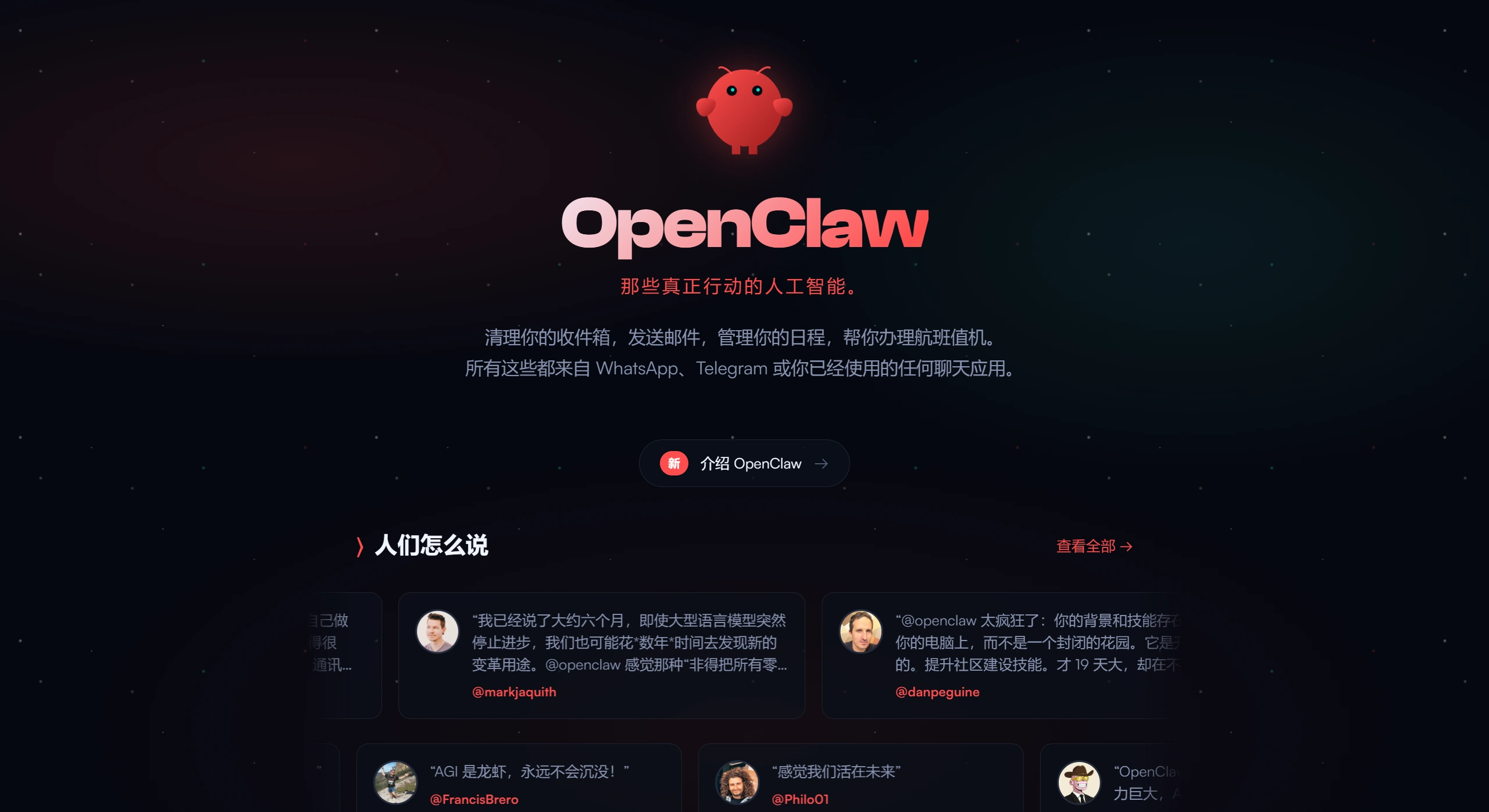
OpenClaw AI is an open-source personal AI assistant platform built by Peter Steinberger, the founder of PSPDFKit. In early 2026, it surpassed 100,000 Stars on GitHub, making it one of the fastest-growing open-source AI projects.
OpenClaw AI was originally called Clawdbot. Due to trademark issues, it was renamed once to Moltbot, and finally settled on OpenClaw—a name meant to highlight its positioning of being "open + capable of taking action."
The idea behind OpenClaw AI is simple: build a "digital employee" that truly helps you get things done—not just a chatbot to talk to. It prioritizes a local-first architecture, keeping all data on your own device, delivering on the promise of "your assistant, your machine, your rules."
OpenClaw AI Features
Local-first, privacy-focused
All conversations, files, and memories are stored on your computer (Mac/Windows/Linux), not uploaded to the cloud, ensuring privacy. It can connect to various cloud models such as Claude, ChatGPT, Qwen, and DeepSeek, and also use local models like Llama.
Multi-platform messaging integration
No need to install dedicated software—you can chat with it through the messaging tools you already use, as follows:
| Type | Supported Platforms |
|---|---|
| Instant Messaging | WhatsApp, Telegram, Signal, QQ |
| Collaboration & Office | Slack, Discord, Feishu (Lark), WeCom (Enterprise WeChat), Teams |
| Apple Ecosystem | iMessage, BlueBubbles |
| Others | Matrix, Zalo, Google Chat, WebChat |
Capable of system-level actions
The biggest difference from a regular chatbot is that it can actually do things hands-on:
File management: read, write local files, batch rename, convert formats, auto-categorize
Run command line: execute scripts, manage processes, run code
Control the browser: automatically open web pages, fill out forms, scrape data, book services
Office collaboration: send and receive emails, manage calendars, generate Word, Excel, and PDF documents
Remembers things and proactively reminds you (called Heartbeat)
It remembers your habits, common paths, and previous conversations across chats, gradually learning your preferences. It can also actively monitor things—for example, notifying you when a new email arrives, preparing materials before a meeting, or letting you know when a webpage has changed—so you don't have to keep asking.
Pluggable extensions
Live Canvas: a dynamic interface for monitoring the assistant's status in real time
Skills Marketplace (ClawHub): community-built skill plugins, and you can write your own
API integration: connect to internal systems like OA, CRM, etc.
OpenClaw Use Cases
Personal office automation
Email management: automatically sort your inbox, extract key information, draft replies
Document handling: generate work reports, meeting minutes, and batch-convert formats on your request
Schedule management: pull meeting invitations from emails and sync them to your calendar, prepare materials in advance
Programming and development assistance
Code writing: have the large model write code snippets in Python, Java, and more
Running scripts: remote data collection, automated testing, log analysis
Streamlining development workflows: automatically pull Git code, generate CRUD APIs, migrate databases
Market research and information gathering
Competitor monitoring: periodically search for industry trends and compile them into briefs
Data scraping: automatically browse target websites, extract information such as prices and inventory, and organize it into spreadsheets
Daily life assistance
Scheduled tasks: for example, "send out yesterday's log summary every morning at 8:30"
Travel helper: automatic check-in, hotel booking, weather lookup
File organization: sort photos and documents by time or type, back them up to a designated location
Small team collaboration
Task tracking: sync to-do lists and nudge teammates to get work done
Meeting assistance: generate agendas, take minutes, distribute them to members
Information syncing: regularly summarize key points from group chats into daily reports, posted to DingTalk
How to Use OpenClaw
Quick install (local use)
One-line install with npm:
npm install -g openclaw@latest
One-click cloud install
Alibaba Cloud and Huawei Cloud offer ready-made images, set up within 30 minutes.
Minimum configuration: 2-core CPU / 2GB RAM / 40GB hard drive
Basic setup steps
Fill in API Keys: enter the API keys for models like Claude and OpenAI in settings
Connect messaging tools: authorize platforms like DingTalk and Telegram in the "Integration Management" section
Set trigger methods: adjust Heartbeat monitoring frequency and reminder rules
Grant permissions: enable file read/write, browser control, and other permissions as needed
Tips for giving instructions
Be specific: for example, use "categorize documents in the /root directory by file extension" instead of just "organize files"
Step by step: for complex tasks, chat through it in multiple rounds, clarifying requirements gradually
Check logs: view execution status in the "Task Records" section, and inspect logs to find the cause if something fails
Frequently Asked Questions
Are there security and privacy risks with OpenClaw?
OpenClaw has system-level permissions, including reading/writing files and running commands, which does carry risks. Things to watch out for: regularly change admin passwords and API keys; restrict accessible IPs to only those you commonly use; don't grant overly high permissions in public environments to prevent malicious commands.
Can I use it without any programming knowledge?
For basic chat use, the cloud service images are enough—zero barrier to entry. But to do the following yourself, you need some technical know-how: local installation requires a Node.js environment; writing your own workflows or integrating private APIs requires simple configuration; fixing network ports and permission issues requires some operations knowledge.
Does OpenClaw cost money?
The software itself is open-source and free (MIT license), with no subscription fee. Using cloud models (such as Claude, GPT) consumes API quotas—some models offer free quotas, but long-term use may incur costs. Cloud deployment also requires paying for server rental.
Is it always online?
For local deployment, it's only available when your computer is on; once shut down, it stops. For cloud deployment, it depends on server stability—it's best to set up auto-restart and expiration reminders. The Heartbeat feature requires the service to be running continuously.
How is it different from Siri, Xiao Ai, or ChatGPT?
Compared to traditional voice assistants: it can actually operate your computer, not just answer questions
Compared to ChatGPT: it runs locally, can read/write files, control the browser, and remember things
Compared to Siri: the community says it's "what Siri should have been, and much more powerful"
Overall, OpenClaw represents a new form of AI assistant—shifting from "a tool that can talk" to "a digital employee that can get things done." Its local-first design protects privacy, and combined with multi-platform integration and system-level permissions for genuine automation, it's ideal for individuals and small teams who care about data sovereignty and want to save time.
The Clawdbot Renaming Saga
Renaming timeline
| Date | Name | Mascot | Notes |
|---|---|---|---|
| November 2025 | Warelay | - | The project's initial form, a WhatsApp gateway tool |
| December 2025 | Clawdbot | Clawd (Space Lobster) | Project went viral, gaining 9,000+ GitHub Stars within 24 hours |
| January 27, 2026 | Moltbot | Molty | First rename due to Anthropic trademark warning |
| January 30, 2026 | OpenClaw | - | Renamed again just 3 days later, finalized as the final name |
Reasons for the renames
Clawdbot renamed to Moltbot (January 27, 2026)
The AI company Anthropic (the maker of Claude) issued a trademark infringement warning at the time. The "Clawd" in Clawdbot sounds very similar to "Claude," and both use a lobster as their mascot. Anthropic wrote that the names were too alike in spelling and pronunciation, making them confusing, and posed a trademark issue.
Founder Peter Steinberger said that this renaming was forced, but he thought "Molt" (shedding) was fitting because lobsters have to shed their shells to grow—like growth itself.
Moltbot renamed to OpenClaw (January 30, 2026)
Moltbot was awkward to say, and there were still legal risks that hadn't been cleared. Many tech media outlets said it was a weak temporary name—"molting" isn't a popular word and doesn't appeal to people.
They then quickly changed it to OpenClaw, a name that's easier to say. During the renaming, they also checked trademarks and purchased related domains, completing these tasks within just a few hours.
Incidents caused by the renaming
When changing from Clawdbot to Moltbot, Peter released the old GitHub organization and the X account @clawdbot. Within just 10 seconds, these accounts were snatched up by crypto scammers who used them to promote a fake $CLAWD coin. The coin's price was once hyped up to $16 million, later dropping by 90%.
Peter quickly clarified that he would not be issuing any cryptocurrency, and that any coin claiming to be related to Clawdbot or Moltbot is a scam.
Current status
The project is now called OpenClaw (GitHub: github.com/openclaw/openclaw), and is an open-source personal AI assistant. Its main focuses are local deployment, data privacy protection, and the ability to proactively help users get things done.
Related News:
WeChat Integration with OpenClaw Tutorial Guide
Longgang District Government of Shenzhen Just Released Ten Policy Measures Supporting OpenClaw / OPC
OpenClaw From Beginner to AI Master: 15 OpenClaw Skill Recommendations