
 Script Planner Assistant▸
 AI Apps
 AI News

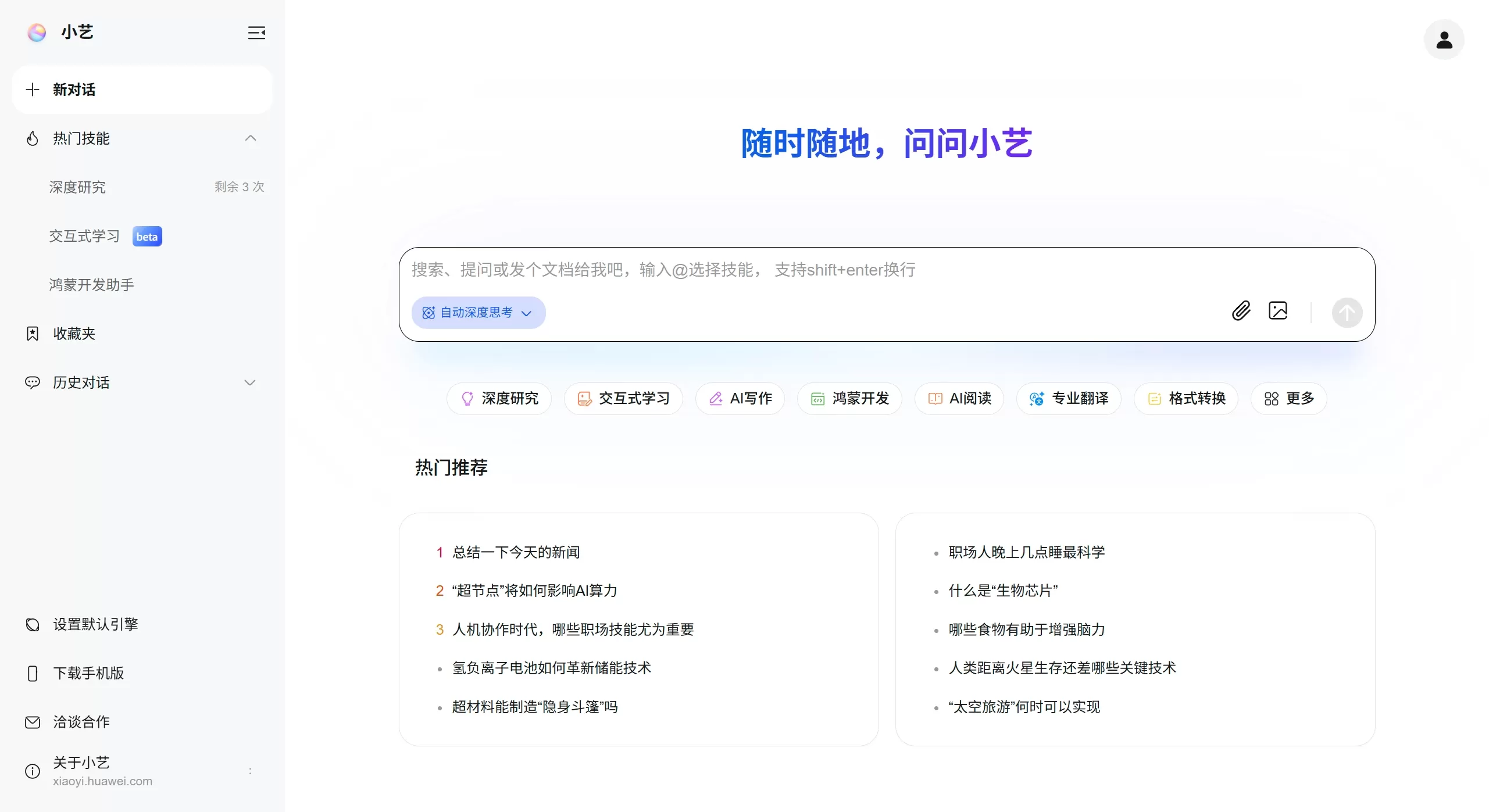
Xiaoyi Claw: Huawei's "HarmonyOS Edition of Lobster"
Xiaoyi Claw: Huawei's "HarmonyOS Edition of Lobster"Introduction
Xiaoyi Claw is the ai assistant for Huawei's HarmonyOS system ai, known as the "HarmonyOS version of Lobster". It integrates the open-source project OpenClaw and serves as a new feature module within Huawei's Xiaoyi assistant, currently in the testing phase. This feature is not an independent product or website, but rather a new development mode (OpenClaw Mode) added to the Huawei Xiaoyi Open Platform, allowing users to build their own personalized intelligent assistants within the HarmonyOS (HarmonyOS NEXT) system.
Main Features of Xiaoyi Claw
Ready to use: Start with a single tap, no complex setup required
Self-evolving: It learns and remembers usage habits on its own, becoming more helpful the more you use it
Multi-device collaboration: Leveraging HarmonyOS features, it supports seamless coordination between phones, tablets, and other devices
Data security: Protected through both device-side and cloud-based safeguards, with system-level security
Applications of Xiaoyi Claw
It can help you with these tasks:
Office work: Edit documents, create ppt, reply to emails
Creative work: Find materials, write copy
Device management: Manage schedules, memos, reminders, etc.
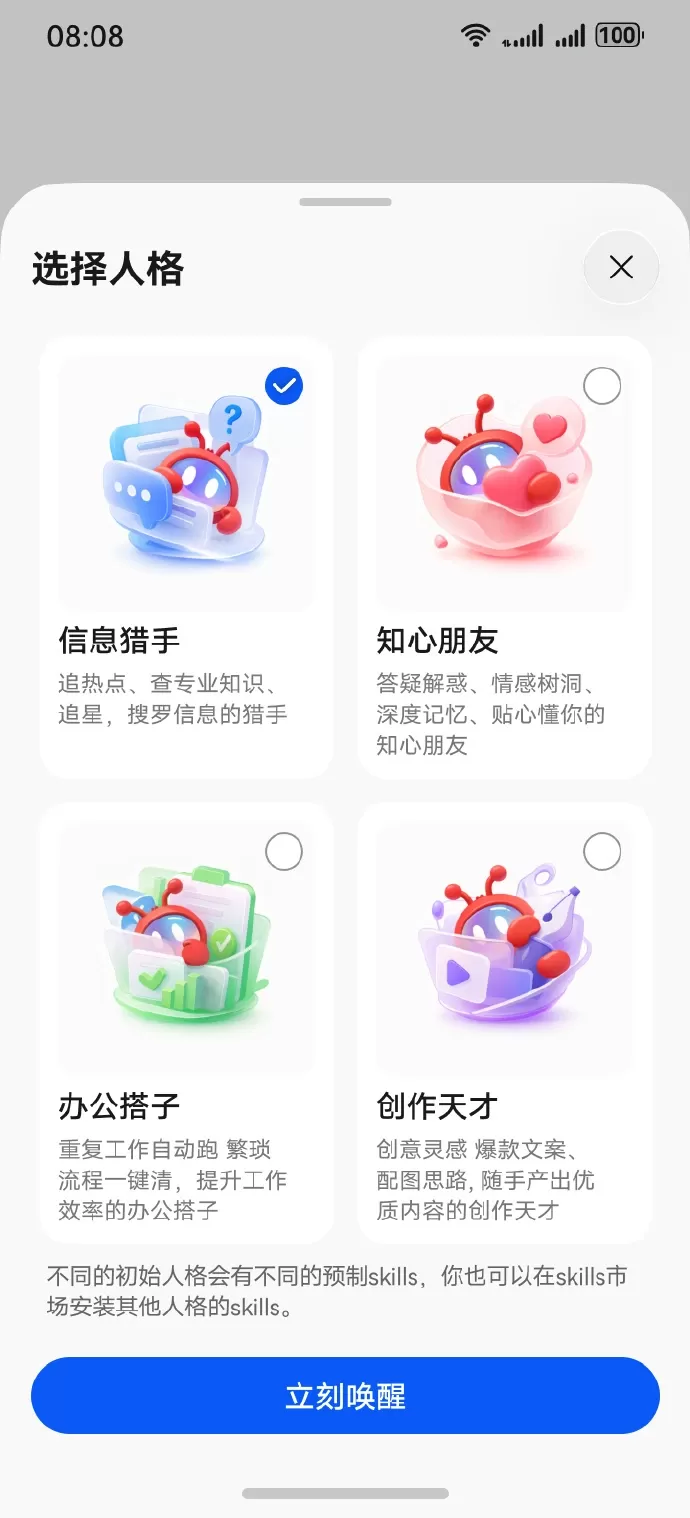
Personality Settings of Xiaoyi Claw
There are four preset personalities, each with its own unique capabilities:
Information Hunter: Tracks trending topics, looks up professional resources, follows celebrities
Understanding Friend: Answers questions, serves as an emotional outlet, remembers important details
Office Partner: Automatically handles repetitive tasks, simplifies tedious processes
Creative Genius: Provides creative inspiration, writes viral copy, quickly produces high-quality content
Users can also install skills of other personalities from the Skill Store to customize their own dedicated assistant.
How to Use Xiaoyi Claw
The steps are as follows:
Open the Xiaoyi App
Tap "Create New Agent"
Under "Orchestration Method" in "Standard Creation", select "OpenClaw Mode"
Once set up, you'll have a dedicated assistant that serves you 24/7 on the go
Entry Points
Entry point for regular users:
Open the Xiaoyi App
Tap "Create New Agent"
Under "Orchestration Method" in "Standard Creation", select "OpenClaw Mode"
Once connected, you can build your own dedicated assistant (but not all phones support this yet—wait for the official rollout).
Entry point for developers
Developers who want to create or configure such assistants on their own can visit the Xiaoyi Open Platform at https://xiaoyi.huawei.com/. After logging in, click "Create Agent", select "OpenClaw Mode", and follow the instructions to obtain credentials and connect your deployed service, which supports both local and cloud deployment.
How to Get an Invite Code for the Beta
There is currently no official public application channel. It is recommended to keep an eye on:
Huawei's official channels: such as Huawei Developer Alliance, Huawei Terminal's official Weibo/WeChat official accounts
Xiaoyi App updates: Keep the latest version to receive notifications
System updates: Make sure your HarmonyOS is updated to the latest version















