
 Script Planner Assistant▸
 AI Apps
 AI News

AniShort AI: One-Stop AI Platform for Short Drama Production
AniShort AI: One-Stop AI Platform for Short Drama ProductionIntroduction
AniShort ai Introduction
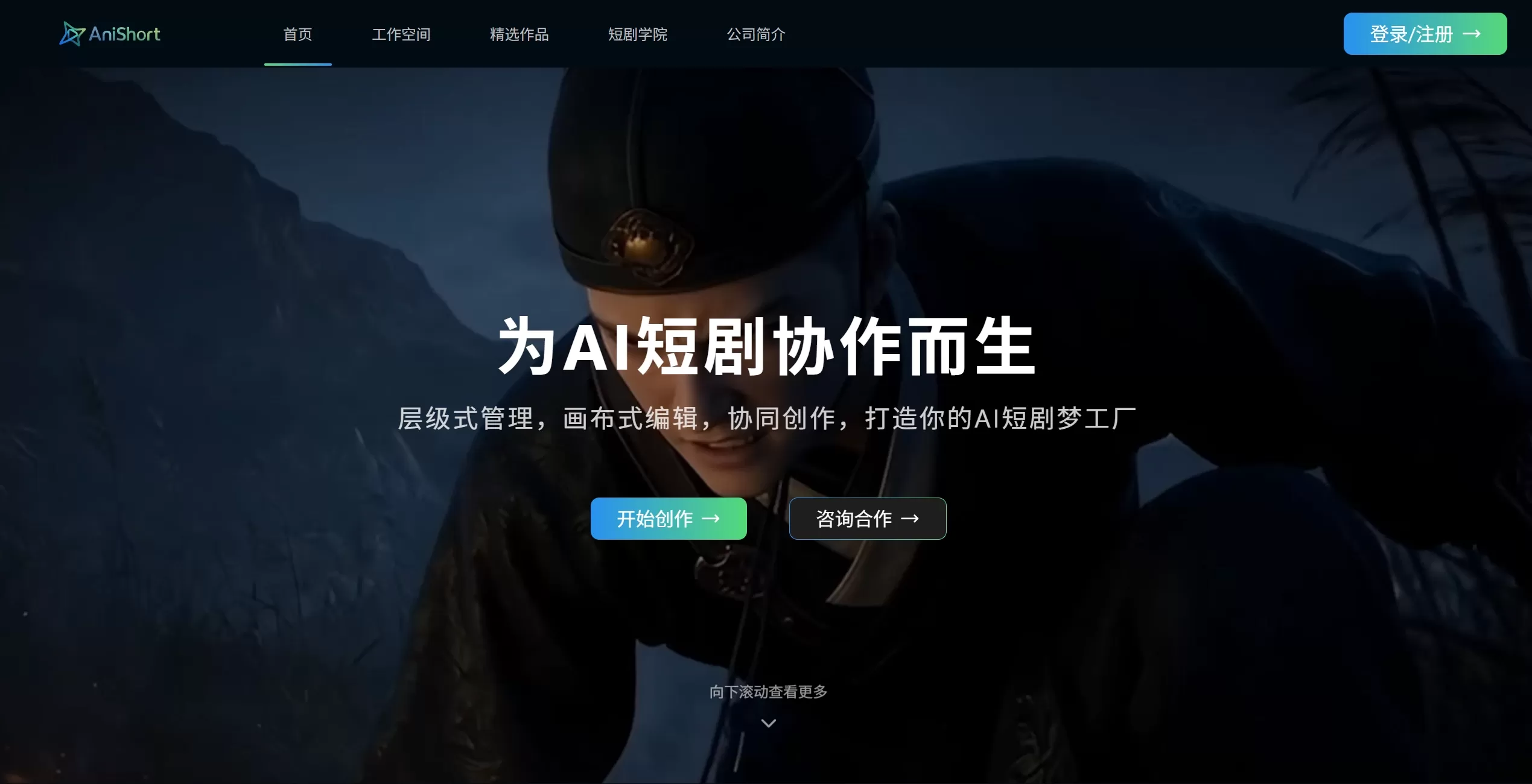
AniShort is a one-stop AI short drama collaborative platform covering the entire workflow, integrating scriptwriting, storyboard generation, video generation, intelligent editing, and team collaboration. It pioneers a 3D director's console that reduces the "gacha" rate by 90%, and one-click style transfer helps short dramas go overseas. The cost of a 4-minute solo short drama is only 1,914 yuan, with multi-user real-time collaboration supported, enabling everyone to build their own AI film and television dream factory.
AniShort AI Main Features
3D World + 3D Director's Console: This is what sets AniShort apart from other tools. Traditional AI short dramas rely on text descriptions to "guess the effect," often resulting in scene distortion and character changes between shots. AniShort supports three input modes—text, reference images, and video clips—to generate well-proportioned 3D scenes with one click. The 3D director's console allows you to drag and adjust character positions, action angles, props, lighting, and camera positions, then output reference images for video generation. Combined with global element locking, characters and styles stay consistent across multiple shots. The gacha rate is reduced by over 90%, the creation cycle is shortened to 1/5 of the original, and rework rate drops by 80%.
AI Short Drama Collaboration Agent: Fully hosts the process from idea to finished film, automatically generating script outlines, storyboard scripts, and prompts, quickly producing finished films of dozens of minutes. The node-based workflow supports batch parallel processing, and a 3-person team can see efficiency boosted by hundreds of times.
Script and Storyboard: AI automatically polishes dialogue, adjusts pacing, and strengthens opening and closing hooks. A 100,000-word novel can be split into storyboards with one click, with a new professional film and television-standard script type added, supporting paragraph splitting.
Subject Asset Management: Use subject cards to batch extract and reuse character and scene assets, solving the "face blindness" problem. Asset production and single-episode production can run in parallel, and mature workflows can be saved as team templates.
Multi-user Collaboration and Review: Multi-canvas node-based collaboration allows multiple people to work on different storyboards simultaneously, with assets reusable across canvases with one click. Online quick editing supports synchronized processing of tens of thousands of nodes; dual-view review supports frame-level annotation, with cloud-encrypted delivery. Team permissions are divided into three levels—owner, editor, and viewer—with the main account able to allocate computing power and manage permissions.
Model Integration: Direct access to Seedance 2.0/2.5, Gemini, Deepseek, Banana, Image and other models, no waiting in line for computing power.
AniShort AI Features
The entire workflow is done on one platform, no need to switch software.
Character images are stable, and the visuals don't jump.
Voiceover, subtitles, and effects are automatically composited, ready to deliver directly.
AniShort AI Application Scenarios
AI Short Drama/Comic Drama Mass Production: Daily output of over 5,000 minutes, more than 40 complete short dramas, with costs reduced by 85%
MCN Content Matrix: Batch production of brand short dramas and product ads
Film and Television Studios: Standardized processes, traceable versions, suitable for multi-episode serials
E-commerce Ads: Quickly generate product story short films
Education and Training: Teaching short videos and knowledge-based content
IP Adaptation: Million-word novels converted to script, storyboard, and finished film with one click
AniShort AI Pros and Cons
Pros
The only AI short drama platform in the industry that thoroughly implements "3D scenes + precise shot composition," with controllability far superior to pure text generation
Full-process closed loop, no need to jump between tools, from script to finished film in one stop
Industry-leading team collaboration capabilities; some call it the "Feishu of the AI short drama world"
High degree of agent automation, suitable for batch industrial production
Assets are reusable, and mature workflows can be accumulated into a team knowledge base
Cons
Features are geared toward team industrialization, posing a learning curve for individual lightweight users
Mainly focused on short dramas/comic dramas, with limited coverage for general video creation
How to Use AniShort AI
Register and Create a Project: Open https://app.anishort.cn/ to register; new users get 110 credits. Go to the workspace and click "New Project," then fill in theme, style, episode count, and other information.
Process the Script: Upload an existing script or have AI generate one. Enter theme, style, characters, etc., and the system will automatically output the script. After confirmation, perform "Subject Extraction," where AI automatically identifies characters, scenes, and props.
Produce Assets: Enter the asset pipeline to design characters, build scenes, and create props. The 3D world supports three input methods to generate scenes; once adjusted, save them to the subject library. After global locking, subsequent storyboards can directly call upon them.
Create Storyboards: Call assets from the subject library and drag nodes on the canvas to build the storyboard workflow. AI automatically generates nine-grid storyboard images, supporting splitting and fine-tuning. The 3D director's console allows you to drag and adjust camera positions, lighting, and character positions, then output reference images for video generation.
Composition and Editing: Connect AI generation, effects, and voiceover subtitle nodes for real-time preview. Online quick editing supports batch processing, and the Ani agent automatically checks for incomplete nodes and advances to the next step.
Review and Export: The team reviews online, with batch review via the dashboard or frame-by-frame annotation in the player. After confirmation, export to MP4, MOV, PNG sequence, or GIF, with transparent channel support.
Speed Tips: Beginners can start with templates to quickly produce films; save frequently used effect workflows as "Smart Nodes" for reuse; divide the team so each person handles one episode, completing 50-episode volume in half a day.
AniShort AI vs. Competitors
| Comparison Dimension | AniShort | Wondershare Drama Factory | Nano Blockbuster Pipeline | Pixmax |
|---|---|---|---|---|
| Positioning | Team Industrial Collaboration Platform | Industrial Mass Production Benchmark | Ultimate Efficiency Mass Production Engine | One-stop AI Creation Platform |
| Core Advantage | 3D World + 3D Director's Console, multi-canvas collaboration, AI agent | Full-power Seedance 2.0, thoroughly verified hits | Nano Space Engine, storyboard first-pass rate 90%+ | Multi-model aggregation, infinite canvas, cost-effective computing power |
| Script Capability | One-click decomposition of 100,000 words, AI polishing | Million-character-level novel adaptation | Automatic script parsing | Basic script support |
| Character Consistency | Subject cards + global locking | Multi-modal anchoring mechanism | Spatial/asset/visual triple memory | Basic asset reuse |
| Storyboard Control | Director-level camera control | 3D space + timeline four-dimensional narrative | Canvas choreography | |
| Team Collaboration | Multi-canvas cursor-level real-time collaboration | Project-level collaboration | Pipeline advancement + smart canvas | Multi-canvas collaboration |
| Review Capability | Frame-level annotation, dual-view review | Collaborates with Wondershare Filmora | Online review | Basic review |
| Target Users | Professional studios, MCNs, film & TV teams | Content agencies, production companies | Mass-production film & TV enterprises | Individuals/small teams, lightweight creation |
| Learning Curve | Medium | Medium | Medium | Low |
| Commercial Validation | 40+ episodes/day, 64.8% paid conversion | Hit "Qi Yun San Jiao Zhou" (The Fortune Delta) 200M views in 29 hours | "Huo Qu Bing" reaches theatrical quality in 48 hours | 70% bonus on credit top-up |
AniShort AI FAQ
Does AniShort AI cost money?Features like the AI assistant are free; image and video generation use credits, following a top-up plus monthly team subscription model. New users get 110 free credits to try it out.
Who owns the video copyright?Users retain copyright or commercial usage rights—see the user agreement for specifics. 8.8 Digital mainly serves B-side clients and prefers to let creators own their copyright.
Does AniShort AI support Chinese?Yes, it's developed in China, with full support for Chinese scripts, voice, and subtitles.
Can I use my own script with AniShort AI?Yes, just paste in your script and let the AI handle storyboarding and video generation.
How is character consistency maintained? Where can I use it?Just open the AniShort AI official website in your browser—no software installation required. Data is stored in the cloud and syncs across multiple devices.
Related News:
AI Short Drama Creation Platform
Where to Submit Comics Scripts? 2026 Complete Guide to Comics Script Submission Platforms
Complete Analysis of AI Comics Production Process and Tools
The platform offers character locking—when generating, both storyboards and videos use the same set of features, so the main character's appearance and outfit stay consistent. Tools related to AniShort AI: One-Stop AI Platform for Short Drama Production












