
 Script Planner Assistant▸
 AI Apps
 AI News

Myclaw AI: Hosted OpenClaw Platform
Myclaw AI: Hosted OpenClaw PlatformIntroduction
What is Myclaw ai?
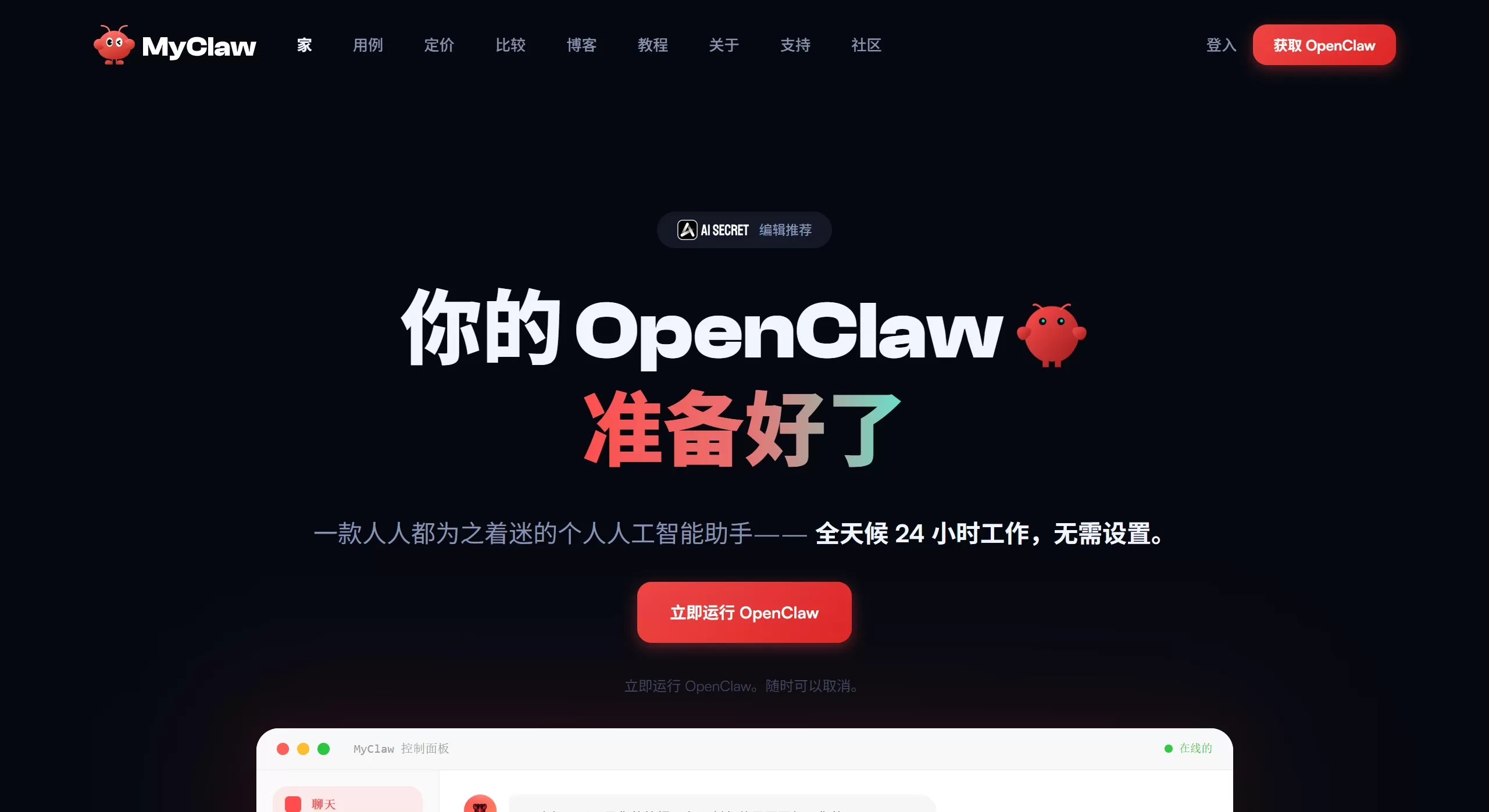
myclaw.ai is a managed hosting platform for OpenClaw. You don't have to wrestle with Node.js environments, deal with dependency conflicts, or set up a server. It lets you quickly have an AI assistant that's online 24/7.
OpenClaw itself is an open-source project, previously known as Clawdbot or Moltbot. It can operate a computer like a human: looking at the screen, opening applications, executing commands, reading and writing files, and controlling the browser.
But deploying it yourself is a hassle. myclaw.ai solves this problem by offering a one-click managed hosting service.
Myclaw AI Features
One-click launch: no technical knowledge required, no coding, no server management
Remembers things: has long-term memory (MEMORY.md) and a daily journal, learning your habits the more you use it
Proactive work: can guess what you want and take action before you even ask
Multi-platform chat: supports Telegram, Feishu, WhatsApp, WeCom, and a web version
Scheduled tasks: supports Cron expressions, fixed intervals, and one-time execution
Multiple models: works with Claude or GPT
Cloud hosting: automatic updates, automatic patches, always online
Data isolation: each person gets an independent instance, data isn't mixed together
Image and document understanding: supports image recognition and file processing
Myclaw AI Applications
Writing Code
Automatically review code, generate tests, and refactor projects
Multiple AIs collaborating together
Develop command-line tools
Organizing Things
Batch rename, organize, and convert files
Automatically categorize emails and manage schedules
Automatically summarize emails and calendar every morning
Automation
Automatically fill forms, scrape web data, monitor prices
Control smart home devices
Generate images, edit videos, write documents
Team Collaboration
Assign an AI assistant to each member, share knowledge but keep conversations separate
Automatically check emails, filter spam, and create GitHub tasks
How to Use Myclaw AI
Easy Way (Recommended)
Go to myclaw.ai official website, register, and choose a plan
Log in and start using it right away
Bind a Telegram or Feishu bot
Self-Hosted (Open-Source Version)
The open-source version is called myclaw, written in Go, only 2,000 lines of code.
# 编译
make build
# 配置
make setup
# 设置 API Key
export MYCLAW_API_KEY=你的密钥
# 单条消息
./myclaw agent -m "你好"
# 交互模式
make run
# 启动完整服务(带消息和定时任务)
make gateway
Configuration file (~/.myclaw/config.json):
{
  "agent": {
    "model": "claude-sonnet-4-5-20250929",
    "maxTokens": 8192,
    "temperature": 0.7
  },
  "provider": {
    "type": "anthropic",
    "apiKey": "sk-ant-..."
  },
  "channels": {
    "telegram": {
      "enabled": true,
      "token": "你的机器人令牌"
    },
    "feishu": {
      "enabled": true,
      "appId": "cli_xxx",
      "appSecret": "xxx"
    }
  }
}
Frequently Asked Questions
Q: What's the relationship between myclaw.ai and OpenClaw?
A: OpenClaw is an open-source project with 430,000 lines of TypeScript that you need to set up yourself. myclaw.ai is a managed hosting service that also provides a lightweight version called myclaw, written in Go, only 2,000 lines.
Q: Is the data secure?
A: The hosted version gives each user an independent instance with separately stored data. If you self-host, the data is entirely in your hands.
Q: Which models are supported?
A: Both Claude and GPT work, and you can switch between them in the configuration.
Q: How do I change the AI's personality?
A: Just edit two files: AGENTS.md (role definition) and SOUL.md (personality traits), no code changes needed.
Q: What if Feishu requires a public address?
A: You can use the Cloudflared tunnel that comes with Docker Compose, or set up Nginx yourself.
Q: What features does the open-source version lack?
A: It's much lighter than the full OpenClaw version, only supports Telegram and Feishu, and doesn't have the complex security sandbox or Skills extension system.
If you don't want the hassle, use the myclaw.ai hosted version; if you want full control, use the open-source myclaw, which is just a single binary file of about 10MB.















