Script Planner Assistant▸
 AI Apps
 AI News

Filemail: Cloud-Based Large File Transfer Tool
Filemail: Cloud-Based Large File Transfer ToolIntroduction
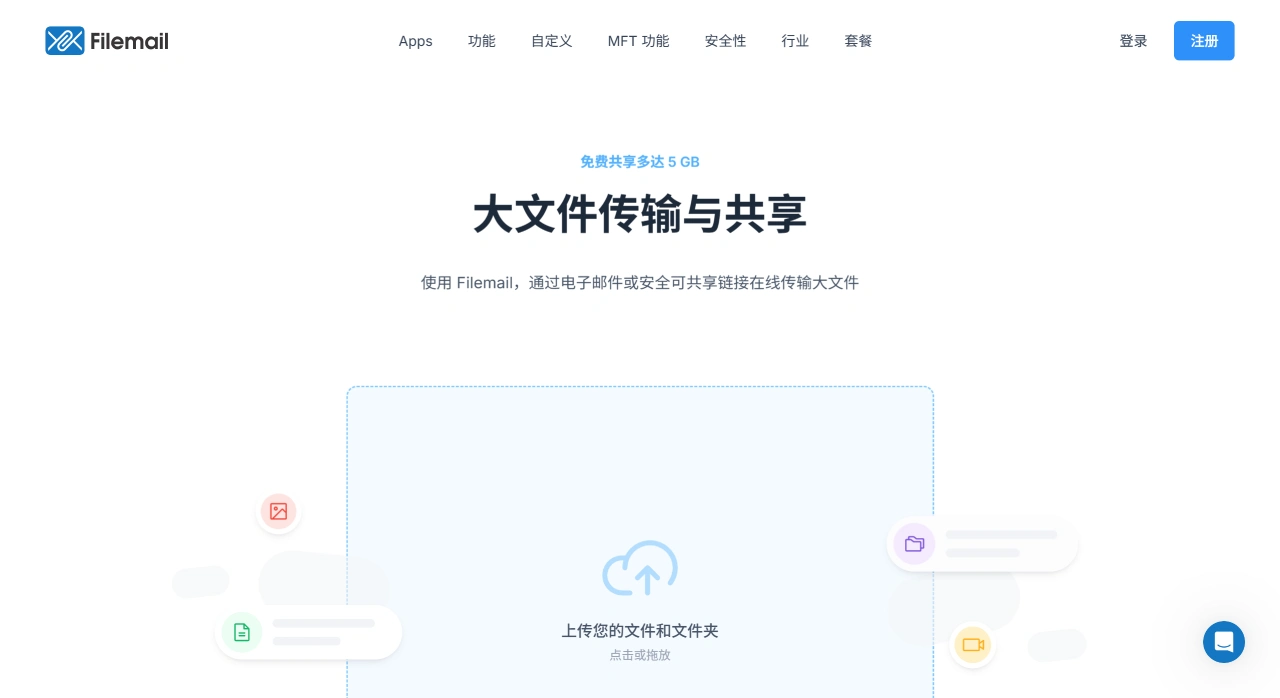
Filemail is a cloud-based large file transfer tool from Norway, designed to help users quickly and securely send files to others. The free version allows transferring up to 5GB per transfer, while the paid version has no file size limit, and no registration or software installation is required. The operation is just two steps: first upload the file to Filemail's temporary cloud drive, then the system immediately generates a trackable download link, which can even be sent directly via email. The recipient can download with a single click, and the file will be automatically deleted after 7 to 30 days.
Filemail Core Features
Transfer capability: The free version supports up to 5GB per transfer, the paid version has no file size limit, and both support UDP acceleration and resumable transfer.
Security: Offers end-to-end encryption, password protection, virus scanning and other protective measures, with no data breaches to date.
Transfer methods: Can be sent via email or through a secure shared link, and recipients can download without registering.
Multi-scenario adaptation: Available on desktop, mobile, Outlook plugin and web platforms. Business users can also customize subdomains and integrate upload forms.
Free Version Features
Up to 5GB per transfer, a maximum of 2 transfers per day, with files retained for 7 days.
No speed limits on transfers, includes virus scanning, no ads, and password protection is supported.
Available on web, Windows, Mac, Linux, iOS, Android, and Outlook plugin, with resumable transfer support.
Uses a self-developed UDP acceleration protocol, making transfers several times or even up to 200 times faster than FTP/HTTP under the same bandwidth.
Filemail Pricing Plans
Personal: $4 per month (save 16% with annual billing), includes 250GB of storage space and 30-day file retention.
Pro: $10 per month (save 16% with annual billing), includes 1TB of storage space, supports 250GB single transfers, file requests and other features.
Business: $15 per month (save 16% with annual billing), supports multi-user management, no transfer size limits, and provides end-to-end encryption, among other features.
Enterprise MFT: A customized solution that meets compliance requirements and includes advanced security and backup features.
How to Use Filemail
Direct web upload: Go to filemail.com, select "Send File", drag in the file, enter the recipient's email (or simply choose "Generate Link Only"), then send.
Request files from others: After logging in, click "Request File", generate an upload link or QR code, and send it to customers or classmates. They can upload without registering.
Embed on your own website: Business users can copy a piece of HTML code to embed an "upload button" on their official website, allowing visitors to transfer large files directly to your Filemail space.
Send directly in Outlook: After installing the plugin, "attach" files as usual while composing an email. Filemail will automatically replace the attachments with download links, significantly reducing the email size.
Security and Compliance
In transit: Uses end-to-end AES - GCM + RSA key exchange; two-factor authentication and password protection are also available.
At rest: Server-side AES - 256 encryption, meeting audit requirements such as HIPAA, GDPR, ISO27001, SOX, etc.
Tracking: Each download records the IP, time, and User-Agent. Senders can see in real-time in the backend who has downloaded.