Script Planner Assistant▸
 AI Apps
 AI News

MFiles (Aichuansong): File Transfer, Clipboard Sync, and File Management Tool
MFiles (Aichuansong): File Transfer, Clipboard Sync, and File Management ToolIntroduction
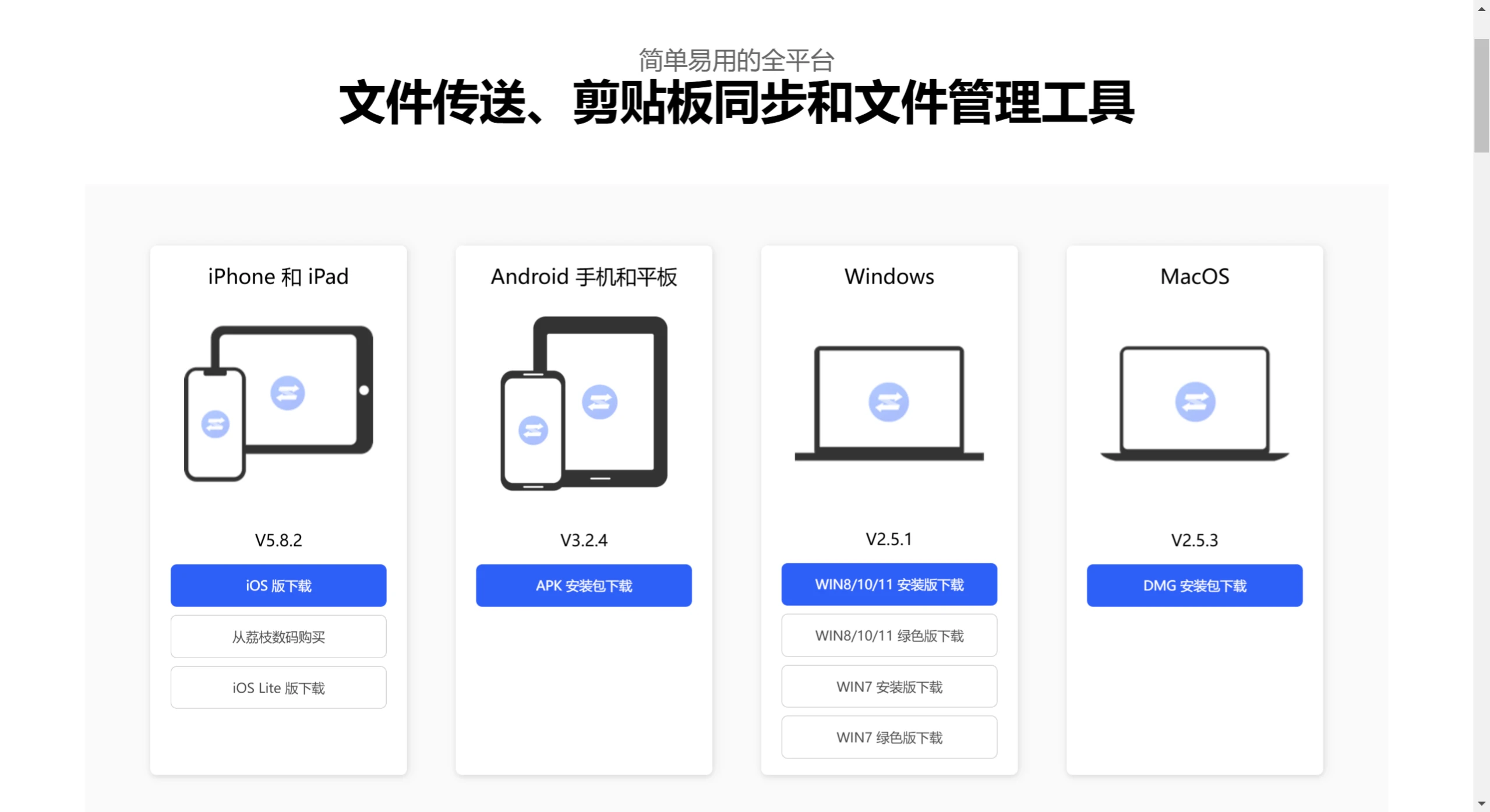
爱传送MFiles is a cross-platform file transfer, file management, and clipboard sync tool that enables users to transfer files, photos, videos, and sync clipboard content across different devices. It supports Android, iOS, Windows, and macOS systems.
爱传送MFiles Features:
Cross-Platform File Transfer
Method 1: Pair your computer and phone under the same LAN to mutually transfer photos, files, and folders.
Method 2: With the computer and phone on the same LAN, or with the phone acting as a hotspot and the computer connected, enable WiFi file transfer, and you can access directly through the computer's browser.
Method 3: With the computer and phone on the same LAN, or with the phone acting as a hotspot and the computer connected, enable WebDAV file transfer. Mac Finder or other WebDAV clients can access it.
Clipboard Sync
Automatic sync: Enable the clipboard sync setting on both the phone and the computer to automatically send clipboard text content to the other device.
Manual send: Copy text on one side and send, then paste directly on the other side. Windows text-send shortcut: (Ctrl+Alt+Shift+V).
File Management
Operations such as open, copy, move, delete, and search for files
Sort files by name, date, size, and type
爱传送MFiles supports creating and editing text files
Password access to protect privacy
Compression and decompression of ZIP, RAR, and 7Z files
Photo Album Management
Manage images and videos through view, copy, move, delete, compress, share, and transfer operations
爱传送MFiles supports automatic sync and manual sending of clipboard content
HEIF conversion to JPEG
Supports Numerous File Formats
Documents: PDF, Word, Excel, PPT, Pages, Numbers, Keynote, TXT, etc.
Images: PPG, PNG, GIF, TIFF, HEIF, PSD, etc.
Audio: MP3, AAC, WAV, APE, FLAC, M4A, OGG, etc.
Videos: MOV, MP4, MKV, RMVB, M4V, AVI, TS, FLV, WMV, etc.
Video subtitles: ASS, SRT, etc.
Minimalist Player
Music playback: playback history, playlist, and sleep timer features
Video playback: playback history, playlist, and audio track switching features, supports external .ass .srt subtitles
TXT reading: multiple themes, free switching, text-to-speech audiobook feature, import TTF fonts to change
Code preview: supports syntax highlighting for multiple languages such as Java, C/C++, Python, JS, etc.
爱传送MFiles Use Cases:
Office users who need to frequently exchange data between phone and computer.
Individual users who need to quickly sync notes, documents, or images.
Users who want to avoid using social apps for file transfers to protect their privacy.
爱传送 supports Apple devices, Android devices, and Windows as well as macOS computers, making up for the lack of direct file transfer functions between different brands of computers or systems.