
 Script Planner Assistant▸
 AI Apps
 AI News

ImgArt AI: A Multi-Style AI Image Generator — Ghibli, Q-Version, Pixar & More
ImgArt AI: A Multi-Style AI Image Generator — Ghibli, Q-Version, Pixar & MoreIntroduction
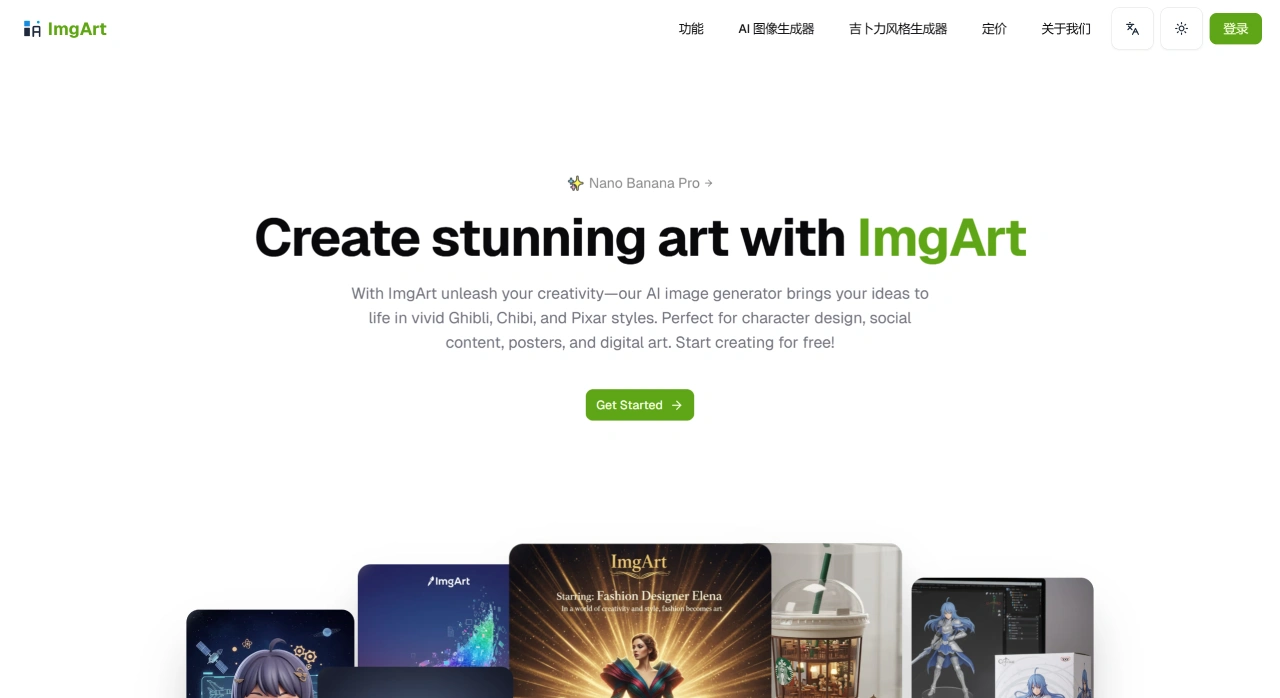
ImgArt ai is a tool for AI image generation and editing. It can produce images in styles such as Ghibli, chibi/Q-version, and Pixar. It uses models like Nano Banana, Flux Kontext, and ChatGPT-4o. Users only need to type a few words or upload a sketch, and quickly get 4K high-definition images in Ghibli, chibi, or Pixar styles. It also lets you directly use the built-in AI to refine details, change backgrounds, adjust lighting, and upscale without losing clarity, as well as combine multiple images while keeping characters consistent. It's suitable for 12 use cases including character design, social media content creation, and poster making.
ImgArt Ai Key Features
Anime AI Art Generation: Type a few words, choose a model and style, and quickly generate images.
AI Photo Enhancement: Turn old images clearer with better details.
AI Mirror Imaging: Use algorithms to create effects with dual imagery.
Multi-Style Exploration: Choose from different styles such as Ghibli, cyberpunk, and more.
One-Click Sharing: Directly post to Instagram, Twitter, and Facebook with the #aiartwork hashtag.
ImgArt Ai Main Advantages
Multi-Style Coverage: Switch between different rendering styles, with optimizations for anime, realistic, and 3D cartoon looks.
4K Nano Banana Pro Engine: Powered by Google Gemini 3 Pro, producing 4K high-definition images in 10–20 seconds, with finer detail and less noise than typical 2K models.
Online Editing Tools: Denoise, relight, inpaint locally, boost resolution, and one-click background removal, usable even without Photoshop skills.
No Need to Pay Right Away: New users typically get 20–50 credits to try every style; you can purchase more credits or a membership if needed.
Chinese Interface and Prompt Support: You can directly type phrases like "Jiangnan misty rain" or "Cyber Nezha," and the system recognizes them.
ImgArt Ai Use Cases
Character design, social media content creation, poster making (including product promotion), digital art, educational illustrations, game concept art, developer UI assets, video covers, holiday marketing materials, e-commerce product images, product mockups, and other creative images.
How to Use ImgArt Ai
Go to the ImgArt Ai official website
Write a prompt (Chinese is supported) or upload a reference image
Choose a style and aspect ratio
Click Generate
Enter Edit mode to continue refining
Export as PNG / JPG / PSD
Frequently Asked Questions
Q: What can ImgArt Ai mainly do? What scenarios is it suitable for?
A: Mainly two things: first, image generation (text-to-image, image-to-image); second, image editing (combining images, preserving character consistency, text-based editing). The advanced version also offers photo retouching and ControlNet, and supports many styles and effects. It can be used in 12 scenarios, with common ones being character design, social media content, posters, digital art, e-commerce images, and game concept art — suitable for both personal and commercial use.
Q: What's the difference between the free and paid versions?
A: Mainly in commercial usage rights, the number of features, and whether credits are sufficient.
Free Version: No cost, gives 50 credits, for personal use only, with no private mode or advanced features.
Pro Version: $8.25 per month ($99 per year), 1000 credits per month, commercial use allowed, no watermark, access to basic models.
Premium Version: $24 per month ($288 per year), 5000 credits per month, plus priority GPU access, private mode, photo retouching, and ControlNet.
Annual billing saves 20%. For short-term use, you can buy credits individually at $0.02 per credit.
Related Articles:
How to Use Doubao to Generate Ghibli-Style Images, with Ghibli Prompts
Recommended 5 Useful Ghibli-Style AI Image Generators
insMind Ghibli Filter: Generate Studio Ghibli-Style Images with One Click
Ghibli-Diffusion: An AI Image Generation Model in Studio Ghibli Style















