
 Script Planner Assistant▸
 AI Apps
 AI News

Haimeta: Turn Text into Images, Videos, 3D, and Interactive Spaces Instantly
Haimeta: Turn Text into Images, Videos, 3D, and Interactive Spaces InstantlyIntroduction
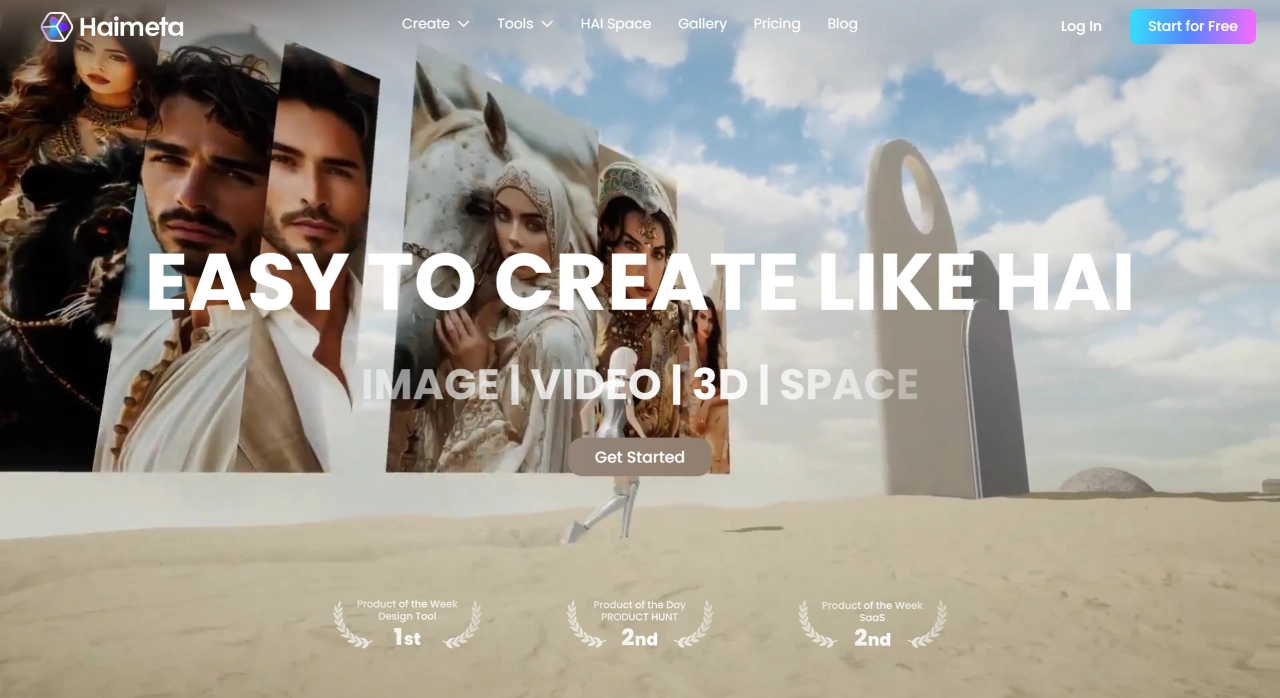
Haimeta is a full-chain creation tool that covers everything from 2D to 3D and interactive experiences. It integrates over 20 mainstream AI models, helping users quickly turn ideas into images, videos, 3D models, or interactive virtual spaces.
Key Features of Haimeta
Text-to-Image: Enter a text description and Haimeta quickly generates unique pictures, artworks, or photos, perfect for marketing materials, concept design, and more.
Image Re-creation: Redesign or adjust existing images to generate higher-quality new versions.
Text-to-Video: Create vivid AI videos or animations through simple text descriptions, useful for storytelling, product demos, and more.
Image-to-3D Model: Convert 2D images, logos, or design sketches into high-quality 3D objects for animation, games, or product design.
Support for Multiple AI Models: Haimeta offers over 20 different types of AI models (including image generation, video generation, 3D modeling, etc.), letting users choose based on their needs.
Virtual Creation Space: Users can showcase their work in a virtual environment, interact with AI, activate characters, and make creation more engaging.
Haimeta's Practical Tools and Services
Haimeta provides a variety of practical tools, such as AI photo editing, background removal, image upscaling, removing unwanted objects, texture processing, watermark removal, colorizing black-and-white photos, face swapping, sketch coloring, restoring old photos, and more.
Haimeta also curates over 20 top-tier AI models, covering different creative directions such as images (e.g., Recraft V3, Imagen 4), video (e.g., Runway Gen 4, Google Veo 3), and 3D (e.g., Hunyuan 2.5, Tripo).
Haimeta Usage Characteristics
Low Barrier to Entry: Haimeta requires no professional skills—operations are mainly done through typing and simple clicks, with no need to know coding or 3D modeling.
One-Stop Service: Creation of images, videos, 3D models, and interactive scenes is all integrated on one platform. You can generate multiple assets at once and directly combine them into complete scenes, without switching between different tools.
Who Haimeta Is For
Digital Artists / Creative Professionals: Quickly turn creative ideas into visual works, saving time.
Brands / Marketers: Create high-quality visuals for social media, produce engaging product demo videos, and boost brand impact.
Content Creators: Quickly generate image materials needed for blogs, videos, and presentations, making content richer.
Designers / 3D Modelers: Use AI assistance to quickly generate 3D models or design sketches, accelerating workflow.
Haimeta Pricing Plans
Free, Standard, and Premium versions are available:
The Free version offers basic creation features, ideal for individual users or newcomers;
The Standard version provides more advanced features and higher generation quotas;
The Premium version offers the most complete features and the highest generation priority.
Haimeta FAQ
Q1: How is Haimeta different from other AI creation tools?
The biggest difference lies in its "ecosystem" and "multi-dimensional creation" model. It does more than generate standalone images or videos—it builds a community environment for ongoing creation, learning, and showcasing. At the same time, it connects images, videos, 3D, and interactive spaces, allowing users to complete complex cross-media projects on one platform without switching among many tools.
Q2: Can I make money from works created with Haimeta?
Yes. The platform explicitly supports commercial use and is designed with professional workflows and commercial projects (such as e-commerce, brand marketing, content production) in mind. Users can confidently use their works in revenue-generating scenarios such as advertising, product design, and commercial displays.
Q3: As a complete beginner with no AI or design experience, how can I get started quickly?
Haimeta offers newcomers a simple path:
Start with templates: Use preset templates (such as "Poster," "Pet Sticker," "AI Portrait") to quickly produce results;
Use the "Agent" feature: This intelligent assistant guides you step by step through the creation process;
Start with the basics: Try "Text-to-Image" first to get familiar with controlling images through text, then gradually explore video and 3D features.












