Script Planner Assistant▸
 AI Apps
 AI News

FilePizza: Browser-Based Peer-to-Peer File Transfer Tool
FilePizza: Browser-Based Peer-to-Peer File Transfer ToolIntroduction
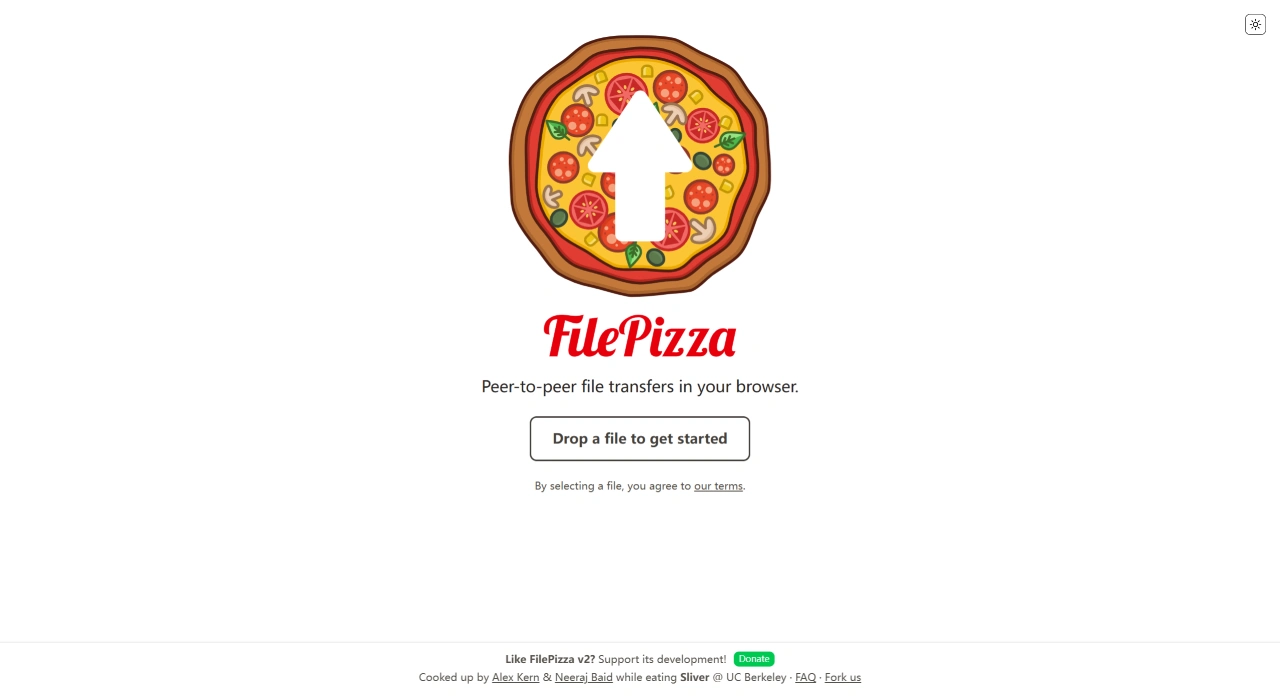
FilePizza was conceived by Alex Kern and Neeraj Baid over a meal at UC Berkeley. FilePizza uses WebRTC technology, so you don't need to upload files first like with other web-based file sharing services. FilePizza is incredibly simple to use—no registration required, no software to install, and you can transfer files directly in your browser. Because the data doesn't pass through an intermediary server, transfers are fast and secure.
Key Features of FilePizza
Fast transfers: Uses WebRTC for direct transfers—files go straight from the sender's browser to the receiver's browser, without going through an intermediary server. Large files transfer quickly, as easy as sending a message.
Strong security and privacy: Files are encrypted throughout the entire process and don't pass through servers, so you don't have to worry about third parties snooping. Once the link is closed, it's gone, and you can set a password for added security.
Easy to use: No software to install, no registration needed—open the webpage and start transferring files. Three simple steps and you're done, even for those who aren't technically savvy.
No file size limit: In theory, files of any size can be transferred—it just depends on what the browser can handle. Large files like HD videos or big design files can also be transferred.
Multiple file support: You can transfer multiple files at once, and the recipient will receive a packaged zip file, making it convenient to send several files in one go.
Real-time transfer monitoring: The sender can see the transfer progress and stop it whenever they want, staying informed about where the file is at any moment.
Mobile support: Most mobile browsers are supported, including mobile Safari, so you can transfer files on phones and tablets too.
How to Use FilePizza?
Open the website: Access FilePizza's official website in your browser: file.pizza, and you'll land on the homepage.
Upload files: Click the upload area on the page, or simply drag the file(s) you want to transfer (one or multiple) into that area. If you want to set password protection, look for the password setting option before uploading (supported in some versions).
Generate link: Once the file is ready, the system automatically generates a unique transfer link and QR code.
Share the link: Send the link to the recipient via chat apps or email. They can open the link and start receiving the file (some browsers may require you to allow network access first).
Monitor the transfer: The sender can see information like transfer progress and speed. To stop, simply click the "Stop" button on the page.
Transfer complete: Once the recipient has downloaded the file, both parties will see a completion notification, and the link will automatically expire (close the page and it's no longer valid) to ensure security. Because it uses WebRTC, the sender must keep the page open while uploading for the download to proceed normally.
How Does FilePizza Work?
FilePizza uses WebRTC technology to enable peer-to-peer (P2P) file transfers in the browser, mainly relying on peer-to-peer transfer, link generation, and encryption protection to ensure files are transferred to others safely and efficiently.
Peer-to-peer transfer: Uses WebRTC technology for direct connections without needing an intermediary server to store files. After the sender selects files, the system uses WebRTC to establish a direct channel between the sender's and receiver's browsers, so files go straight from the sender's browser to the receiver's browser. This eliminates the need to upload to a server first like with traditional file transfers, making it not only faster but also better for privacy, since files don't pass through third-party servers. For example, when transferring large files, you don't have to wait for an upload to a server followed by a download—files transfer quickly between the two devices directly.
Link generation: To ensure the transfer link is unique and secure, FilePizza uses a complex algorithm to generate the sharing link. This algorithm takes into account factors like the current time, random numbers, and the file's hash value to compute a one-of-a-kind URL. This URL contains the information needed to locate the file resource. Additionally, each link has an expiration time—once it passes, the link automatically becomes invalid, preventing unauthorized access. Users can also set their own password protection, so only those who enter the correct password can open the file.
Encryption protection: WebRTC communications are automatically encrypted with DTLS (Datagram Transport Layer Security), using public key encryption to ensure secure transfers. It uses the DTLS-SRTP dual encryption protocol, and a unique key pair (ECDHE-ECDSA-256) is generated for each session. Additionally, users can add their own password for added safety, preventing file contents from being cracked during transfer.
Github project address:https://github.com/kern/filepizza