
 Script Planner Assistant▸
 AI Apps
 AI News

MindVideo AI: An Online Video Generator Integrating Kling AI, Runway & More
MindVideo AI: An Online Video Generator Integrating Kling AI, Runway & MoreIntroduction
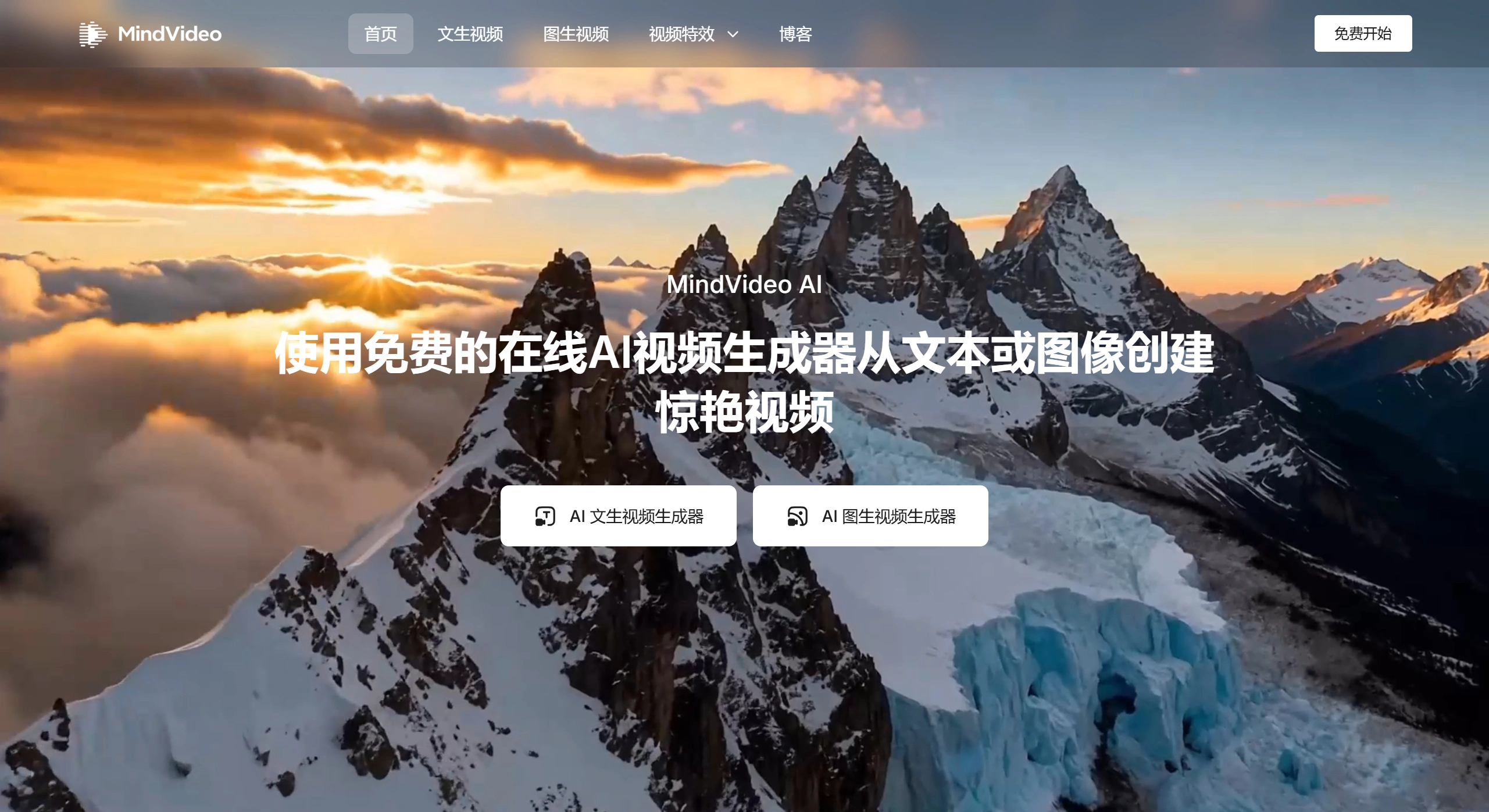
MindVideo AI is a free online video generation tool that can quickly generate videos from text or images. It supports a variety of special effects, such as kissing and hugging, and integrates multiple top-tier AI models including Kling AI and Runway. It can generate videos up to 4K resolution with no queuing required, and works on both mobile phones and computers. Users simply enter a text description or upload an image, and high-quality videos can be generated within seconds in diverse styles such as cyberpunk and retro, while also focusing on user privacy and data security.
MindVideo AI Core Highlights
✅ Rich Special Effects: Supports fun AI video effects such as kissing, hugging, expansion, and compression.
✅ Diverse Models: Supports multiple AI models including Kling AI, Runway, Hailuo AI, and Sora, delivering richer content.
✅ Free High Definition: Capable of generating 4K videos, with no quality restrictions on the current free quota.
✅ Fast Generation: No queuing required, with very fast speeds.
MindVideo AI Main Features
✅ Text-to-Video: Enter text descriptions in styles such as cyberpunk, retro, or cartoon, and quickly generate videos in the corresponding style.
✅ Image-to-Video: After uploading a photo, the system automatically recognizes facial expressions, gestures, and backgrounds to generate coherent, dynamic videos.
✅ Rich Special Effects Library: Built-in with a variety of AI video special effects.
✅ Multi-Model Integration: Supports multiple AI video models for richer content.
✅ Free High Definition: Supports up to 4K output, with no quality restrictions on the current free quota.
How to Use MindVideo AI
Visit the official website and choose "Text to Video" or "Image to Video".
Enter a text description or upload a static image.
Select an AI model or style template.
Click generate, and preview and download the video within seconds.
Application Scenarios
✅ Content Creators: Easily transform ideas into short videos.
✅ Comic and Illustration Creators: Turn character sketches into dynamic video presentations.
✅ Education and Training Institutions: Present abstract concepts through video to enhance teaching interactivity.
✅ Small and Medium Businesses and Marketers: Create promotional videos using product images or ad copy to save costs.
✅ Social Platform Users: Create interesting expressions, emotional clips, and other personalized videos.
MindVideo AI Pricing
A free plan is currently available, allowing users to create multiple videos for free with no restrictions on quality, style, or model usage. Upgraded packages may be introduced in the future to unlock more advanced models, faster generation speeds, watermark removal, and more.
Performance Review
✅ Fast Generation Speed: Results can be seen within seconds.
✅ Great Results: Videos are realistic, naturally dynamic, available in diverse styles, with accurate AI detail recognition.
✅ Fun Special Effects: Emotional effects such as kissing and hugging are very popular among young people.
✅ Great Experience: Clean interface, fast response, no installation required, and easy to get started.
✅ Strong Compatibility: Supports various devices for convenient creation on the go.
Key Questions
✅ What are the core advantages of MindVideo AI?
Free to use, capable of generating 4K videos, integrating multiple top-tier AI models, simple to use, works on both phones and computers, no downloads required, focused on privacy and security, allowing users to delete uploaded content and generated videos at any time, with the platform not collecting personal information.
✅ What is the difference between MindVideo AI's "Text-to-Video" and "Image-to-Video"?
"Text-to-Video" generates videos based on text descriptions and supports multiple styles such as cyberpunk and retro; "Image-to-Video" adds dynamic effects on top of a static image while maintaining content coherence. The former generates entirely new videos from text, while the latter brings images to life.
✅ What can ordinary users get from MindVideo AI?
Beginners can create videos without any technical background, lowering the difficulty of production; small business owners can use photos to create high-quality product demonstration videos, enhancing their professional image; creators can quickly turn static works (such as comics and illustrations) into animations, improving presentation effects while saving time and costs.











