
 Script Planner Assistant▸
 AI Apps
 AI News

Kombai: An AI Agent Focused on Frontend Development
Kombai: An AI Agent Focused on Frontend DevelopmentIntroduction
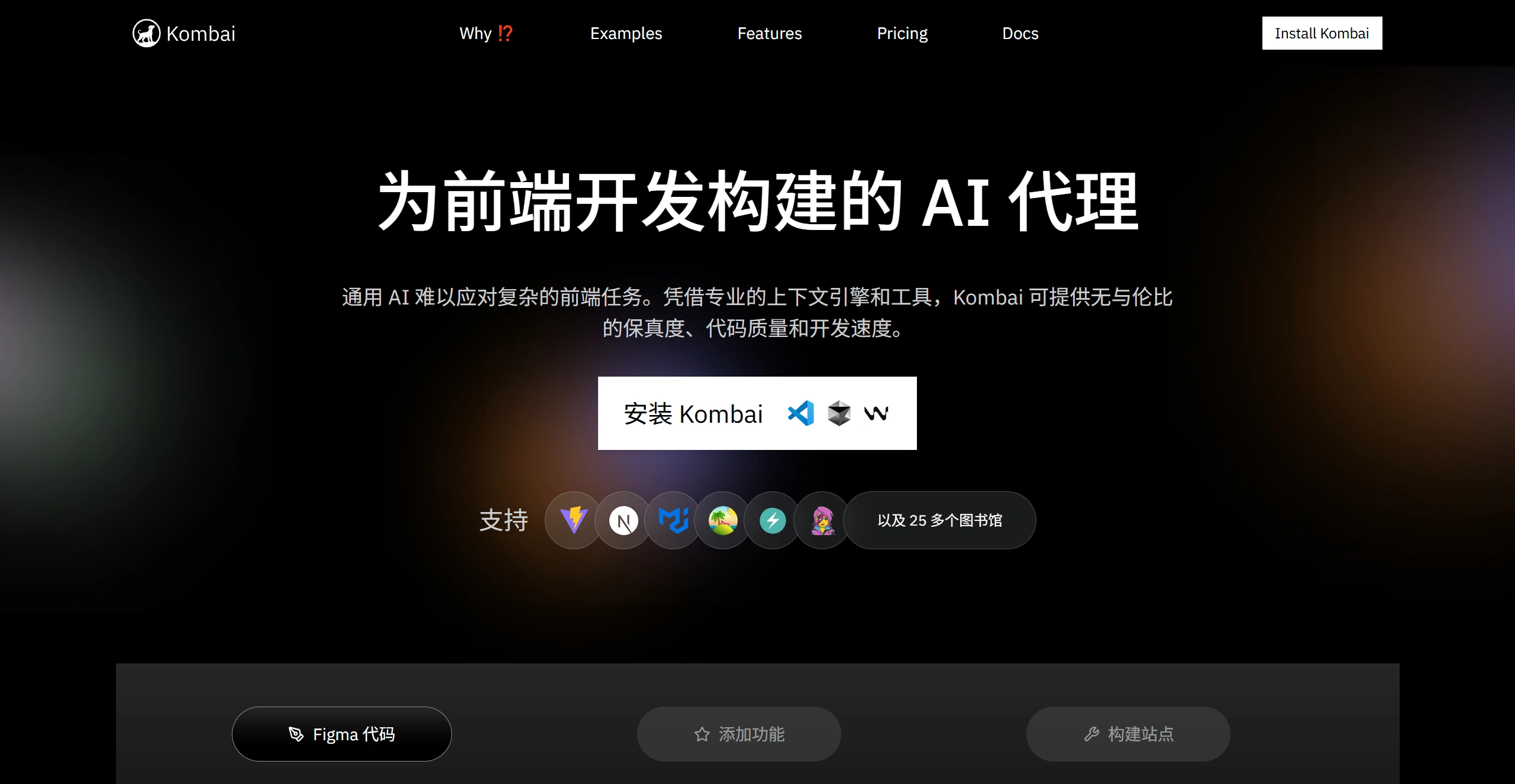
Kombai is a tool specifically built for front-end development. It features a professional context engine and tools that can handle complex front-end tasks, supporting more than 25 frameworks including Next.js and TanStack. It significantly outperforms general-purpose coding tools and related models in areas such as code review, feature implementation, and build success rate. It can build user experiences from Figma, images, or text prompts, and excels at interpreting Figma designs, following library best practices, and understanding codebases. It is suitable for front-end projects of any size and emphasizes privacy protection.
Key Features
✅ Efficient user experience building: Kombai excels at building user experiences from Figma, images, or text prompts, outperforming general-purpose coding tools, frontier models, and multimodal computing platforms (MCPs). It supports a variety of tools and models—for example, using Aider when MCPs are not available, and using OpenAI agents with CodeMCP or the filesystem MCP when MCPs are available. It also uses Context7 for documentation and Framelink for Figma designs.
✅ Strong Figma design parsing: A built-in deep learning model can convert real Figma designs into highly faithful code.
✅ Follows best coding practices for more than 30 libraries: With human-tested, library-specific retrieval-augmented generation, it is more accurate and consistent when using supported libraries.
✅ Understands codebases and more: Dedicated indexing and search tools designed for front-end codebases help find and reuse relevant code faster and more accurately.
✅ Planning and preview capabilities: Before executing complex tasks, it provides editable, refined plans, and you can preview code output before modifying the codebase.
✅ Built for modern front-end teams: Suitable for front-end projects of any size and complexity—from small components to full application interfaces. It generates clean, backend-agnostic front-end code in the IDE that adapts to your tech stack and codebase.
Advantages
✅ Excellent Figma interpretation: A built-in deep learning model can convert real Figma designs into highly faithful code.
✅ Follows library best practices: With human-tested retrieval-augmented generation for more than 30 libraries, it is more accurate and consistent when using supported libraries.
✅ Understands codebases: Dedicated indexing and search tools designed for front-end codebases help find and reuse relevant code faster and more accurately.
✅ Planning and preview before coding: Provides editable, refined plans before complex tasks and allows previewing code output before modifying the codebase.
Basic Usage Steps
Sign up and log in: Visit the official website, click "Sign Up", and register with a Google account or email. For email registration, confirm via the verification email, then log in to your account.
Connect your Figma account: After logging in, click "Connect Figma" to go to the Figma login page, then log in and authorize Kombai to access your design files.
Use the plugin: In Figma's "Community" page, search for the "Kombai – HTML email code from ANY design in a click" plugin, open it, and select the design file to convert. When running, switch to Figma's Dev Mode, right-click on the canvas, select "Plugins", and find and run Kombai. You can also right-click the canvas directly within a Figma file and select Kombai under "Plugins".
Generate code: In the Kombai interface, select "Import from Figma", copy and paste the link to the Figma file or frame, and click "Load" to import. Choose the target tech stack, such as React, and Kombai will automatically analyze and generate the code. If there are issues, you can regenerate or adjust the model. The generated code can be used for React and HTML+CSS, and can also be converted to other frameworks.
Preview and download: Preview the code in the interface. Once verified, you can download it or integrate it directly into your development environment, adjusting variables or logic to fit the back end.
Other Features
Supports converting Figma designs into email-compatible HTML code, ideal for email marketers. Includes a Q&A mode where users can input questions or select a codebase to receive detailed answers. Enterprise users can contact the team to customize the context engine to fit complex tech stacks.
Use Cases
✅ Front-end development teams: Helps quickly turn designs into code and improves efficiency.
✅ Independent developers: Helps build and optimize front-end projects faster.
✅ Design and development collaboration: Turns Figma designs into executable code quickly, enabling seamless collaboration between design and development.
Key Questions
✅ Q: On which key performance metrics does Kombai outperform comparable tools and model combinations? What are the specific results?
Kombai performs better on three metrics: code review, feature implementation, and build success rate. Code review averages a 72% pass rate, higher than Gemini 2.5 Pro + Agent's 50% and Sonnet 4 + Agent + MCPs' 50%. Feature implementation averages a 43% verification pass rate, ahead of Gemini 2.5 Pro + Agent's 30%. Build success rate is 96%, far higher than Sonnet 4 + Agent's 70% and Gemini 2.5 Pro + Agent + MCPs' 46%.
✅ Q: What core capabilities make Kombai stand out in front-end development?
First, excellent Figma interpretation—the built-in deep learning model can convert Figma designs into highly faithful code. Second, it follows best practices for more than 30 libraries using human-tested retrieval-augmented generation, delivering greater accuracy and consistency with supported libraries. Third, it understands codebases through dedicated indexing and search tools that quickly and accurately reuse relevant code. Fourth, it plans and previews before coding, providing editable plans before complex tasks and allowing preview of code before modifying the codebase.
✅ Q: What front-end projects is Kombai suitable for, and what are its characteristics in enterprise applications?
Kombai is suitable for front-end projects of any size and complexity. In enterprise applications, it focuses solely on the front end and will not mistakenly modify databases or back-end systems. It can customize the context engine for enterprises to fit complex tech stacks. It provides enterprise-grade privacy safeguards, is SOC 2 certified, and does not use user data for training or model improvement.
Related News:












