
 Script Planner Assistant▸
 AI Apps
 AI News

Figma Slides: Presentation & Pitch Deck Tool for Teams
Figma Slides: Presentation & Pitch Deck Tool for TeamsIntroduction
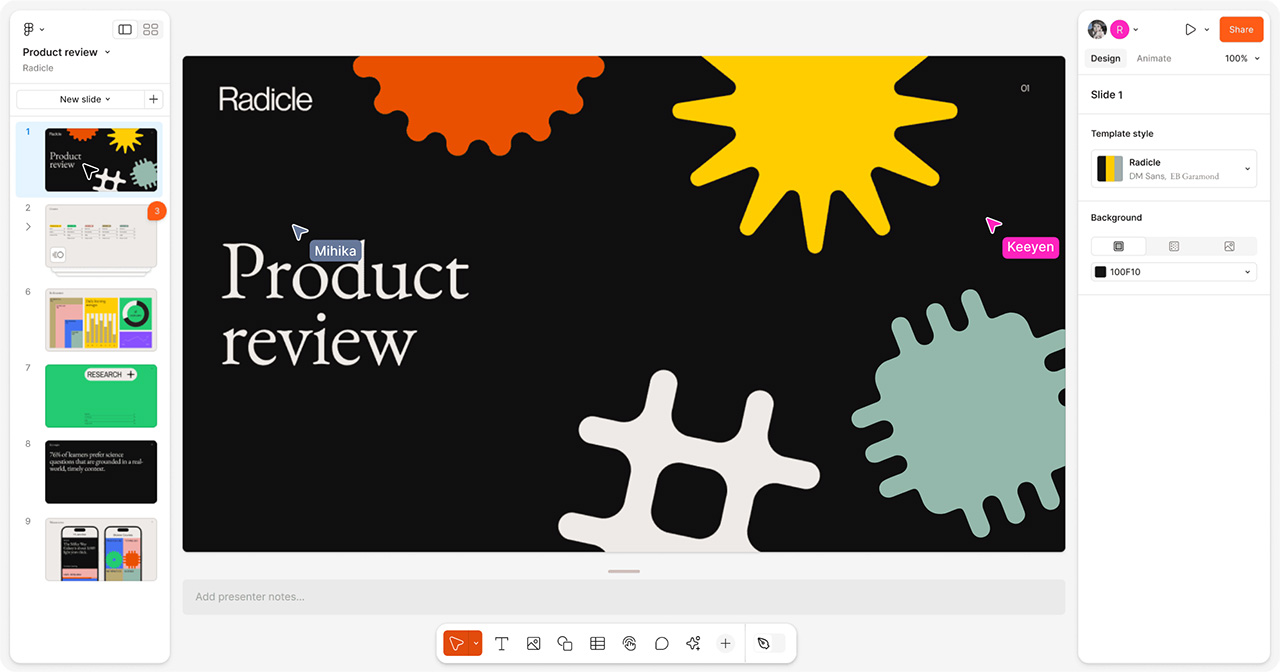
Figma recently launched a new feature called Figma Slides, making it more intuitive to create presentations and integrated into the Figma ecosystem. This allows you to create presentations like a professional. With advanced design features, co-creation tools, and built-in features to engage your audience, creating impressive PPTs is easier than ever. At the same time, Figma Slides supports export to Google Slides.
Key Features of Figma Slides:
Design Integration: Figma Slides is built on the Figma design platform, allowing users to leverage familiar tools directly within their presentations, such as Auto Layout, advanced properties, and shared libraries. This integration makes it easier for designers to maintain consistency and quality across slides.
Interactive Elements: Users can add interactive elements to their presentations, such as real-time prototypes, live polls, alignment guides, and voting. This feature is particularly useful for engaging audiences and making presentations more dynamic. For example, you can embed a real-time prototype to showcase design interactivity directly within slides.
AI-Powered Tools: Figma Slides includes AI-powered writing tools that help users refine text, adjust tone, and quickly generate content. This helps streamline the process of creating professional and polished presentations.
Collaboration Features: Figma Slides supports real-time collaboration, making it easier for teams to co-create narratives and work together on slides. Features such as templates, themes, and grid views facilitate structured and efficient teamwork.
Presenter View: The Presenter View allows users to see their notes and preview the next slide during a presentation. This feature helps presenters deliver content more confidently by minimizing distractions and keeping the content organized.
Detailed Steps for Slides:
Create Canvas and Components:
Before starting the design, it is recommended to create several 1920x1080 canvases and name them as cover page, table of contents page, back cover page, large title page, and content page, etc. These pages can be used repeatedly as templates.
Save frequently used text styles as styles, including font, font size, and color information, to save time in subsequent adjustments.
Design the Pages:
Use Figma's design tools to create the layout of each slide. Figma provides a rich set of design elements and components that can be quickly dragged and dropped.
Leverage the Auto Layout feature to make layouts more flexible and automated, reducing time spent on manual adjustments.
Export as PDF or PPT:
If no further editing or animation is needed, the design can be directly exported as a PDF file.
If you need to export as a PPT file, you can use the Deck plugin from the Figma community. The specific steps are as follows:
Select all the designed slide templates and open the Deck plugin.
Click the Add slides button, and arrange the slide pages through auto-sort or manual method.
Finally, generate and save the file.
Collaboration Features:
Figma supports real-time collaboration for multiple users, allowing team members to simultaneously edit, comment, and provide feedback in the same file, improving work efficiency.
By sharing a link, you can easily invite others to view or edit your presentation.
Notes:
The exported files may sometimes be incompatible with WPS, so it is recommended to open them with Microsoft Office. If WPS must be used, you can first open the file with Office or Keynote and save it as another file to resolve the compatibility issue.
Figma Slides Pricing:
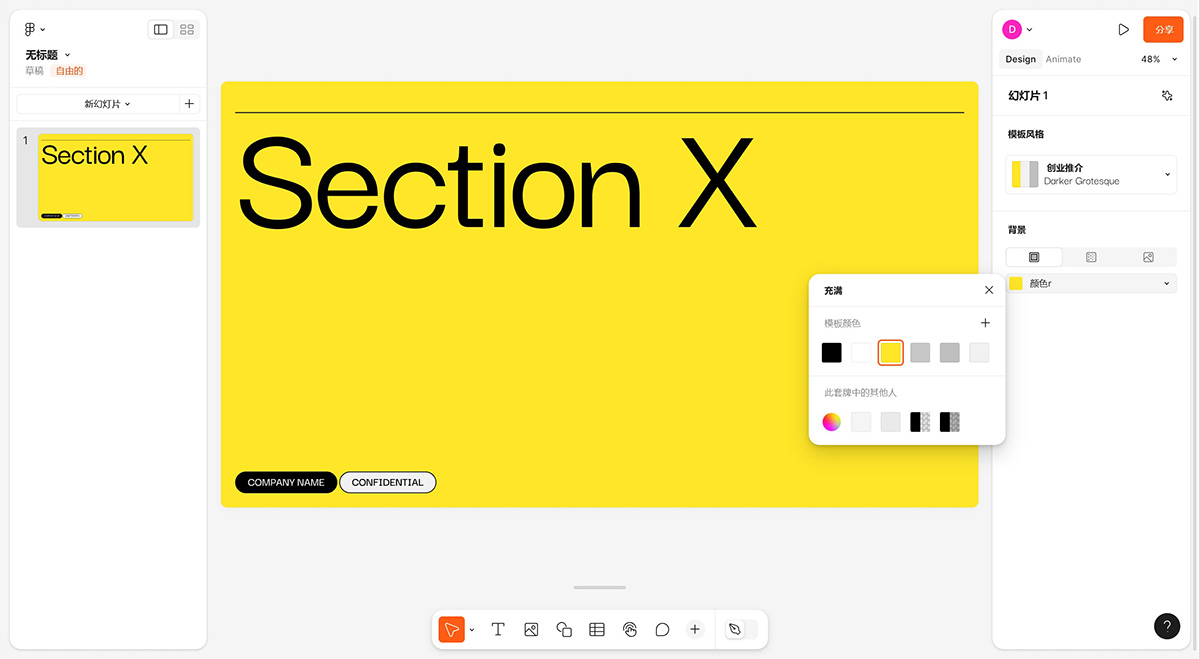
Figma Slides is currently in open beta, which means it is free to use during this period. However, it will transition to a paid feature upon official release. Both free and paid plans are available, starting at $3 and $5 per user per month.
Related News:
Figma Launches New Presentation Creation Tool Figma Slides
Figma Releases a Series of New Features and Updates at Config 2024 Conference















