
 Script Planner Assistant▸
 AI Apps
 AI News

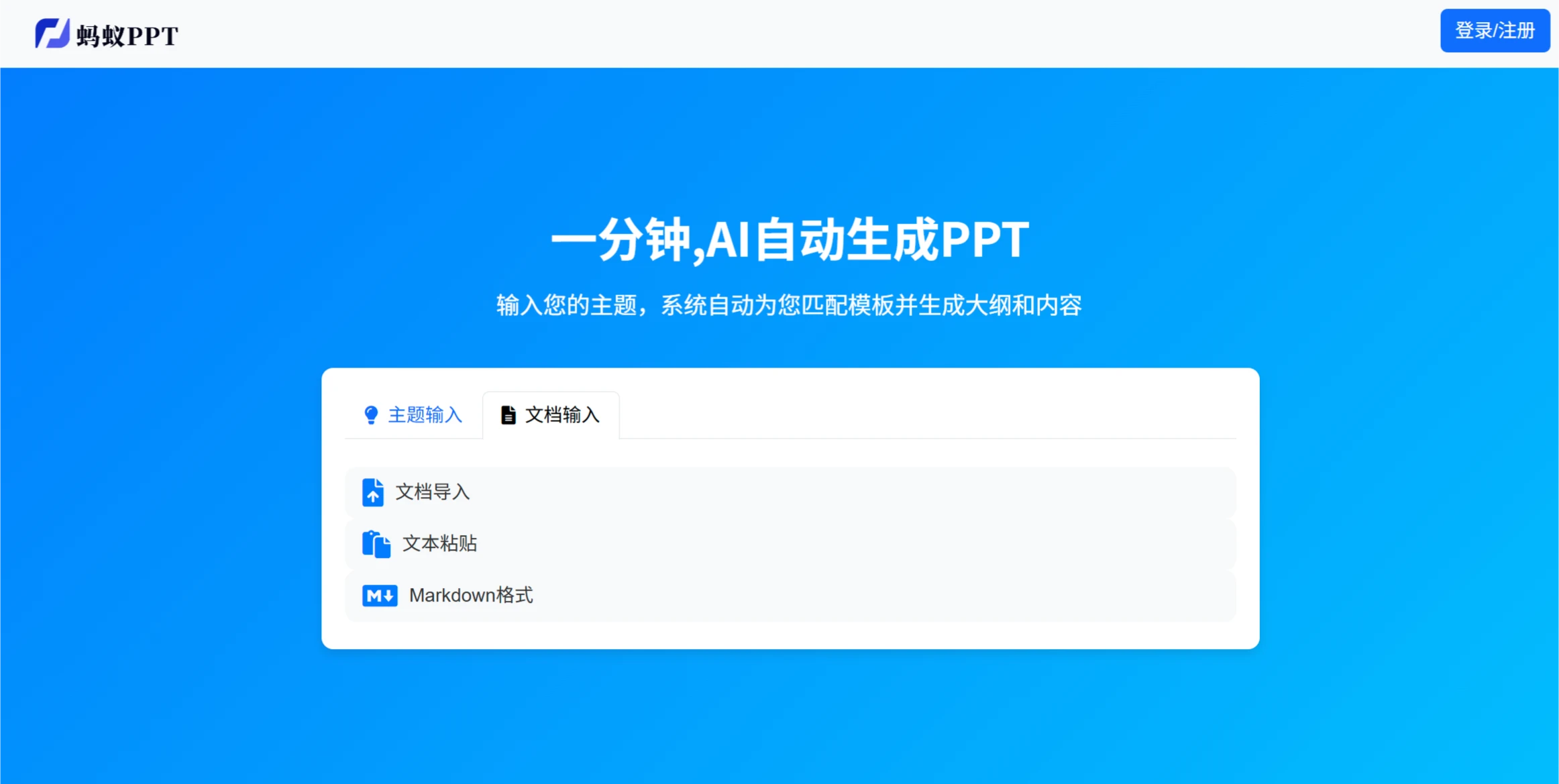
AntPPT: Generate PPTs with AI in One Minute
AntPPT: Generate PPTs with AI in One MinuteIntroduction
蚂蚁ppt is an online PPT generation tool launched by Ningbo Lingda Network Technology Co., Ltd. It uses AI technology to help users quickly create PPTs, saving time and effort.
Features
Multiple Generation Methods
One-Sentence Generation: Enter a single sentence, and 蚂蚁PPT can generate PPT content to quickly complete your presentation.
Text Generation: Provide text, and 蚂蚁PPT will generate a PPT based on the text.
Document Generation: Upload documents in txt, word, pdf, md and other formats, and 蚂蚁PPT will parse the document and generate a presentation.
Markdown Format: Supports Markdown format input.
Automatic Image Matching and Note Generation: 蚂蚁PPT uses AI models to automatically match images and generate notes for your PPT, making lectures and presentations easier.
Massive Template Library: Offers a variety of PPT templates suitable for technology, education, e-commerce, government, and other scenarios to meet different needs.
Multi-Language Support: Supports multiple languages, making it convenient for global users to create multilingual PPTs.
Online Editing and Browsing: Users can edit and browse PPTs online without downloading any software.
Applicable Scenarios
Teacher Course Materials: Helps teachers quickly create course PPTs.
Personal Resume: Generates personalized resume PPTs for job seekers.
Product or Service Introduction: Creates product or service introduction PPTs for businesses.
Product Advantages
Fast and Efficient: Generates professional PPT content within one minute, improving work efficiency.
Rich Templates: Provides a variety of template choices covering multiple industries.
Smart and Attractive: Automatically matches images with clear content structure, enhancing PPT appeal.
Flexible Input: Supports Markdown, plain text, Word documents, and other input methods.
Safe and Reliable: Uses encryption technology to protect user data privacy.
No Installation Required: Pure web-based operation, available anytime, anywhere.
How to Use
Visit the Website: Go to the 蚂蚁PPT official website.
Choose a Generation Method
One-Sentence Generation: Enter a topic or description, select a template (optional), and click "Generate PPT".
Text Generation: Paste or enter text, support Markdown format, select a template (optional), and click "Generate PPT".
Document Generation: Upload a document, select a template (optional), and click "Generate PPT".
Edit and Adjust: After generation, you can edit text, adjust images, change slide order, or replace templates.
Save and Export: Save online or export as PPTX format for download.
Other Features: Supports multiple languages, allows online browsing, and the system automatically matches images.
蚂蚁PPT is a great helper for creating PPTs, suitable for students, teachers, corporate employees, and freelancers, allowing you to easily create satisfying presentations.















