
 Script Planner Assistant▸
 AI Apps
 AI News

Presentory: AI-Powered Video Presentation & PPT Maker
Presentory: AI-Powered Video Presentation & PPT MakerIntroduction
Presentory is an AI-based presentation-making tool. As an innovative and user-friendly video presentation software, it offers a variety of AI features. It allows users to create, livestream, and record stunning virtual presentation videos that capture the audience's attention every time. With its user-friendly interface and powerful features, Wondershare Presentory is highly useful for teachers creating lessons in the classroom or short video clips on platforms like TikTok, Instagram, or YouTube.
Presentory enables teachers and students to create impactful, more engaging educational videos and presentations. The tool includes AI-generated outlines, rich assets, powerful visual and animation effects, and cloud services for storage and sharing. It also offers a wealth of animation effects, text, stickers, and constantly updated template resources, making it a versatile tool for various users in different scenarios.
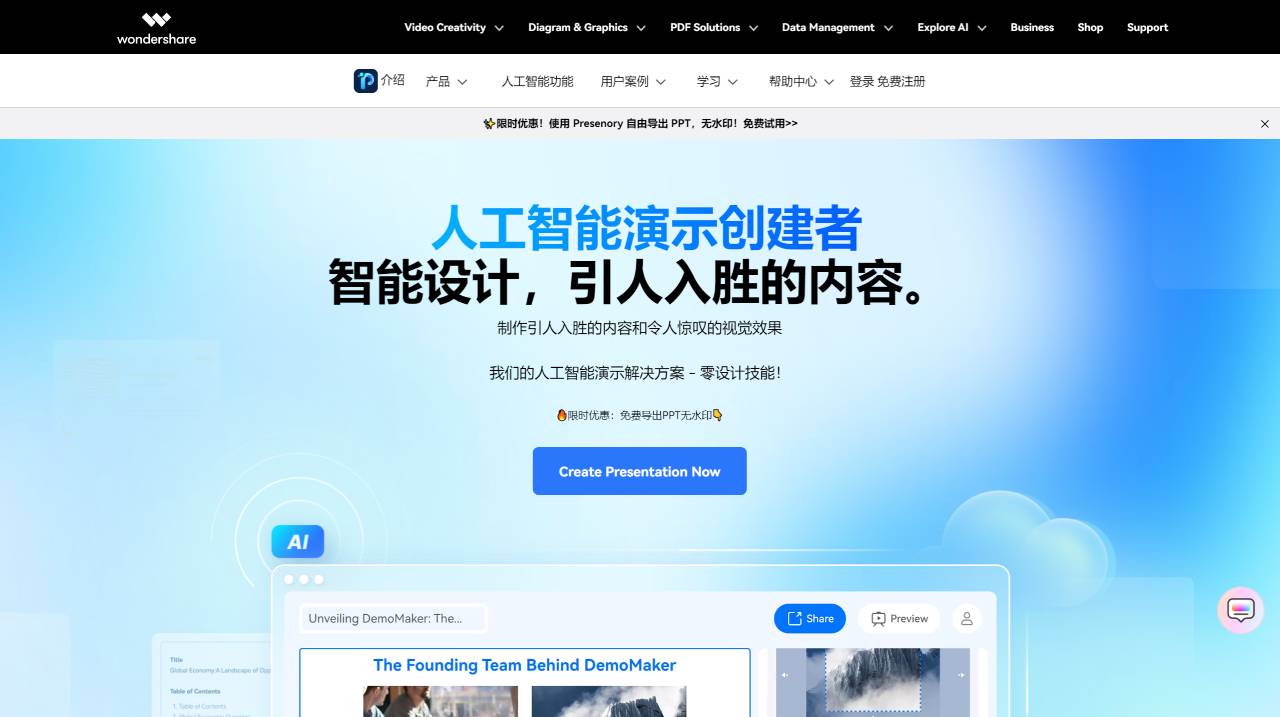
Presentory Features:
AI-Generated Slides: Presentory offers the ability to add a presentation topic to create slides automatically. The tool generates relevant outlines and styles the slides according to the desired theme.
Preset Templates: The tool provides a variety of popular and trending templates, each with unique layouts and color themes, allowing users to select relevant templates for their presentations.
Streaming and Recording: Users can seamlessly start presenting their slides on live streaming platforms with a single click. In addition, Presentory allows users to record presentations with adjusted microphone and camera settings.
Dynamic Animations and Visual Effects: Presentory is capable of creating impactful virtual presentations through dynamic animations, streamlined scene arrangements, and powerful visual and animation effects.
Cloud Services for Storage and Sharing: The tool includes cloud services for storage and sharing, providing users with convenient options for managing and distributing presentations.
One-Click Screen Recording: Presentory offers one-click video and audio screen recording, simplifying the process of capturing presentations for various purposes.
Automatic Screen Image Adjustment: The AI-powered presentation tool automatically identifies portrait or landscape orientation and adjusts the screen image accordingly, enhancing the user experience.
Presentory Applications:
Knowledge Sharing
Educators and experts can leverage the power of AI presentations to create engaging, easy-to-understand, and efficient slides. With access to a rich image library, you can produce matching content and presentations through a simple creation process to enhance learning.
K12 Education
A versatile AI presentation for diverse learning, with various theme styles, responsive layouts, and intelligent AI-generated content. Teachers can easily create visually pleasing styles to create diverse learning experiences. High-quality presentations with AI-powered content enhancement and intelligent image matching.
Corporate Training
Expand your product range with our presenter's presentations. With our AI presentation tool, you can create intelligent, engaging, and effective slides related to your products. Learn about product features and advantages with the perfect AI demos. Share in ppt, PDF, or online slide form to bring your products to life and reach a wider audience!
Product Introduction
Easily share knowledge through AI. Educators and experts can leverage the power of AI presentations to create engaging, easy-to-understand, and efficient slides. With access to a rich image library, you can produce matching content and presentations through a simple creation process to enhance learning.
How to Use Presentory?
1. Enter a Topic and Generate Content
Enter a topic and click "Generate." The AI will begin generating presentation content based on the topic you provide.
2. Choose a PPT Theme
Once the content is generated, click "Continue" to access the PPT theme library, select a theme, and click "Generate" to create the PPT.
3. Adjust Details, Images, and Text
Adjust text, images, and layout through the editing area on the right; the presentation on the left will automatically adjust to match.
4. Leverage AI to Enhance Presentation Quality
When editing text, use AI for grammar and spelling checks or content optimization. When adjusting pictures, you can obtain more relevant images through AI.
5. Generate and Share the PPT
Once adjustments are complete, click "Share" to export the presentation as a PDF or PowerPoint, or share the link directly.
Maximize your presentation impact with our Presentory AI presentation-making tool. Create PowerPoints efficiently, quickly, and precisely with AI.















