
 Script Planner Assistant▸
 AI Apps
 AI News

Augment Code: One-Click Dynamic Visual Reports & Animations
Augment Code: One-Click Dynamic Visual Reports & AnimationsIntroduction
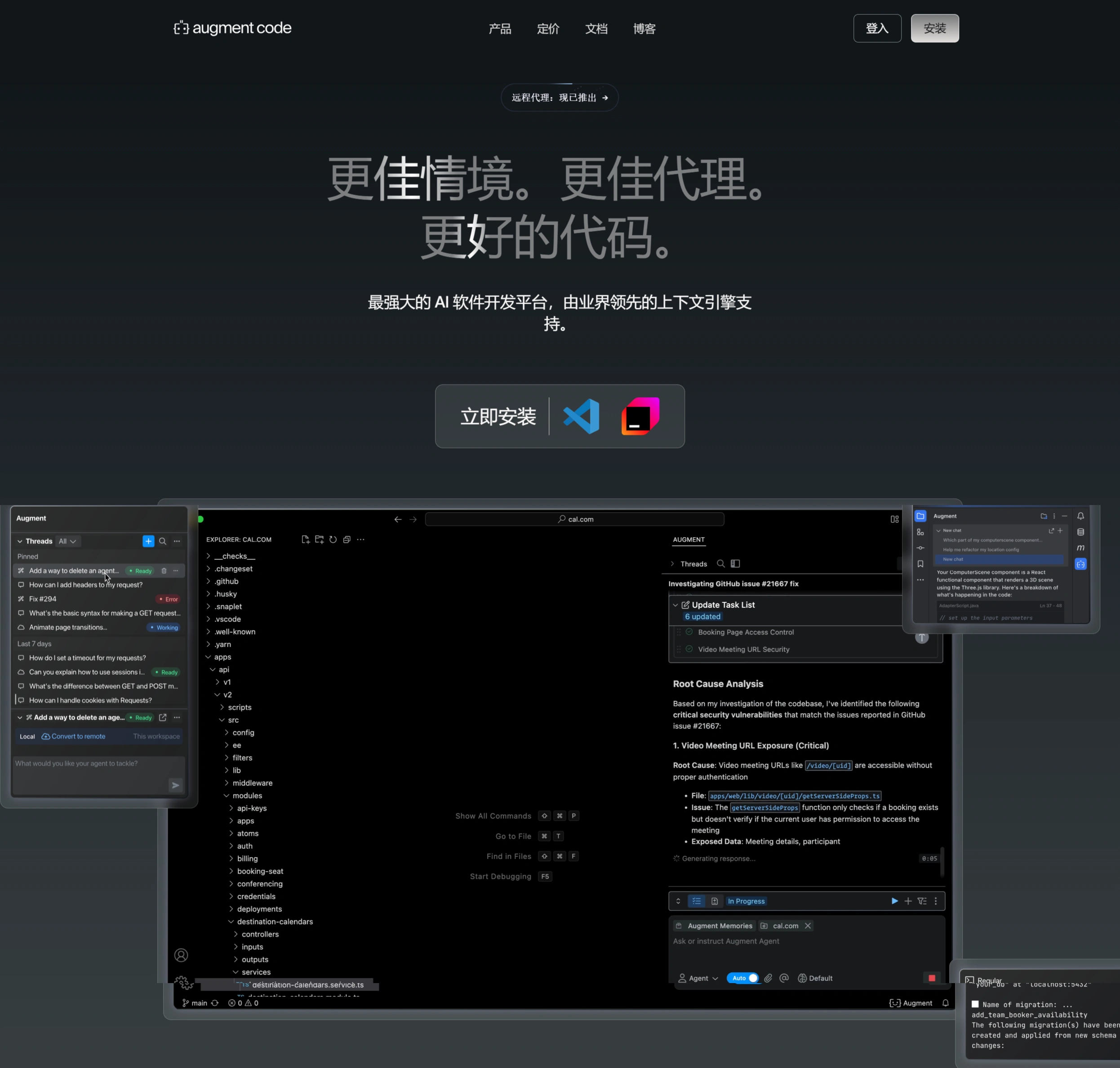
Augment Code is a professional AI-powered coding assistant launched by Augment ai. It can generate dynamic visual reports and high-quality Manim animations with a single click, greatly simplifying the workflow of data analysis and animation production. Users simply need to upload a CSV file, and Augment Code can automatically analyze the data and generate reports containing various charts. It can also transform static reports into dynamic slides with voice interaction, and even create polished Manim animations from simple prompts, making it a great helper in the field of data analysis and visualization.
Core Features
One-click visual report generation: Augment Code can automatically generate dynamic visual reports based on code logic and data flow. For example, it can generate flowcharts in Mermaid format, helping developers clearly understand complex code logic.
Multimodal input support: Supports multiple input methods such as screenshots and Figma files, making it convenient for developers to combine intuitive visual information when generating reports.
Real-time updates and collaboration: After a report is generated, team members can collaborate and sync updates in real time, reducing communication costs.
Animation generation: Augment Code can generate Manim animations in the style of 3Blue1Brown, helping developers better showcase code logic and data processing. Through animation, developers can more intuitively understand the execution process of code and changes in data, making it especially suitable for teaching or technical sharing.
Feature Highlights
Smart application: Apply suggestions from chat to code with one click, improving development efficiency.
Security and privacy assurance: Code is secure and private by default, ensuring user code safety.
Context focus: Prioritize specific files in the code and reference third-party documentation.
Enhanced prompting: Start with simple prompts and expand with codebase details to achieve precise modifications.
Memory and rule customization: Support optimizing the platform experience through custom best practices and preferences.
Use Cases
Complex project development: Suitable for medium and large development teams and full-stack developers, helping them quickly adapt to complex code architectures.
Code review and optimization: Improve code quality and readability through multimodal analysis and intelligent refactoring.
Team collaboration: Supports real-time collaboration among multiple users, reducing merge conflicts and improving team development efficiency.
Pricing
Developer Plan: Suitable for individual developers and small teams, $49 per month. Provides unlimited Agent requests, chat, code completions, instructions, Next Edit, and other features, supports Slack integration, offers email and community support, and ensures data privacy with no use for AI training.
Enterprise Plan: Suitable for large teams and enterprise users, with customized pricing. Provides additional features and support such as private deployment, data isolation, policy compliance checks, supports over 100 seats or isolated environments, and offers analytics dashboards, SSO, OIDC, and SCIM support, annual SOC 2 Type II reports, custom terms and invoicing, and dedicated support.
Community Plan: Free, suitable for individual developers and open-source projects. Comes with limited chats (up to 3,000 messages per month), unlimited code completions, instructions, Next Edit, and other features, supports AI training (data used to improve models), but no commercial SLA or support, no collaboration features or team management, and no security/audit capabilities.
FAQ
How does Augment Code achieve efficient AI coding?
Answer: Augment Code primarily relies on an industry-leading context engine, combined with real-time codebase indexing and autonomous software agents, to understand the codebase and handle tasks end-to-end, thereby achieving efficient AI coding.
Which development environments does the platform support?
Answer: The platform supports development environments such as Visual Studio Code, JetBrains IDEs, Vim, and Neovim, and can be used in multiple commonly used IDEs.
How is user code security and privacy ensured?
Answer: The platform ensures that user code is secure and private by default, with built-in mechanisms that safeguard user code security and privacy, so users don't have to worry about code leakage and other issues.












