
 Script Planner Assistant▸
 AI Apps
 AI News

GridMaker: Easily Split Images into Grid Layouts
GridMaker: Easily Split Images into Grid LayoutsIntroduction
GridMaker is a free online tool specifically designed for social media, especially Instagram. It allows users to split images into a nine-grid layout, which is very popular on Instagram and can attract attention as users scroll. Users don't need to download any software—just open the website, upload your image, choose the split mode, and generate a perfect grid layout with one click. It supports both individual downloads and packaged downloads of all images.

GridMaker Main Features:
Grid Creation: Users can choose different grid sizes and types according to their needs, supporting both imperial and metric units.
Image Splitting: GridMaker allows users to split images into multiple parts, ideal for sharing on social platforms like Instagram. Users can choose various grid formats such as 3×1, 3×2, 3×3 for cropping.
Online Tool: In addition to mobile apps, GridMaker also offers an online version, allowing users to create and download split images without installing additional applications.
Custom Grid Layout: Users can freely choose the number of rows and columns in the grid, customizing the layout to suit different design needs.
Multi-Platform Support: GridMaker is available on multiple platforms, including iOS and Android, making it convenient for users to create anytime, anywhere.
GridMaker Features:
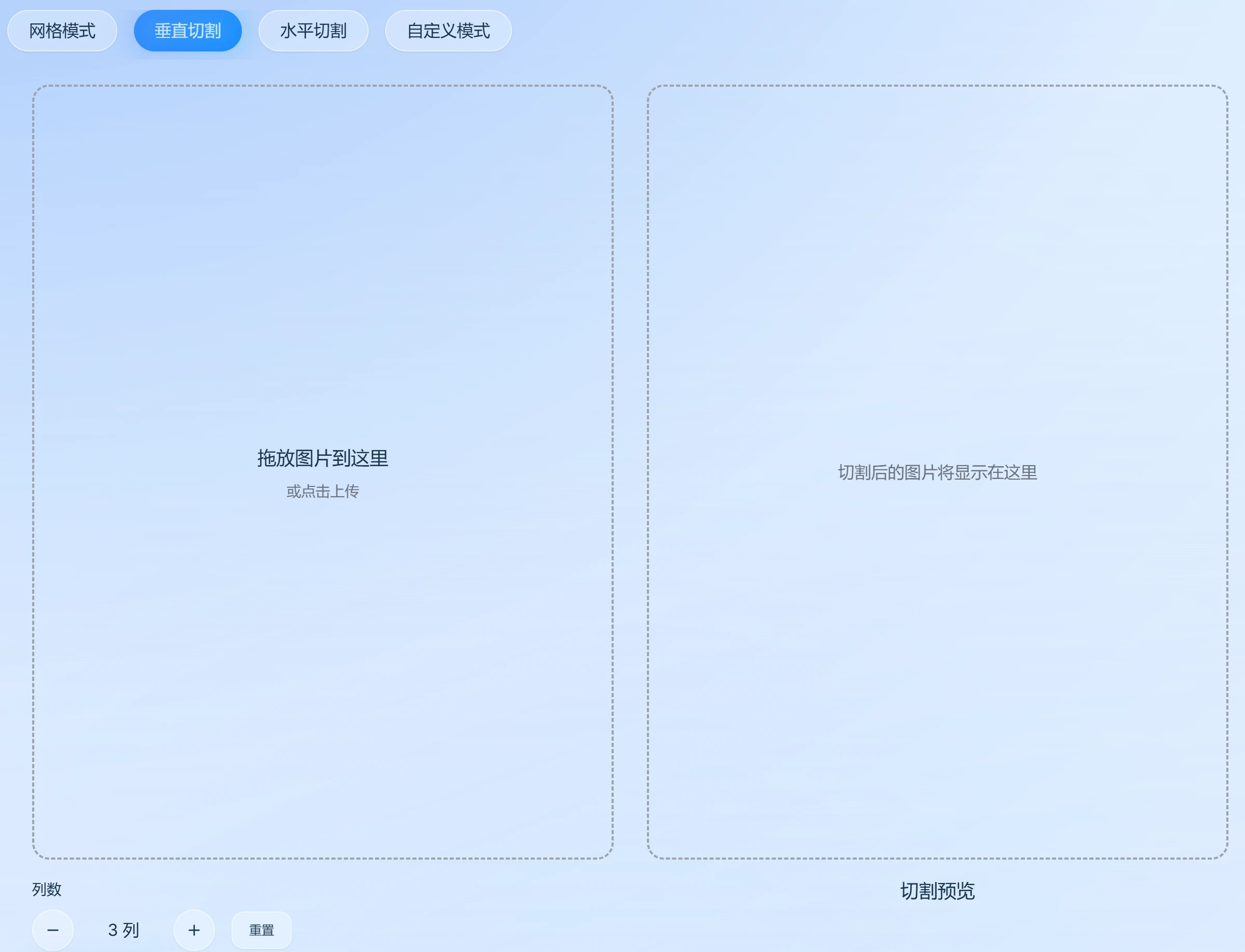
Multiple Split Modes: Supports nine-grid, vertical split, horizontal split, and custom grids to meet the needs of different scenarios.
Batch Export: Supports single image download and one-click packaged download of all split images, with PNG format saving supported.
No App Download Required: A fully online image splitting tool that works on both computer and mobile browsers, easy to use anytime, anywhere.
Local Processing: All image processing is done locally, with no need to upload to a server, protecting your privacy and security.
GridMaker Use Cases:
Artistic Creation: Artists can use GridMaker to draw grids over reference images to help them reproduce details more accurately.
Social Media: Users can create eye-catching Instagram grids.
Educational Use: Teachers and students can use the grid tool for math and science instruction.
How to Use GridMaker:
1. Choose a Split Mode: Select the appropriate split mode on the website, including grid split, vertical split, horizontal split, or custom mode split.
2. Upload Image: Click the "Select Image" button to upload the image you want to split. Multiple image formats are supported.
3. Set Split Parameters:
Grid Size: Set the number of rows and columns for the grid as needed.
Split Direction: Choose vertical, horizontal, or custom split direction.
Custom Mode: If you choose custom mode, you can set specific split parameters.
4. Preview the Split Effect: After setting up, click the "Preview" button to view the split effect. Make sure the split result meets your expectations.
5. Download the Split Images: If you are satisfied with the preview, click the "Download" button to package and download the split images. The downloaded images are watermark-free and convenient to use.












