
 Script Planner Assistant▸
 AI Apps
 AI News

Mirage Studio: AI Video Generation Tool Powered by a Proprietary Omnimodal Foundation Model
Mirage Studio: AI Video Generation Tool Powered by a Proprietary Omnimodal Foundation ModelIntroduction
What is Mirage Studio?
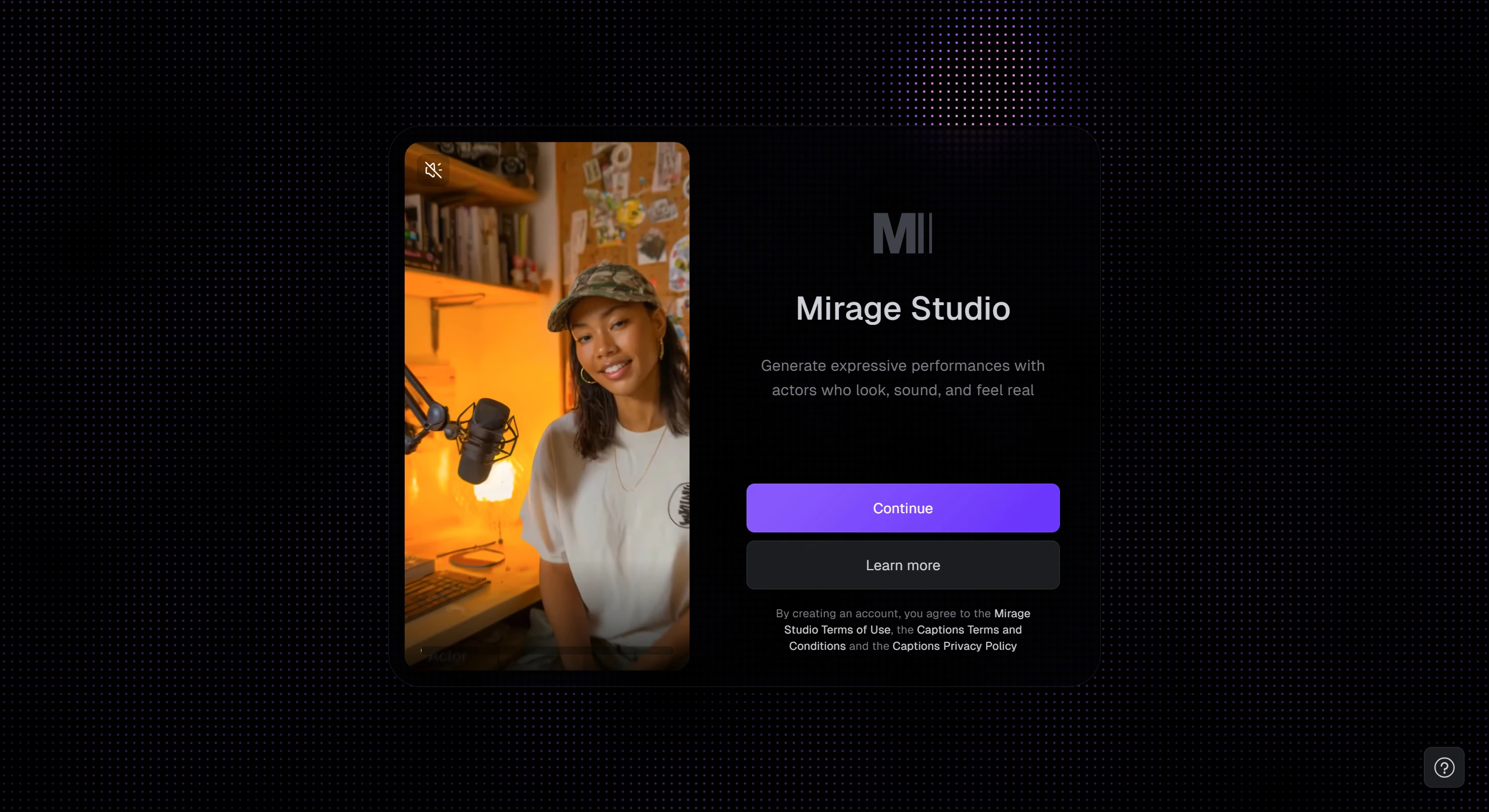
Mirage Studio, launched by Captions, is an AI video generation tool based on its proprietary full-modality foundation model. It can quickly generate virtual character videos with realistic emotions and actions from inputs such as audio, text, and images.
Mirage Studio offers custom virtual actors, image-to-actor conversion, nuanced emotional expression, and lifelike skin texture, and supports full video generation up to 30 seconds. It can be applied to scenarios such as advertising, short dramas, and social media content.
Core Features of Mirage Studio
Custom Virtual Actors: Users can design the appearance and style of virtual characters on their own, without needing real people to appear on camera. The character's look stays consistent across multiple shots and scenes, making it ideal for brands building exclusive characters.
Image-to-Actor: Simply upload a photo of a person, and a virtual actor that looks just like the photo will be generated. This actor can move and deliver lines, quickly and affordably recreating the look of real people.
Rich Emotions and Actions: Virtual actors can perform nuanced facial expressions such as frowning, smiling, and being surprised, and can also sing, rap, and interact with people, making the audience feel more immersed.
High Visual Quality: The generated characters have excellent skin texture and lighting effects, looking far less artificial than traditional CG characters and much closer to real people.
Fast Generation: After inputting materials, a complete video clip can be generated in 30 seconds, with no post-editing required. It is especially suitable for ads, short dramas, and social media content.
Use Cases of Mirage Studio
Content Creation: For example, produce music videos without hiring real actors; turn audio podcasts into video podcasts; create viral short videos on platforms like TikTok and Reels.
Marketing and Advertising: Generate advertising content with consistent style, quickly test and iterate social media ad creatives; use virtual actors to convey complex emotions, such as product demos and humorous sketches.
Creative and Film/TV: Visualize stories or ideas, customize characters and reuse them across multiple scenes; recreate classic film and TV clips with AI, such as The Wolf of Wall Street.
How to Use Mirage Studio
Input Content: Upload an audio file or text script.
Customize Settings: Choose the AI actor's appearance, voice, background style, and more.
One-Click Generation: The system will automatically generate a complete video, which you can download or publish directly.
Frequently Asked Questions about Mirage Studio
Q: What is the core technology behind Mirage Studio?
A: It is a full-modality foundation model developed in-house by Captions, capable of generating content from multiple types of input such as audio, text, and images.
Q: How can users quickly create virtual actors?
A: Users can directly design the appearance and style of a virtual character on their own, or upload a photo of a person. The system will automatically generate a virtual actor that matches the photo, and this actor can move and deliver lines.
Q: How efficient is Mirage Studio's video generation, and what scenarios is it suited for?
A: A complete video clip can be generated in 30 seconds. It is especially suited for ad production, short dramas, social media content (such as TikTok and Reels), turning podcasts into video, music videos, and other scenarios—especially when you need to iterate on creatives quickly or want to reduce the cost of filming with real people.











