
 Script Planner Assistant▸
 AI Apps
 AI News

Onlook: A Cursor for Designers — Visual Website Editing with Real-Time Code Sync
Onlook: A Cursor for Designers — Visual Website Editing with Real-Time Code SyncIntroduction
What is Onlook?
Onlook is a tool for designers—designers' Cursor—that supports visual editing of React websites and writes changes back into the code in real time. Its features include building websites, adjusting styles such as layout, colors, and text (e.g., auto-layout, fonts, margins, etc.), managing layers and style variables (colors/text styles). It supports importing existing projects or creating new React apps, emphasizing that code ownership belongs to the user, local operation for security, compatibility with existing build workflows, and being open source.
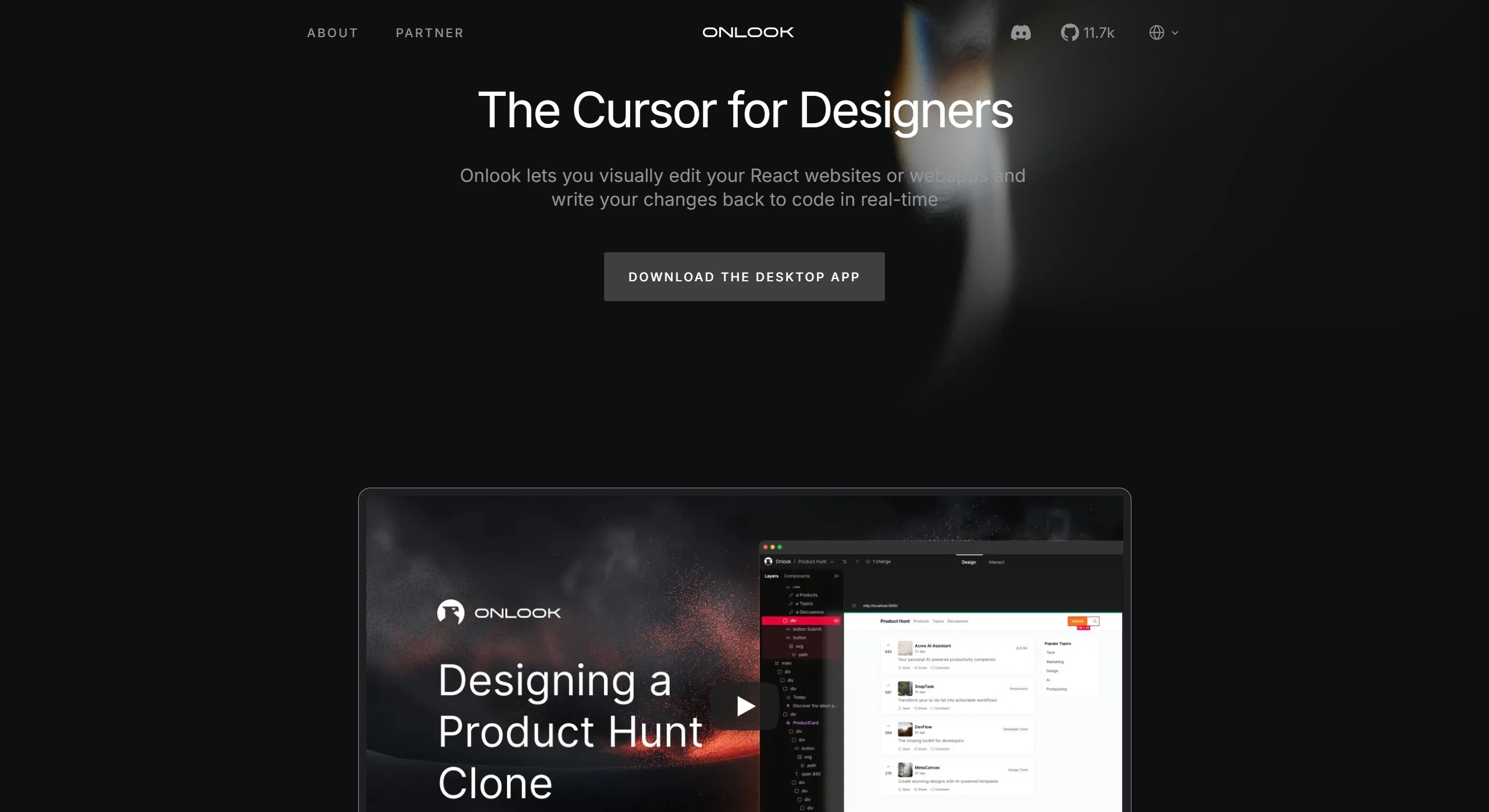
Onlook Core Features
Visual Editing: Designers can visually edit React and TailwindCSS projects in the browser, with changes reflected in the code in real time.
Assisted Design: Helps users build, design, and iterate on ideas, making front-end design more interactive.
Real-Time Sync: Design changes are synced to the code in real time, with no manual adjustments required.
Local Editing: All operations are performed on the local machine, ensuring code security and privacy.
Workflow Compatibility: No new components or migrations needed; seamlessly integrates with existing development workflows.
Onlook Use Cases
Rapid Prototyping: Design and test interfaces in a React environment, quickly creating UI prototypes.
Collaboration: Designers edit in the browser, while developers obtain the code and integrate it into the project.
Maintaining Design Systems: Teams use Onlook to update and maintain their design systems.
How to Use Onlook
Download the App: Visit the official website or download the desktop app, with support for Apple Silicon and Windows.
Import or Create a Project: Import an existing React project or start a new one with Onlook.
Adjust the Design: Adjust layout, colors, typography, and more in the visual interface, with changes reflected in the code in real time.
Save and Version Control: Version control is supported, allowing users to roll back at any time and maintain code versions.
Frequently Asked Questions
Q: What is the core difference between Onlook and traditional design tools (like Figma)?
Onlook is not just a design tool—it can also transform visual modifications into runnable React code in real time, directly bridging into the development workflow, whereas traditional tools require manual handoff and coding. Its features can also help generate interaction logic, reducing the amount of manual coding.
Q: Does the user have full control over the generated code?
Yes. Onlook emphasizes that code ownership belongs to the user, supporting local operation and version control (such as Git rollback), and the platform never deploys code to production—users have complete independent management of their code.
Q: How compatible is Onlook with existing projects? Is migration of components required?
Onlook can directly import existing React projects (including those using Tailwind styles), with no need to add new components or modify the build process. It is compatible with native development environments, reducing the learning and migration costs.
Open Source Project:https://github.com/onlook-dev/onlook












