Script Planner Assistant▸
 AI Apps
 AI News

Cursor AI: AI-Powered Code Generation Tool for Faster Programming
Cursor AI: AI-Powered Code Generation Tool for Faster ProgrammingIntroduction
Cursor ai is an intelligent code editor that leverages advanced AI models to help developers write, edit, and understand code. It offers intelligent pair programming, contextual understanding, and powerful autocompletion capabilities, greatly enhancing programming efficiency. It supports multiple programming languages such as Python, Java, C#, and JavaScript, allowing users to communicate with the AI in natural language. It can understand developer instructions, intelligently generate code snippets, provide real-time syntax checking, and offer fix suggestions when code errors occur.
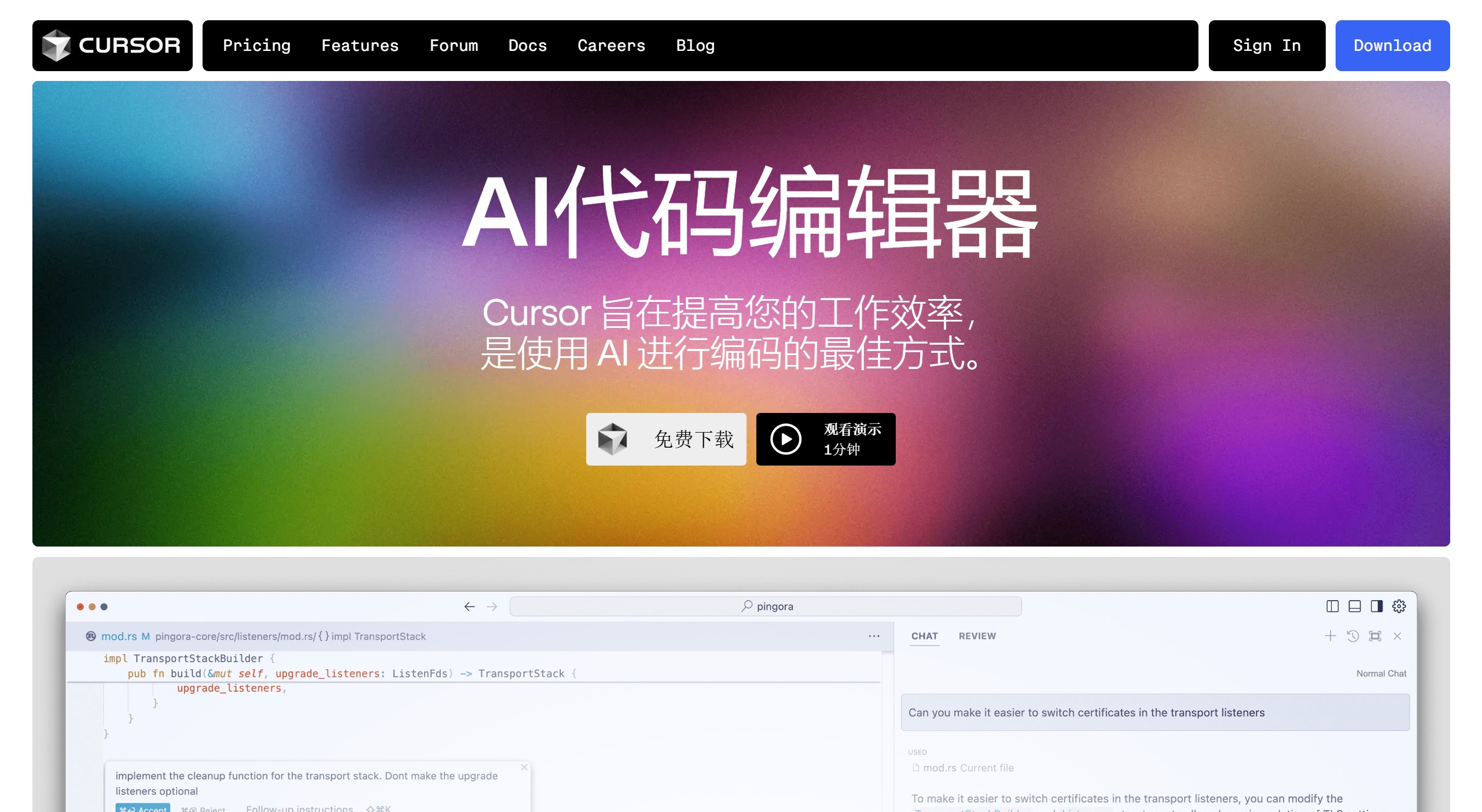
Key Features and Functions of Cursor AI:
Artificial Intelligence-Powered Code Completion: Cursor's intelligent code completion goes beyond simple line suggestions. It can suggest complex multi-line code structures and refactor existing code, making it a powerful tool for both beginners and experienced developers.
AI Assistant for Coding Queries: Cursor includes a chat feature that allows developers to ask questions about their codebase, algorithms, and best practices. This feature can handle complex queries and provide detailed responses, significantly speeding up the problem-solving process.
AI-Driven Code Editing and Generation: By using natural language instructions, developers can describe desired code changes or generate new code. Cursor intelligently interprets these instructions and implements the changes, making it easier to enhance or refactor existing code.
Codebase Understanding: Cursor has the ability to analyze and understand the entire project structure. This enables it to provide valuable insights and suggestions based on the overall context of the codebase, facilitating in-depth queries about project architecture and potential optimizations.
Integration with Visual Studio Code (VS Code): Cursor is built on top of VS Code, providing users with a familiar interface. It allows seamless integration with existing VS Code extensions, themes, and settings, enabling VS Code users to transition to Cursor smoothly.
Flexibility in AI Model Selection: Developers can choose from various built-in AI models (such as GPT-4 and Claude 3.5) or integrate their own API keys to access other models. This flexibility allows for customization based on specific project needs or preferences.
Remote Server Compatibility: Cursor supports integration with remote server environments via SSH, maintaining uninterrupted access to its AI-powered features even when working on remotely hosted codebases.
How to Use Cursor AI
Users can download the version suitable for their operating system from Cursor's official website and perform a simple installation and setup. After installation, enter programming instructions or code snippets in the editor, such as "generate a Java file," and Cursor will automatically complete code generation or provide intelligent suggestions and feedback.
Advantages and Disadvantages of Cursor AI
Advantages: Multi-language support, intelligent contextual awareness, personalized configuration, integrated development environment, real-time feedback, collaboration features.
Disadvantages: Learning curve for new users, dependence on network connection, privacy concerns, cost issues, technical limitations, relatively insufficient community support.
The biggest highlight of Cursor AI is that it uses GPT-4 to assist you in programming, completing AI-powered intelligent code generation, bug fixing, test generation, and more. For example:
Coding: Generate 10–100 lines of code using AI that is smarter than Copilot
Diff Checking: Ask AI to edit code blocks and view only the suggested changes
Based on ChatGPT Style: A ChatGPT-style interface that can understand your current file
Others: Ask to fix lint errors, generate tests/comments on hover, etc.
Cursor AI Pricing
Cursor AI offers a basic free plan and a paid professional plan.
The free plan includes 200 GPT-3.5 uses per month and 2,000 Copilot++ completions.
The professional plan ($20/month) offers more GPT-4 uses and unlimited Copilot++ completions.
In addition, there are business plans for enterprises that provide additional data retention policies and other services.

Cursor AI is suitable for professional developers, programming beginners, data scientists, product managers, designers, project managers, IT support staff, and students. For experienced programmers, Cursor can speed up workflows, assist in solving complex problems, and even help explore new coding patterns. For beginners, it acts as an intelligent tutor, providing explanations and suggestions, and helping discover and explain errors.
Related News:
14 AI Programming Assistants Recommendations, Capable of Intelligently Writing and Generating Code!