Script Planner Assistant▸
 AI Apps
 AI News

SnapDrop: Cross-Platform File Sharing via Browser
SnapDrop: Cross-Platform File Sharing via BrowserIntroduction
What is SnapDrop?
SnapDrop is a cross-platform file transfer tool that enables peer-to-peer transfer of files, images, documents, or text between devices within the same local area network via a browser. It features cross-platform compatibility, requires no installation, and works instantly through the web. It also supports internet file transfer through temporary public rooms, making it suitable for scenarios such as phone-to-computer transfers and cross-system sharing of original photos.
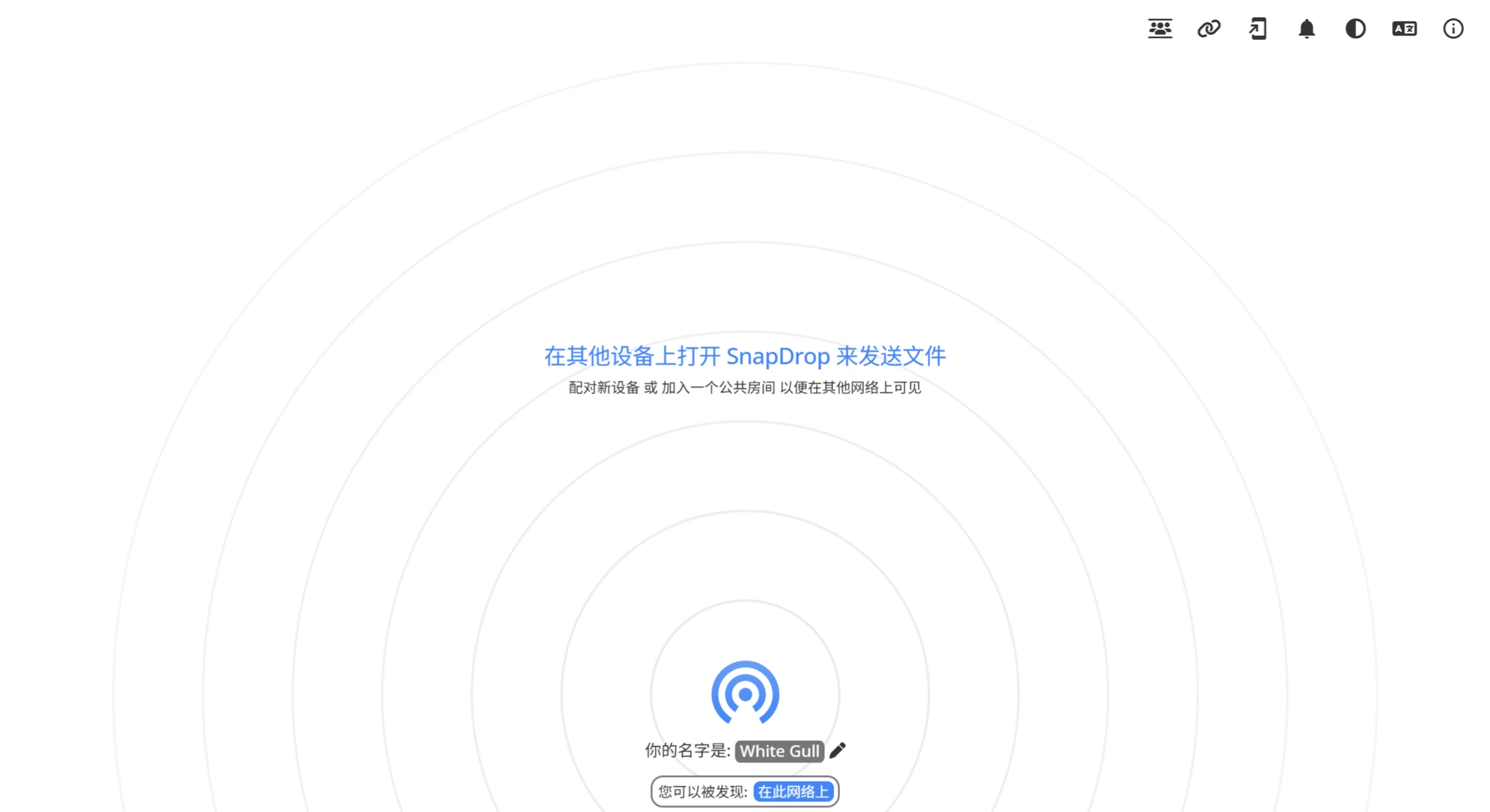
SnapDrop Core Features
No Installation & No Registration: Use it directly by visiting the website—no app download or account creation required.
Cross-Platform Support: Compatible with all major devices, including Windows, macOS, Linux, iOS, and Android.
Local Network Transfer (P2P): Files are transferred directly between devices without going through a server, ensuring fast speeds and privacy. Suitable for home, office, school, and other LAN environments.
Supports Multiple File Types: Transfer images, documents, text, videos, compressed archives, and any other file types.
Auto-Accept Files (Optional): Enable the "Auto-Accept" feature to allow files from specific devices to be transferred directly without manual confirmation.
Multilingual Interface: Supports Arabic, Chinese, English, Spanish, French, German, Japanese, Korean, and many other languages.
No Internet Required: Operates entirely over the local network, so it works even without internet access (e.g., company intranet, home Wi-Fi).
SnapDrop Usage Tutorial
Visit the Website: Enter snap-drop.net in your device's browser.
Connect to the Same Network: Make sure all devices (sender and receiver) are connected to the same Wi-Fi or LAN.
Transfer Files:
Select the file on the sending device and drag it into the web interface.
A file request will appear on the receiving device. Click to accept.
(Optional) Auto-Accept: Once enabled, files from trusted devices will be received automatically without manual confirmation.
SnapDrop Use Cases
Quick File Sharing: Faster than WeChat, QQ, or email—especially for large files.
Enterprise/School Intranet Transfer: No reliance on external servers, improving security.
No-Network Environments: Suitable for scenarios like outdoor camping or temporary offices.
Privacy Protection: Files do not pass through third-party servers, making it ideal for sensitive data transfer.
Frequently Asked Questions
Q: Does SnapDrop require download and installation?
A: No. It is a web-based tool—simply open snap-drop.net in your device's browser to use it, with no installation required.
Q: Which devices and systems does SnapDrop support?
A: It supports all devices equipped with a modern browser, including Windows/macOS/Linux computers, as well as Android/iOS smartphones and tablets, offering full cross-platform compatibility.
Q: Besides LAN transfer, does SnapDrop support file transfer over the internet?
A: Yes. Through the "Temporary Public Room" feature, users can create or join a room to transfer files across networks without needing to be on the same LAN.
SnapDrop Usage Notes
Must Be on the Same Network: If devices are not on the same Wi-Fi or LAN, the tool cannot be used.
No Cross-Internet Transfer: Only works on local networks (LAN).
Some Routers May Restrict P2P: A few rare network environments may affect transfer performance.