
 Script Planner Assistant▸
 AI Apps
 AI News

ScribeHow: Auto-Generate Visual How-To Guides from User Actions
ScribeHow: Auto-Generate Visual How-To Guides from User ActionsIntroduction
What is ScribeHow?
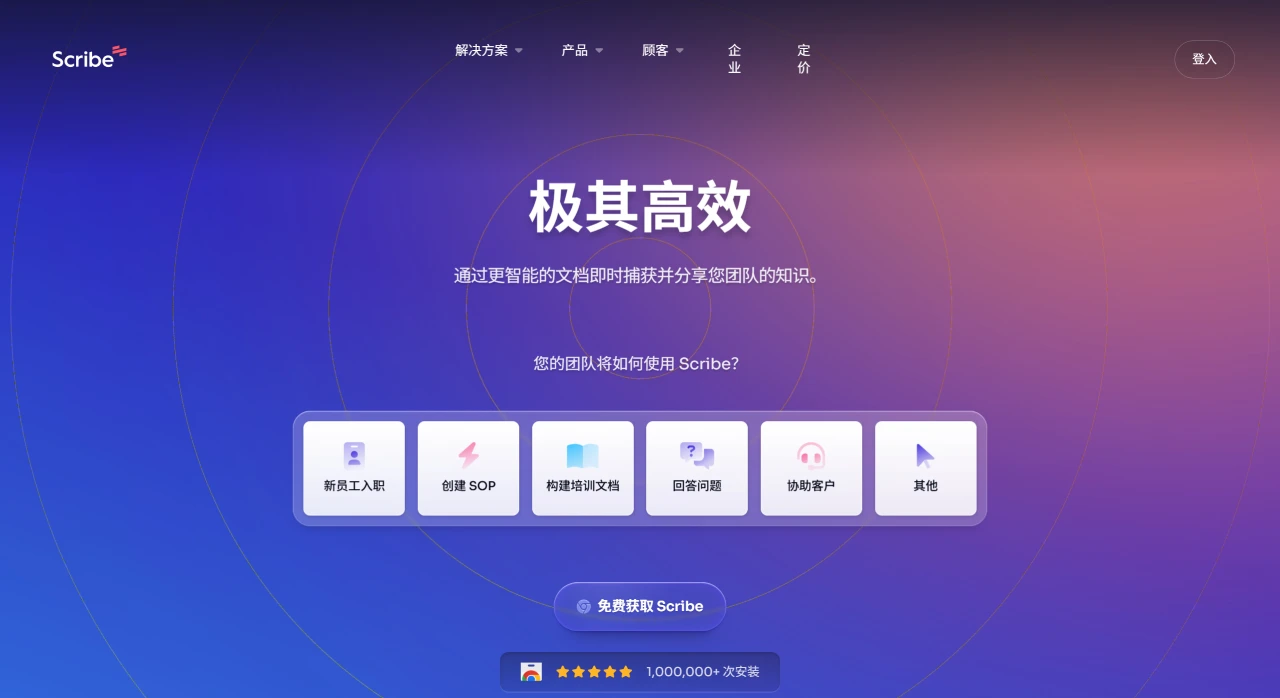
ScribeHow is a tool that can automatically convert user operation processes into visual how-to guides. It works via a Chrome extension that captures web and desktop workflows, generating guides with screenshots and instructions. It supports custom content (such as adding text, editing screenshots, and adding brand logos) and one-click sharing (via links, PDF, or embedding into knowledge bases). Its core features include automatic step-by-step instructions, AI-generated process documentation, and automatic masking of sensitive data. It can help teams speed up documentation by 15x, improve question resolution efficiency by 67%, and boost productivity by 25%. It is already used by companies such as Netflix, Google, and Microsoft, with user feedback indicating it saves a significant amount of time and is easy to use.
ScribeHow Features
Automatic Guide Generation: While a user performs a task, ScribeHow records screen activity in real time and automatically generates visual guides with detailed instructions and screenshots, with no need to manually write documentation.
Easy to Customize: The generated guides can be edited to add annotations, highlight steps, or reorder them to meet the needs of different audiences.
Browser Extension: ScribeHow's Chrome extension is easy to use—simply click a button to start recording, making it convenient for users to capture operations at any time.
Collaboration Tools: Guides can be shared as links, exported as PDFs, or embedded into other tools, facilitating sharing and collaboration among team members.
Privacy and Security: Users can control what is captured, hiding or excluding sensitive information to ensure the guides are safe and professional.
AI Assistance: ScribeHow comes with an AI assistant that can generate detailed SOPs, help center articles, user guides, and other process documentation based on user prompts, as well as optimize grammar, tone, and spelling in existing documents.
ScribeHow Use Cases
Employee Onboarding: Provide new employees with step-by-step guides for completing basic tasks, speeding up the onboarding process.
Training and Development: Generate detailed guides to train employees on new software, tools, or workflows.
IT and Technical Support: Document troubleshooting steps or software configurations to help IT teams and end users.
Customer Support: Provide clear instructions for frequently asked questions, helping to quickly resolve customer inquiries.
Knowledge Base Creation: Build an organization's knowledge base, making it easy for employees to access the information they need.
Advantages
Save Time and Effort: Automated document generation eliminates the tedious process of manually taking screenshots and writing instructions.
Improve Clarity: Ensure guides are easy to understand, reducing confusion and errors in training and communication.
Enhance Team Collaboration: Team members can instantly share and access guides, keeping everyone in sync no matter where they are.
Highly Versatile: Suitable for a wide range of industries and departments, whether onboarding new employees, documenting IT processes, or creating customer support documentation.
ScribeHow Pricing
Free Plan: Limited number of recordings per month, with basic editing tools and shareable links.
Pro Plan: Unlimited recordings, with advanced editing and customization features, PDF export, and priority support.
Enterprise Plan: Customizable based on organizational needs, with team collaboration features and third-party tool integrations.
How to Use ScribeHow
Install the Browser Extension: Download the ScribeHow Chrome extension and add it to your browser.
Start Recording: Click the ScribeHow icon to begin recording your screen, then perform the task you want to capture.
Edit the Guide: After recording, review and edit the guide, adding titles, descriptions, and annotations to improve clarity.
Share the Guide: Share the guide via a link, export it as a PDF, or embed it into tools such as Slack or Google Drive for seamless collaboration.















