
 Script Planner Assistant▸
 AI Apps
 AI News

Stagewise: A Browser Extension for Front-End Developers
Stagewise: A Browser Extension for Front-End DevelopersIntroduction
What is Stagewise?
Stagewise is a browser plugin designed for front-end developers that connects web page UI elements with the AI code editor in real time. Developers can select any UI element directly on the web page, and the plugin automatically generates context information including a screenshot of the element, the DOM path, and metadata (such as className, style, component name, etc.), which can be sent with one click to Cursor, Windsurf, and other AI programming assistants, enabling precise code modifications and style adjustments.
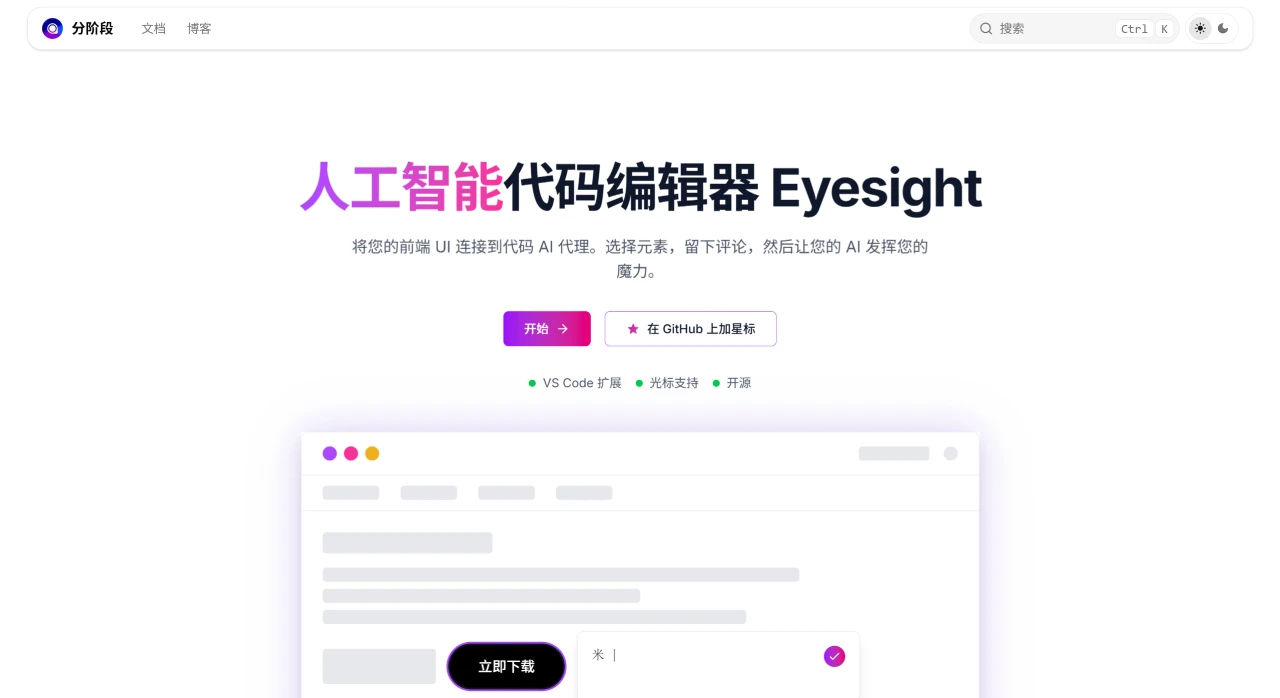
Core Features of Stagewise
Smart Element Capture and Context Delivery: Supports one-click selection of UI elements on a web page, and automatically generates element screenshots, DOM paths, and metadata, providing accurate context information for the AI agent. For example, after selecting a button, the AI assistant can directly locate the corresponding React/Vue component and generate modification suggestions based on the screenshot and DOM structure.
Multi-Framework Support and Seamless Integration: Compatible with mainstream front-end frameworks, such as React, Next.js, Vue, Nuxt.js, SvelteKit, etc. It can also automatically connect to VS Code and Cursor without manually configuring the development environment.
Dynamic Debugging and Collaboration Optimization: In debugging scenarios, style misalignment issues can be quickly located, such as margin anomalies or layout shifts. In collaboration scenarios, designers or team members can directly annotate problem elements on the web page, and the AI generates modification code based on the annotations, reducing communication overhead.
No Production Environment Impact: Only takes effect in development mode, and does not affect the bundle size and performance of the production environment.
Stagewise Usage Guide
Install the Plugin: Search for "stagewise" in the Cursor plugin marketplace or VS Code extension store and install it. The system will automatically deploy a local MCP server. Alternatively, use the shortcut keys (Mac: Cmd+Shift+P / Windows: Ctrl+Shift+P) to bring up the command palette and execute setupToolbar to inject the browser toolbar.
Element Selection and AI Interaction: Select the target element in the browser, and Stagewise will generate a screenshot + DOM structure + metadata, which is sent to Cursor through the toolbar. The AI assistant generates code modification suggestions based on the context, and the user can apply them directly or make adjustments.
Advanced Configuration: Supports customizing plugin extension functions, such as adding metadata parsing rules for specific frameworks.
Applicable Scenarios for Stagewise
UI Fine-Tuning: No need to manually tell the AI the class name; just select the element directly to adjust the style.
Low-Code Development: In scenarios mixing UI and logic, quickly modify component behavior.
Multi-Device Synchronization: When adapting responsive layouts for different devices, batch adjust element attributes.
Stagewise Technical Architecture
Real-Time Communication: Based on WebSocket or similar protocols, ensuring low-latency data transmission.
Plugin-Based Design: Allows developers to extend functionality, such as integrating custom AI models or third-party tools.
Framework-Agnostic: Dynamically parses the DOM structure to adapt to component hierarchies across different tech stacks.
Open Source Address
https://github.com/stagewise-io/stagewise












