Script Planner Assistant▸
 AI Apps
 AI News

TeraBox: Cloud Storage Service with AI Content Generation Tools
TeraBox: Cloud Storage Service with AI Content Generation ToolsIntroduction
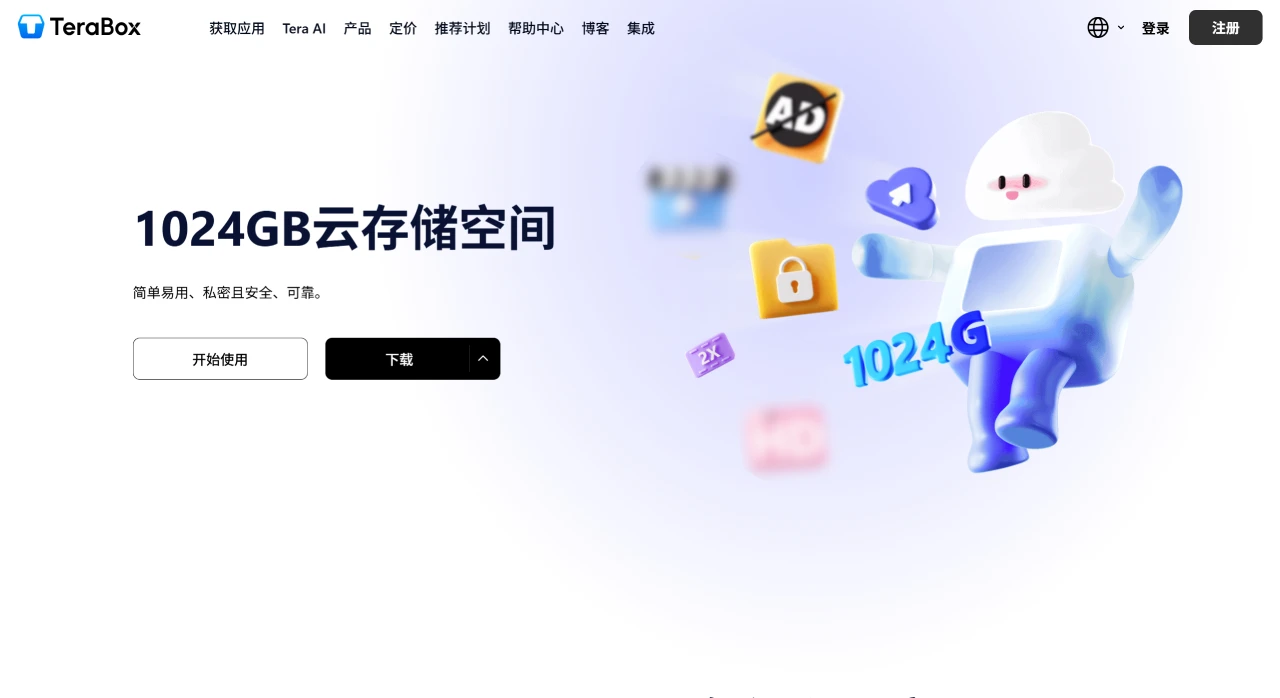
TeraBox is a cloud storage service that provides up to 1TB of free cloud storage and online file transfer features. It also integrates with AI content generation tools, covering AI PPT creation, AI paper writing, and intelligent rewriting capabilities.
TeraBox Features
Large-capacity free storage: Provides users with 1TB of permanent free cloud storage space, capable of storing approximately 3 million+ photos, 2,500+ video files, or 6.5 million pages of documents.
Automatic backup: Supports automatic backup of photos and videos on your phone.
File preview and playback: Allows online preview of photos and playback of videos within the app, though the maximum video playback resolution on the free version is 480p.
File management: Users can create folders and subfolders to organize files. The app also categorizes files into Music, Documents, Photos, and Videos for quick access.
Security features: Offers a private vault function, with free users able to add 200MB of files and paid users able to add 2TB; supports password-protected shared files and allows setting access time limits on shared links.
File transfer: Supports uploading and transferring large files. The free version has a single-file upload limit of 4GB, while the paid version has no such limit.
Multi-device sync: Users can access content stored in the cloud from any device.
Search function: Search documents by file name and keywords.
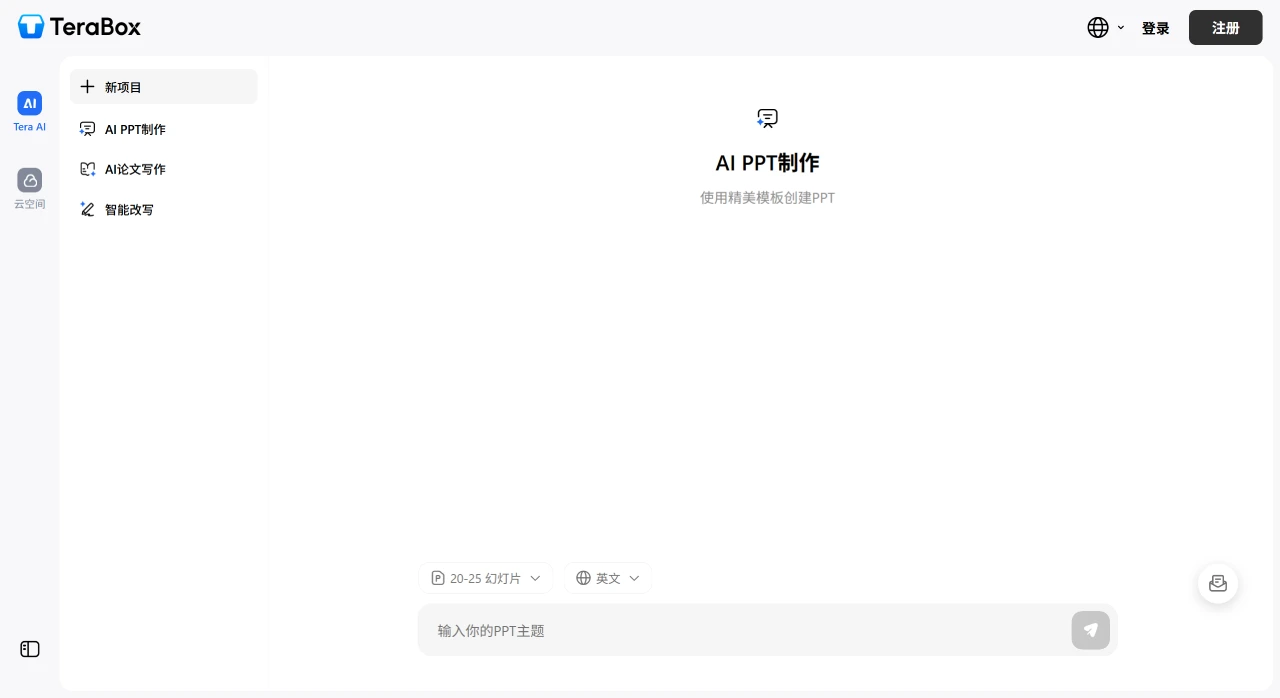
AI features: Includes AI PPT creation, AI paper writing, and intelligent rewriting capabilities.
TeraBox Pros and Cons
Pros:
Generous free storage: Offers 1TB of free space, meeting daily file storage and sharing needs.
Convenient multi-platform support: Compatible with various devices and systems for use in different scenarios.
Powerful sharing features: Share files via links or QR codes with no capacity limits.
Relatively secure data: Uses advanced encryption technology to protect user data security and privacy.
Cons:
Ad interference: The free version contains ads, which may affect the user experience.
Speed affected by network: Upload and download speeds may fluctuate depending on network conditions.
TeraBox Security
Data transmission encryption: Uses TLS/SSL encryption protocols to protect user data in transit.
Data storage encryption: Has not clearly specified which protocol is used to protect data at rest, raising concerns about data security.
Privacy concerns: Lacks client-side encryption or zero-knowledge encryption, meaning company employees could theoretically access user files.
How to Use TeraBox
Register an account: Visit the TeraBox official website or download the App, and register using an email address, phone number, or Google account. Please note that registration is not available from mainland China IP addresses; some regions such as Hong Kong, Macau, and Taiwan can register. Domestic email addresses are not accepted—where possible, you can sign in using a Google account directly.
Activate free space: After logging in, the system will automatically activate 1TB of free space with no additional steps required.
Upload files: Click the "Upload" button, select the file or folder you want to store, and start uploading.
Manage files: View, edit, delete, or share uploaded files in "My Files."
Set up automatic backup: Enable the automatic backup feature in "Settings" to ensure important data is backed up at all times.
TeraBox Pricing and Permissions
Free version: Provides 1TB of storage space but includes ads and has slower download speeds. Deleted files can be recovered within 10 days, and only one file can be downloaded at a time.
Paid version: Provides 2TB of storage space at a relatively low price, removes ads, improves download speeds, and eliminates file upload size limits.