
 Script Planner Assistant▸
 AI Apps
 AI News

Medeo: AI Video Studio for Creators
Medeo: AI Video Studio for CreatorsIntroduction
What is Medeo?
Medeo is a creator-exclusive AI video studio. No matter how much material you have, or even if you only have a single sentence, it can help you generate a complete video with voiceover and music. And this video is also editable. Not only does it generate a finished video, but it also provides an editable video project file, making it convenient for users to adjust local details, replace or regenerate specific materials, etc. Whether it's for sharing information, creating educational content, or making advertisements, you just need to briefly describe your needs, and Medeo can handle it. It can also match materials, generate content based on your script, and adjust according to your requirements. It's very easy to use, even if you don't know how to edit.
In addition to text descriptions, Medeo also supports uploading web links, files (such as academic papers), images, videos, scripts, etc. Not only does it generate a finished video, but it also provides an editable video project file, making it convenient for users to adjust local details, replace or regenerate specific materials, etc.
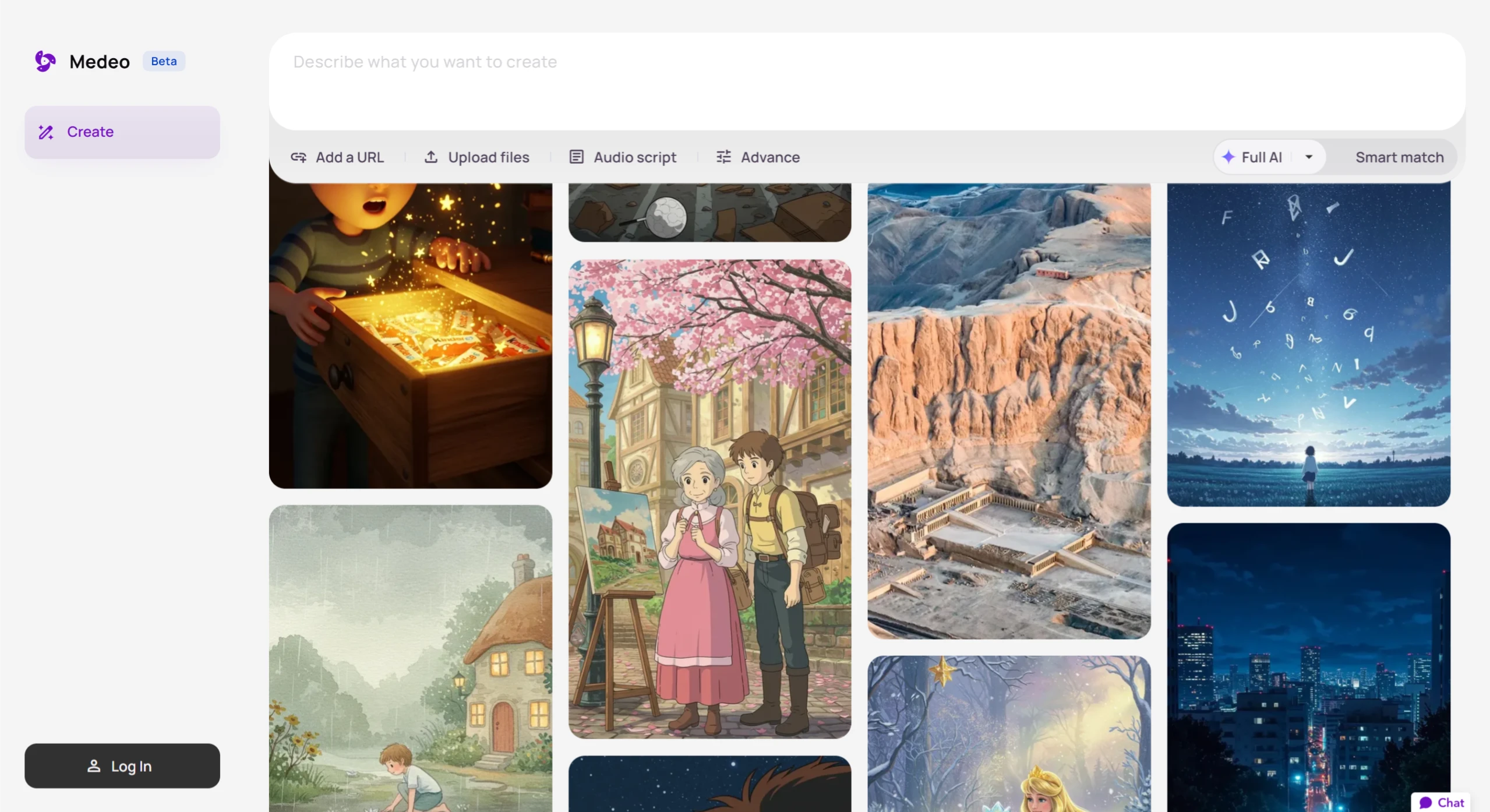
Core Features of Medeo
Generate a video with one sentence: Users only need to input a one-sentence description, and Medeo can generate a complete video, including visuals, copywriting, voiceover, and subtitles.
Flexible input options: Supports one-sentence descriptions, web links, or uploading files (such as academic papers) as input.
Delivers a complete video: Not only generates a finished video, but also provides an editable video project file, making it convenient for users to make further adjustments.
Adjustable details: Users can modify local details, replace or regenerate specific materials within Medeo's editing interface.
Practical Cases
Educational Content Creation:
Sample prompt: "Help me create a children's educational video about 'Animal Hotel,' showing interesting scenes where different animals take on different hotel roles."
The video generated by Medeo is cute and vivid, helping children learn about animal characteristics and social professions through interesting plots.
Teachers can easily adjust the video content, such as changing animal characters or adding more educational elements.
Brand Marketing Video Production:
Sample prompt: "Help me create a wonderful promotional video advertisement for Kinder Chocolate."
The video generated by Medeo has a professional feel, including warm family scenes, product close-ups, smooth shot transitions, professional voiceover and background music, successfully conveying the core value of the brand.
News-style Videos:
Provide materials or a script, and Medeo can quickly generate a video. It can also generate voice that strictly follows your script.
For example, if you provide a speech, Medeo can create the video freely or precisely follow the script.
Science Popularization Videos:
You only need to input a paragraph, and Medeo can generate a complete science popularization video, with all clips automatically generated.
For example, input "Help me make a video explaining alpine climbing," and Medeo can handle it.
Early Childhood Education Videos:
The generated videos feature cute art styles and voices, making them perfect for children.
For example, input "Help me generate a video teaching children how to brush their teeth," and the video generated by Medeo is super cute.
Novel-to-Video:
Throw the novel content to Medeo, and it can extract relevant content and scenes, generate video clips, and automatically add sound effects.
For example, input a chapter of a relaxing island farming novel, and Medeo can generate the corresponding video.
How to Use Medeo
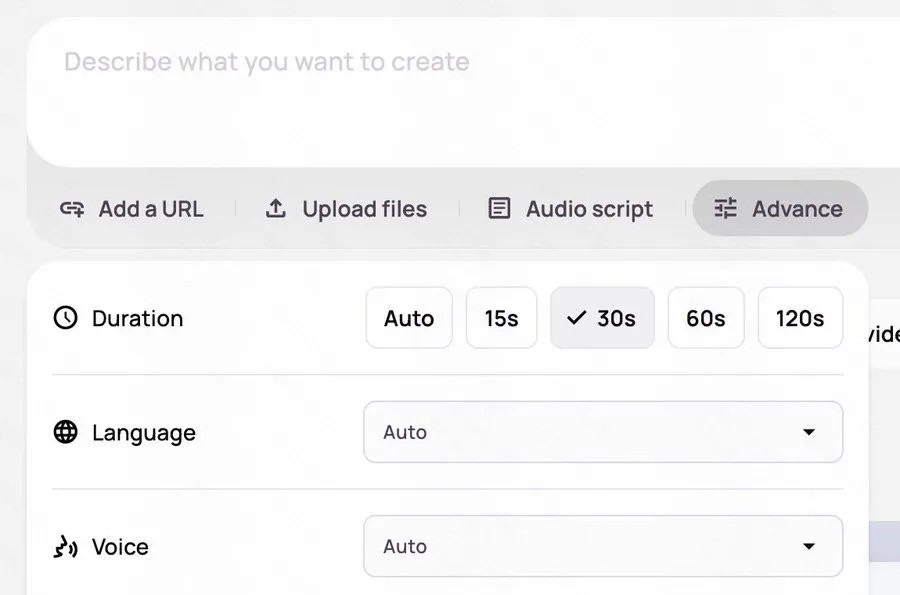
Material generation mode selection:
Fal AI Mode: All clips are generated by AI.
Smart Match Mode: Matches and generates from user-uploaded materials and the official material library, with lower cost.
URL addition: One or more links can be added, and AI will automatically extract text and materials to convert the article into a video.
File upload: Supports uploading your own images, videos, or scripts, and AI will use these materials for matching.
Script settings: Pre-prepared scripts can be pasted, and AI will generate voice strictly following the script.
Advanced settings: Background music selection, voice tone adjustment, video duration control, etc.
If you are not satisfied with the generated video, you can also perform precise editing on it. Medeo can modify part of the script's text, or individually replace the material of a specific storyboard.











