
 Script Planner Assistant▸
 AI Apps
 AI News

TabTac Browser: A Next-Gen AI Browser for Enhanced Search, Web, and Office
TabTac Browser: A Next-Gen AI Browser for Enhanced Search, Web, and OfficeIntroduction
What is TabTac Browser?
TabTac Browser is a next-generation AI browser that focuses on search enhancement, webpage enhancement, and office enhancement features. It supports webpage long screenshots, GIF/MP4 recording, PDF to Word conversion, video picture-in-picture playback, and other functions to improve users' browsing and office efficiency. At the same time, it features AI-assisted email writing, voice-controlled input, and other smart office tools, and supports Web3.0 login, IPFS protocol, and encrypted token rewards, with an emphasis on privacy protection, security, and reliability.
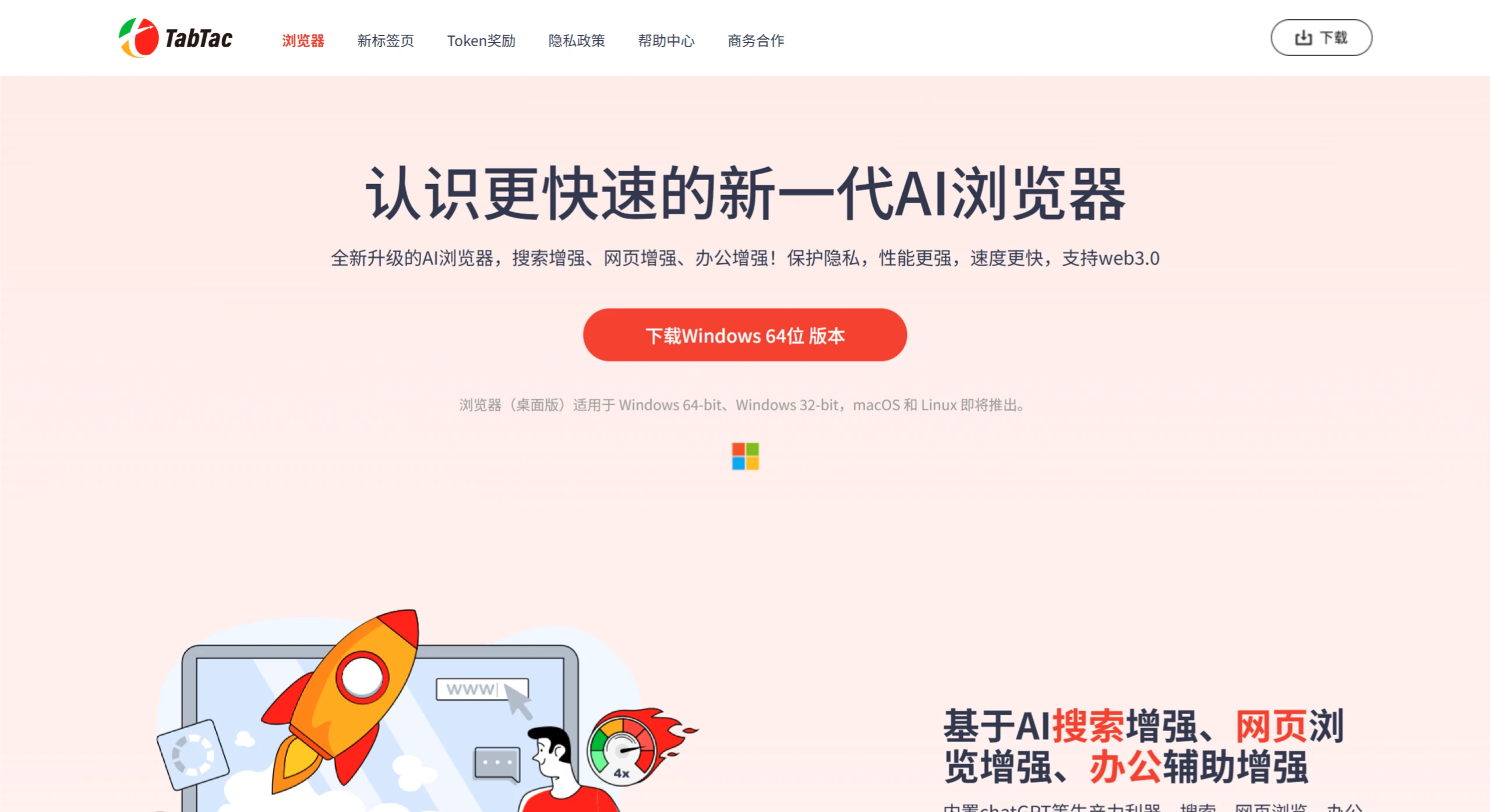
TabTac Browser Features
AI Search Enhancement
Slide-to-Search: Users can select text on a webpage by sliding the mouse to directly trigger a search, without the need to manually copy and paste.
Image-to-Text: Supports image recognition, capable of extracting text content from images.
AI Summarize: Automatically summarizes webpage content, helping users quickly understand the core information of a webpage.
AI Copilot: Provides intelligent assistance features, such as auto-completing search suggestions and generating related content.
Web Browsing Enhancement
Webpage Long Screenshots: Supports long screenshots of webpages, allowing users to completely save webpage content.
Hidden Window Screenshots: Users can take screenshots of webpages even when they are running in the background.
GIF/MP4 Recording: Built-in screen recording tool that supports recording webpage content in GIF or MP4 format.
Office Assistance Enhancement
AI-Assisted Email Writing: Built-in AI features that help users quickly compose emails, providing smart suggestions and content generation.
AI Voice Control and Input: Supports voice command operation of the browser, as well as voice input functionality.
PDF Tools: Built-in PDF to Word conversion feature, making it convenient for users to convert documents.
Web3.0 Support
Web3.0 Login: Supports MetaMask login and WalletConnect login, and supports the IPFS protocol.
TabTac Rewards: Users can earn encrypted tokens through daily use of the browser.
Privacy and Security
Decentralized Encryption Technology: Ensures user data security and supports Web3.0 login (such as MetaMask, WalletConnect).
Ad Blocking and Privacy Protection: Blocks ads and trackers that infringe on privacy, prevents third-party data storage, prevents the browser from keeping records, and prevents third-party data tracking.
Cross-Platform and Extensibility
Supports Windows 64-bit/32-bit systems, with macOS and Linux versions under development.
Plans to launch a community reward mechanism, allowing users to earn encrypted tokens by participating in activities.
Other Features
Ultra-Fast Browsing and Download: Webpage access speed is increased by more than 4 times, and ultra-fast file download speeds are provided.
Personalized Settings: Supports dynamic night mode and full-screen personalized skins, reducing blue light damage.
Video Picture-in-Picture: Supports floating mini-window playback on mainstream video sites, providing more flexible multitasking capabilities.
TabTac Browser Application Scenarios
Business Office: Quickly generate emails, process webpages, and perform multitasking with split-screen operations.
Academic Research: Use the AI summary feature to efficiently extract key information from research reports.
Smart Search: Quickly obtain information through slide-to-search and image-to-text.
Multimedia Processing: Floating video picture-in-picture and screen recording tools enhance work flexibility.















