
 Script Planner Assistant▸
 AI Apps
 AI News

PPT AI: Convert Text, Docs, PDFs, Websites, and Videos to PPT
PPT AI: Convert Text, Docs, PDFs, Websites, and Videos to PPTIntroduction
ppt ai What is it?
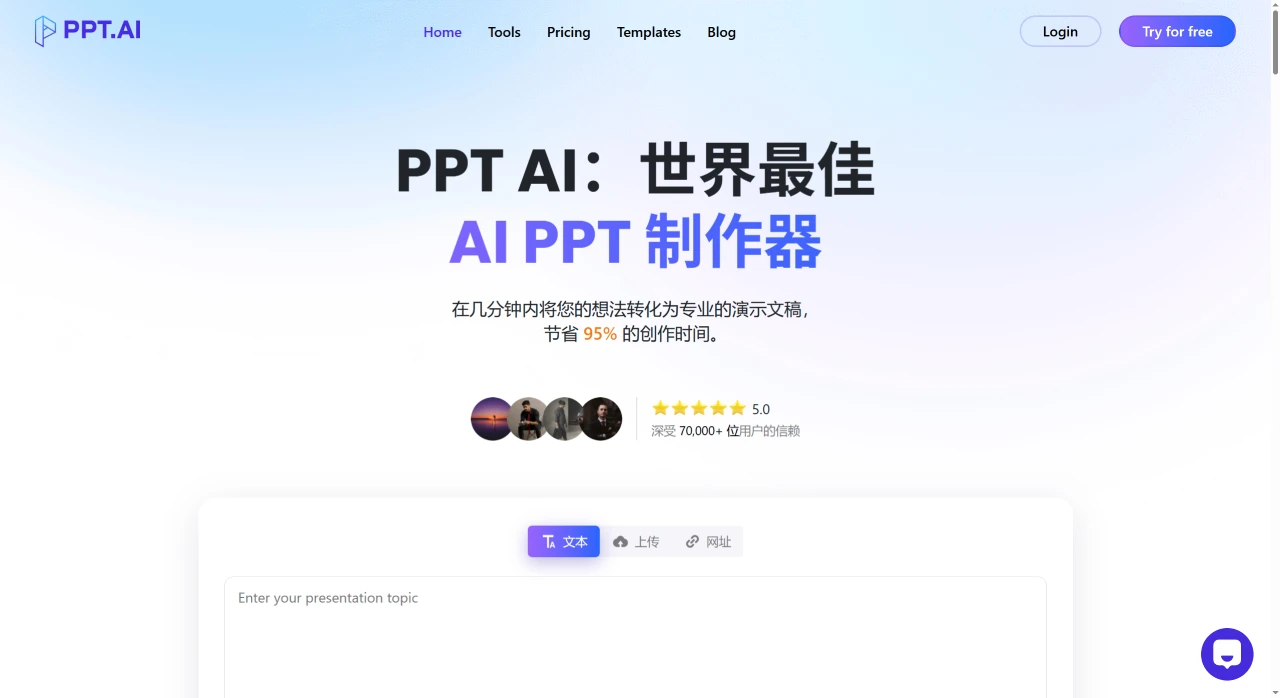
PPT.ai is an online AI PPT generation platform. Through AI's intelligent content analysis, it quickly converts text, documents, PDFs, websites, and videos into professional PPTs. The usage is also very simple — users only need to input a topic, URL, or upload a document, and PPT AI can convert documents, spreadsheets, audio, or videos into more than 20 professional PPT slides within seconds, and it supports multiple languages.
PPT AI Features
Rapid Presentation Generation: Leveraging advanced AI technology, it quickly transforms user-input content into well-structured, visually appealing slides.
Multi-format Support: Supports multiple input formats (Word, PDF, TXT, Markdown) and output formats (PPT, PPTX, PDF), and all presentations can be edited directly on the online platform.
Intelligent Content Analysis & Design: By intelligently analyzing content structure and design principles, it provides automatic design suggestions to ensure high-quality output, with a user satisfaction rate as high as 96%.
High-efficiency Automation: Compared with traditional tools, PPT.AI's automation features can save 95% of the time.
Professional Templates & Smart Matching: Offers over 50 professional templates and intelligently matches them based on content, helping users quickly choose a suitable style.
Content Organization & Editing: Supports intelligent content organization, allowing users to customize colors, fonts, images, layouts, and content using built-in tools.
Multi-language Support: Supports 15 major languages, including Chinese, Japanese, Korean, French, German, and Portuguese.
Data Security & Privacy Protection: Adopts bank-level encryption technology, provides secure cloud storage, complies with GDPR standards, and allows users to delete their data at any time.
PPT AI Use Cases
Business Presentations: Suitable for creating business reports, project proposals, and solution presentations.
Educational Materials: Teachers and students can quickly generate lecture slides and learning materials.
Marketing Content: Helps marketers efficiently produce promotional materials and pitch presentations.
PPT AI Pricing
Free Plan: Generate up to 3 presentations per month, access to over 50 templates, and create up to 15 slides.
Paid Plans: Offer more presentation generation credits and additional features:
Plus: $9.9 per month (or $7.9 per year), allowing up to 50 presentation generations per month.
Pro: $19.9 per month (or $13.9 per year), allowing up to 200 presentation generations per month.
How to Use PPT.AI?
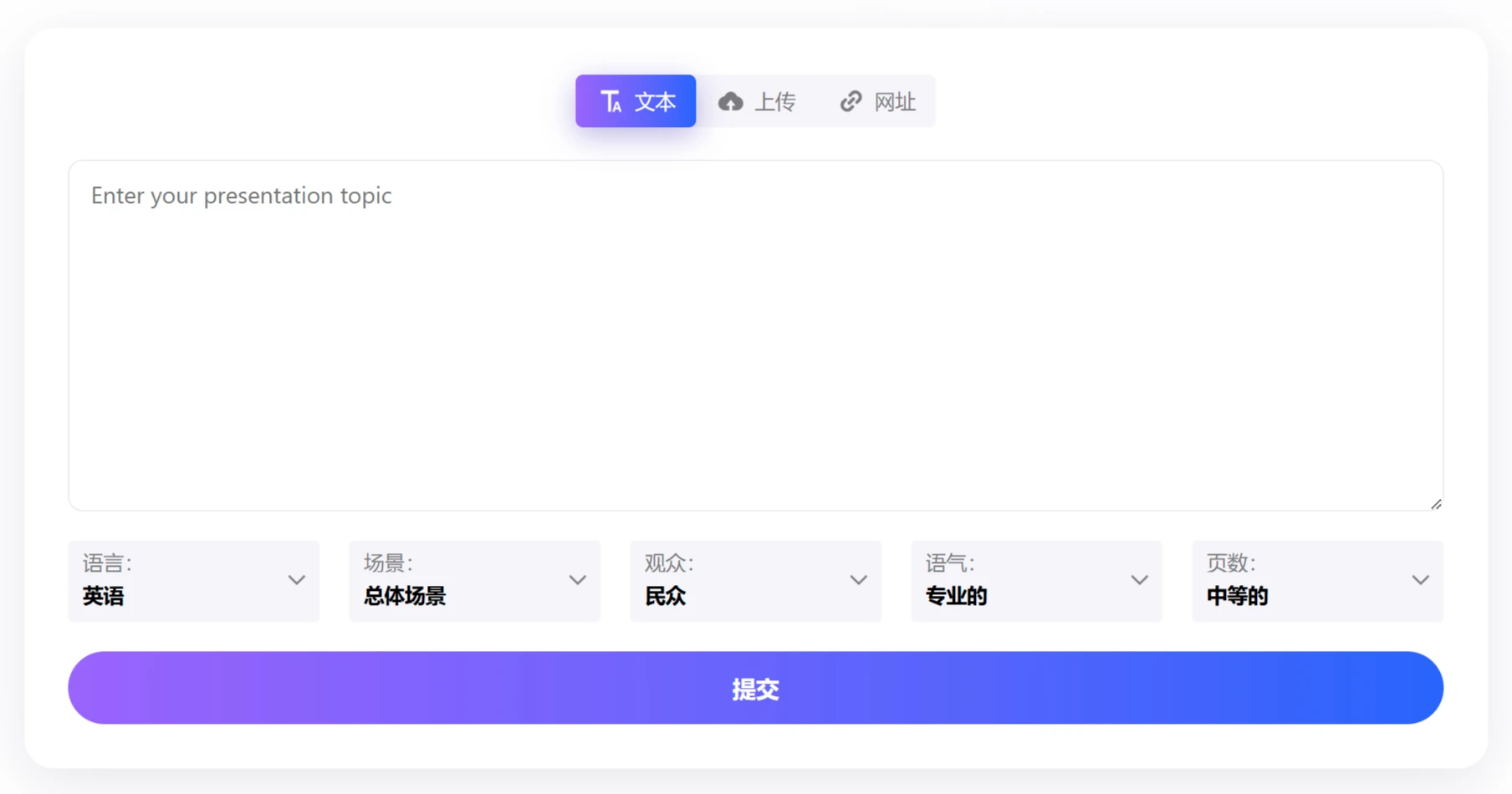
Input Your Content: Enter your topic or upload content (text, Word, PDF, or video), or even a URL, then select the language, use case, audience, style, and number of pages. PPT AI will analyze your input and generate a professional PPT outline.
Smart Generation: PPT AI uses AI to automatically design your PPT slides. Next, PPT.AI provides a variety of professional templates for you to choose from. You can select the appropriate template based on the purpose and style preferences of the presentation.
After selecting a template, click the "Generate" button to let PPT.AI use AI technology to analyze your content and generate the presentation. If needed, you can use the editing tools provided by PPT.AI to customize, including:
Modifying text content (adding, deleting, or editing text).
Adjusting colors, fonts, and layouts.
Adding or replacing images.
Reordering slides or adding/removing slides.
Download: After completing customization, you can choose to download the PPT locally. PPT.AI supports multiple output formats, including PPT, PPTX, and PDF.















