
 Script Planner Assistant▸
 AI Apps
 AI News

二狗PPT: DeepSeek-Powered AI PPT Generator
二狗PPT: DeepSeek-Powered AI PPT GeneratorIntroduction
What is Ergou ppt
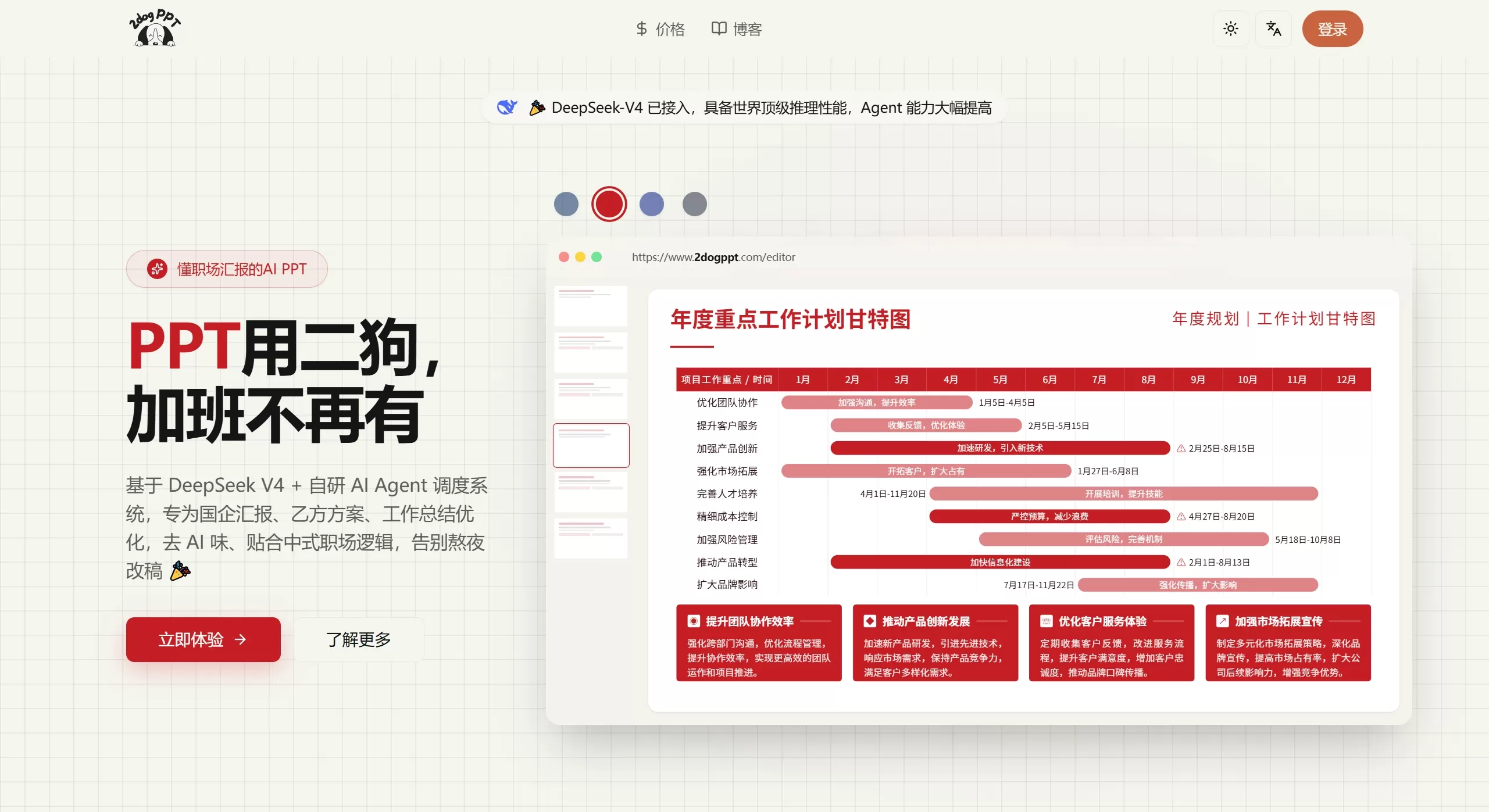
Ergou PPT is an ai PPT generation tool designed for Chinese-style workplace scenarios, powered by the DeepSeek V4 large model and a proprietary AI Agent scheduling system. It primarily serves state-owned enterprise reports, vendor proposals, and work summary situations. Its advantage is the ability to write copy without an AI flavor, producing PPTs that closely match the aesthetics and workplace habits favored by domestic leaders, making it ideal for professionals who need to quickly create formal presentation slides.
Core Features
Powered by DeepSeek V4: A model with strong reasoning capabilities and more flexible task scheduling
Chinese-style workplace templates: Suitable for year-end summaries, state-owned enterprise reports, and business plans, with a restrained style that appeals to leaders
Multi-source content parsing: Supports pasted text and uploading Word, PDF, Excel, and PPT files, automatically converting them into structured outlines
Conversational editing: Real-time polishing, expansion, and translation to transform stiff AI-generated content into something that sounds more human-written
Standard PPTX export: Compatible with PowerPoint, WPS, and Keynote for easy secondary editing
Applicable Scenarios
Work reports within state-owned enterprises or government/institutional settings
Project proposals and solution presentations from vendors
Year-end reviews and job duty reports
Business plans or fundraising pitch decks
Quickly converting documents into PPTs when time is tight
Ergou PPT Advantages
Templates are specifically designed for Chinese workplace aesthetics, with a restrained style that eliminates the hassle of manual formatting
Emphasizes removing AI flavor, resulting in more natural copy suitable for formal occasions sensitive to machine-generated feel
Supports one-click parsing of multiple office document types, delivering high efficiency in emergencies
Standard export format compatible with all major office software
How to Use Ergou PPT
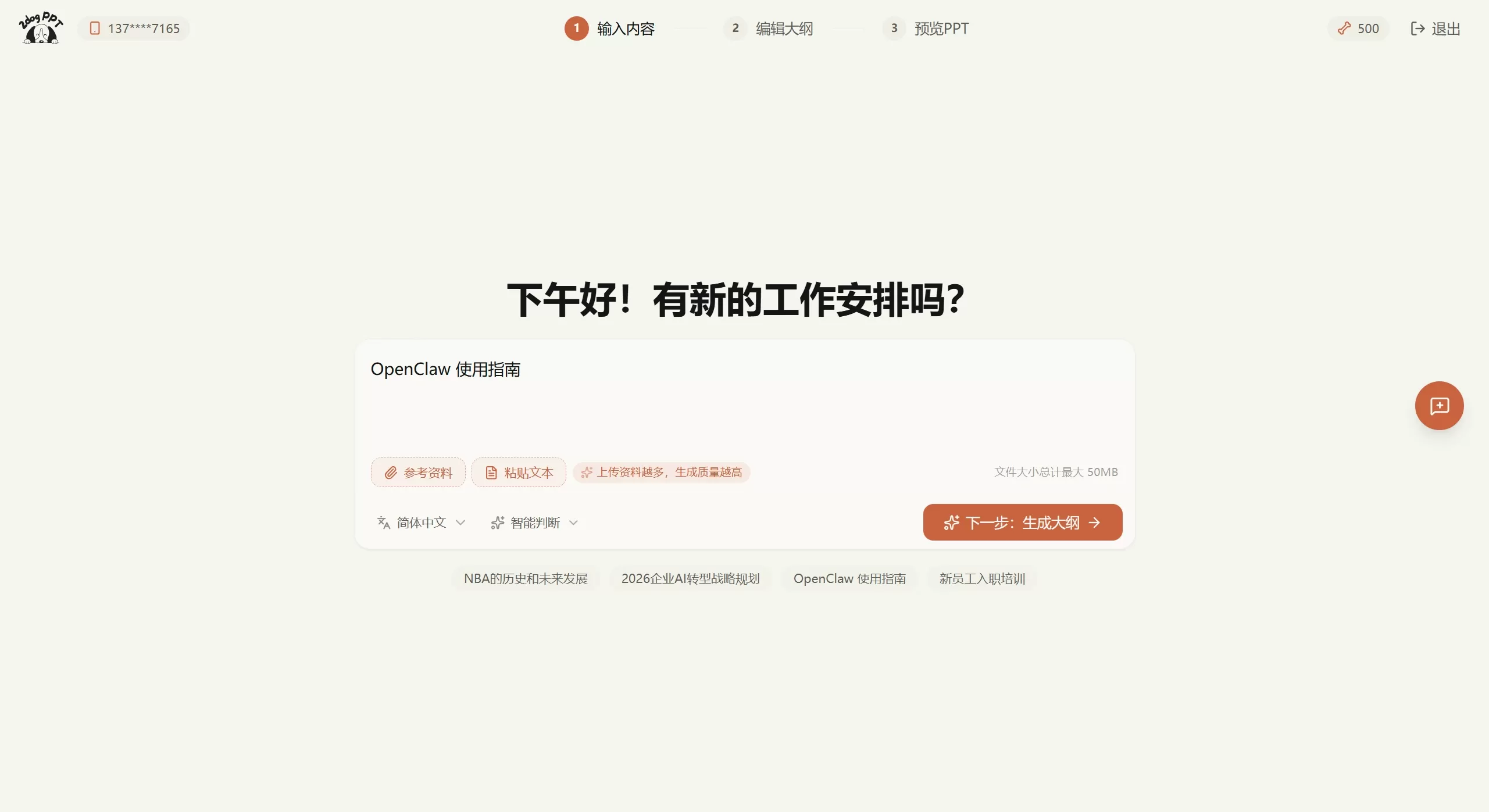
Visit 2dogppt.com to register an account. After logging in, click [Create PPT]
Choose "Paste Text" or "Reference Materials" to upload a document and start making a PPT. Select a structure:
Smart Detection: Lets AI automatically choose based on topic and materials
Complete Presentation: Includes cover, table of contents, sections, and conclusion
Essence Content: Content pages only, with high information density
Next step: Generate the outline and adjust the AI-generated outline structure in the card-style editor
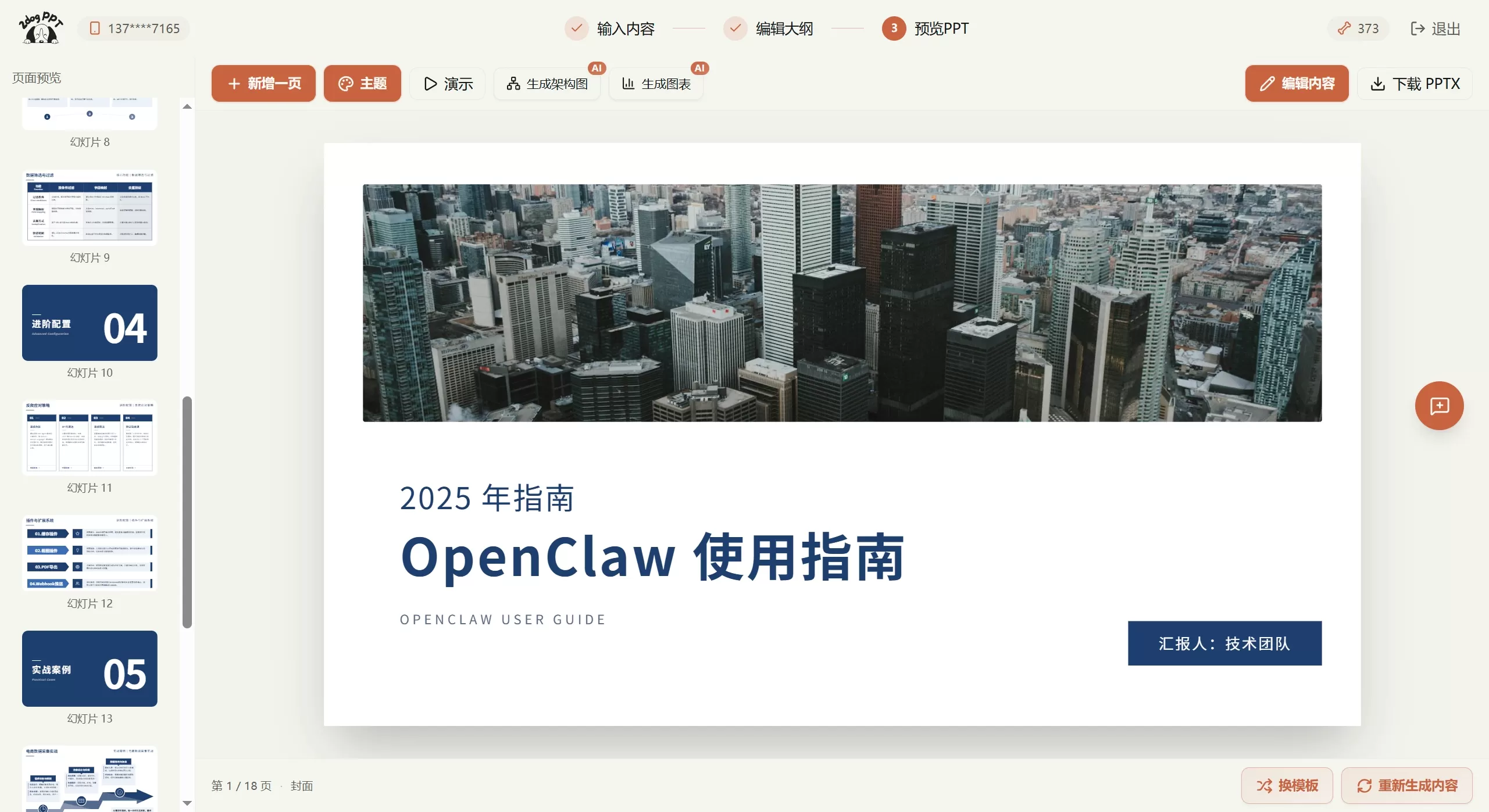
Generate a preview. In the preview, select a template from the bottom-right corner. You can also create charts, but unfortunately cannot import them directly.
After confirming the preview, export PPTX from the top-right corner
Frequently Asked Questions
Is it free? The official website has a free trial entry; full features require logging in to view specific plans
Export format? Standard .pptx, compatible with Office and WPS
Which document uploads are supported? Word, PDF, Excel, and PPT are all supported
Is the AI flavor strong? The core of this product is removing AI flavor, and you can use the conversational assistant to rewrite in real time
Ergou PPT vs. Competitors
| Comparison Dimension | Ergou PPT | AiPPT | iSlide AI |
|---|---|---|---|
| Official Website | 2dogppt.com | aippt.cn / aippt.com | islide.cc |
| Core Positioning | Dedicated to Chinese workplace presentations, emphasizing "removing AI flavor" | Global AI office product, generates PPT from a single sentence | PPT plugin-based end-to-end efficiency tool |
| Technical Foundation | DeepSeek V4 + proprietary AI Agent | Proprietary Agent + multimodal generation | Integrated AI capabilities + 14 million+ asset library |
| Usage Form | Web-based SaaS | Web-based SaaS + open API | PowerPoint/WPS plugin |
| Target Users | State-owned enterprise / institutional / vendor professionals | General workplace users including education, healthcare, public institutions, and civil servants | Office users accustomed to local PPT editing |
| Content Input | Pasted text, Word/PDF/Excel/PPT upload, MarkItDown parsing | Text, voice, Word/PDF/TXT/XMind/Markdown/web links; supports deep research mode | Word, PDF, Markdown and other document imports; AI one-click outline generation |
| Template Resources | Exclusive institutional templates, rigorous and restrained style, quantity not disclosed | Over 100,000 custom templates covering 22+ sectors; access to Visual China billion-level licensed assets | 5 million+ (some say 14 million+) PPT assets, including templates, diagrams, icons, and images |
| Copy Style | Emphasizes "removing AI flavor," conversational AI real-time polishing to human-level expression | Standard AI generation with online editing support | AI text polishing (simplify/expand/split/translate/generate titles) |
| Editing Capabilities | Card-style editing, refuses excessive AI alterations | Online editor supports text/image/table/chart modifications; mind map mode; free canvas | 40+ efficiency features (one-click skin switch, single-page beautification, smart layout, quick alignment) |
| Export Format | Standard PPTX, compatible with Office/WPS/Keynote | PPT, PDF, PNG, JPEG; supports API embedding | Directly embedded into local PPT, fully compatible with native editing workflow |
| Differentiation Advantage | Deep adaptation to institutional scenarios; powered by DeepSeek V4; optimized Chinese workplace logic | Global user base (10 million+); deep research capability; open API ecosystem; strong price competitiveness | Seamless plugin experience; massive licensed commercial-use assets; enterprise-level team collaboration and brand standards |
| Pricing Strategy | Free trial available on official website; complete plans require login to view | Domestic 99 yuan/year, overseas 30 USD/month | Enterprise version charged by team size; personal version has free quota |
| Best Use Case | State-owned enterprise presentations, institutional job duty reports, vendor plans, and other documents with high requirements for "formality" and "removing machine feel" | Quickly generating general-purpose PPTs, multi-format document conversion, scenarios requiring API integration | Users accustomed to local editing, needing abundant design assets, and enterprise teams requiring unified brand standards |
How to Choose
If you want AI copy that sounds human-written and leaders can't detect a machine feel, choose Ergou PPT
If you want the fastest PPT generation, abundant templates, and low price, choose AiPPT
If you're used to editing in PowerPoint and need abundant assets, choose iSlide AI















