
 Script Planner Assistant▸
 AI Apps
 AI News

Project IDX: Google's Cloud-Based AI-Assisted Full-Stack Development Environment
Project IDX: Google's Cloud-Based AI-Assisted Full-Stack Development EnvironmentIntroduction
What is Project IDX?
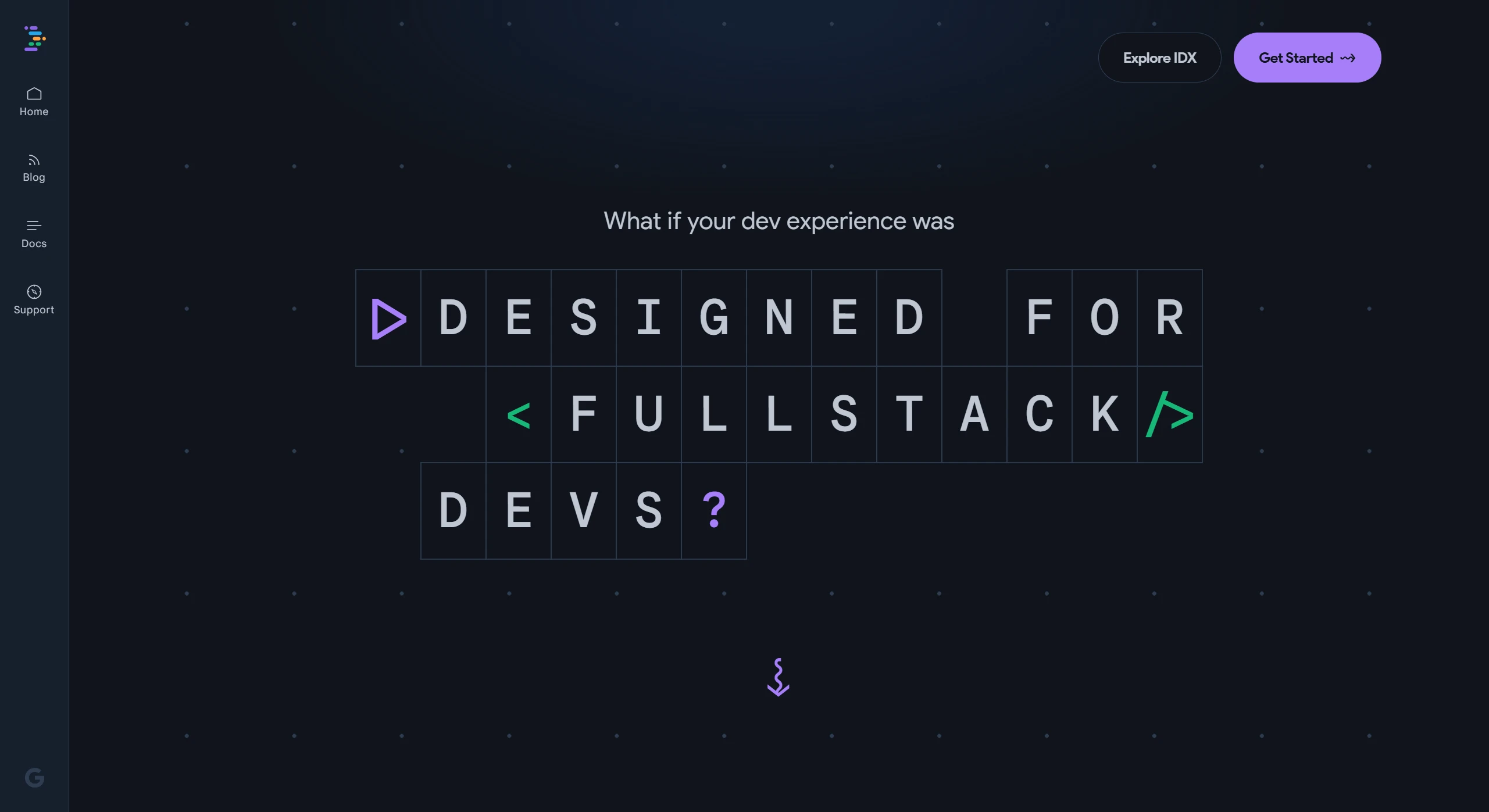
Project IDX is a cloud-based AI-assisted full-stack development environment launched by Google. It integrates the AI assistant Gemini and leverages AI technology and cloud services to simplify full-stack and multi-platform application development. Built on Google Cloud, it supports multiple frameworks and languages, and provides features such as intelligent code completion, context-aware actions, cross-platform previews, and one-click deployment to Firebase Hosting.
Project IDX Features
AI-Assisted Development: Integrates AI models such as Gemini and Codey, supporting intelligent code completion, code generation, context-aware actions (such as adding comments, explaining code), and an AI chat bot.
Multi-language and Framework Support: Supports multiple languages and frameworks such as Angular, React, Flutter, Next.js, Python, and Go.
Cloud-based Development Environment: Built on Google Cloud, providing Linux virtual machine capabilities and supporting cross-device development and synchronization.
Cross-platform Preview: Built-in web preview functionality and Android/iOS emulators allow you to test applications directly in the browser.
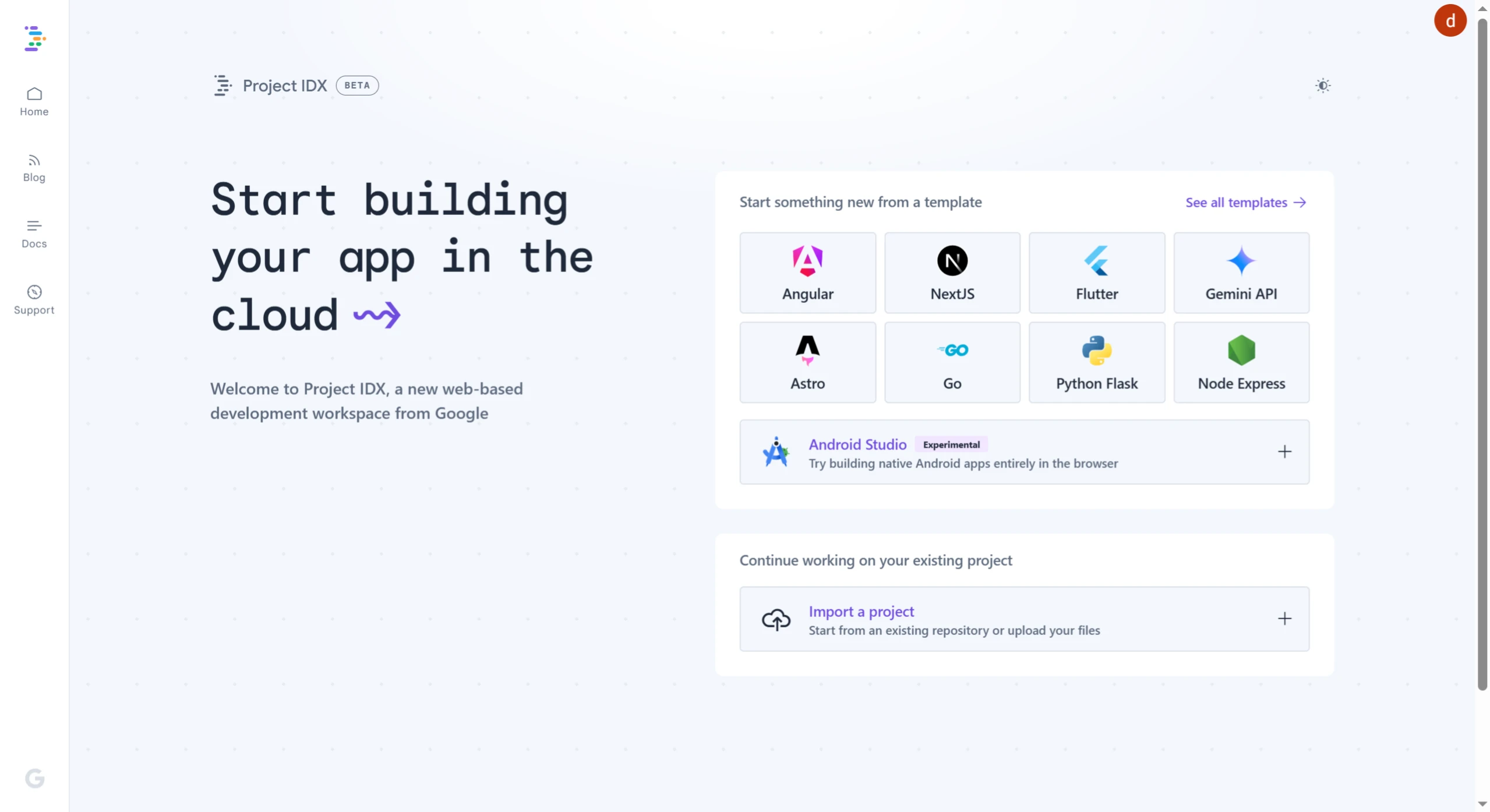
Project Management: Supports importing projects from GitHub and provides a variety of pre-built templates to simplify project startup.
One-Click Deployment: Integrates with Firebase Hosting to support rapid deployment of web applications.
Collaboration Features: Supports real-time code editing, pair programming, and code review to improve team collaboration efficiency.
How to Use Project IDX
Registration and Access: Visit the Project IDX official website: https://idx.google.com/, complete registration, and log in.
Enable Third-Party Cookies: Depending on your browser type, enable third-party cookies to ensure proper workspace authentication.
Create a Workspace: Choose to use an official template, import a GitHub repository, or use a community template to create a new workspace.
Develop and Preview: Write code in the editor, utilize AI-assisted features (such as intelligent completion and code explanation) for development, and preview web or mobile applications through the built-in tools.
Deploy the Application: Once development is complete, deploy the application with one click through Firebase Hosting integration.
Use Cases for Project IDX
Rapid Prototyping: Quickly build and validate product prototypes.
Remote Collaborative Development: Supports real-time team collaboration and code sharing.
Full-Stack and Multi-Platform Development: Suitable for web, mobile, and cross-platform application development.
Education and Learning: Ideal for beginners learning full-stack development.
Enterprise-Level Development: Supports rapid development and one-click deployment.
AI-Driven Development: Optimizes code and development workflows through AI.
Project IDX is currently in the testing phase, and its features will be updated in the future, so please stay tuned.
Related News:
2025 Latest Roundup: 20+ Best AI Programming Tools and AI Coding Assistants












