
 Script Planner Assistant▸
 AI Apps
 AI News

Bolt.New: AI Writes Code and Deploys It Automatically
Bolt.New: AI Writes Code and Deploys It AutomaticallyIntroduction
Bolt.New, an AI-powered full-stack web development tool, can help you automatically write code, run it, and deploy it. Users can prompt, run, edit, and deploy full-stack applications directly in the browser, all within the browser, with no local setup required. Users can complete every step from writing code to deploying applications in the browser, without the need for complex development environment configuration.
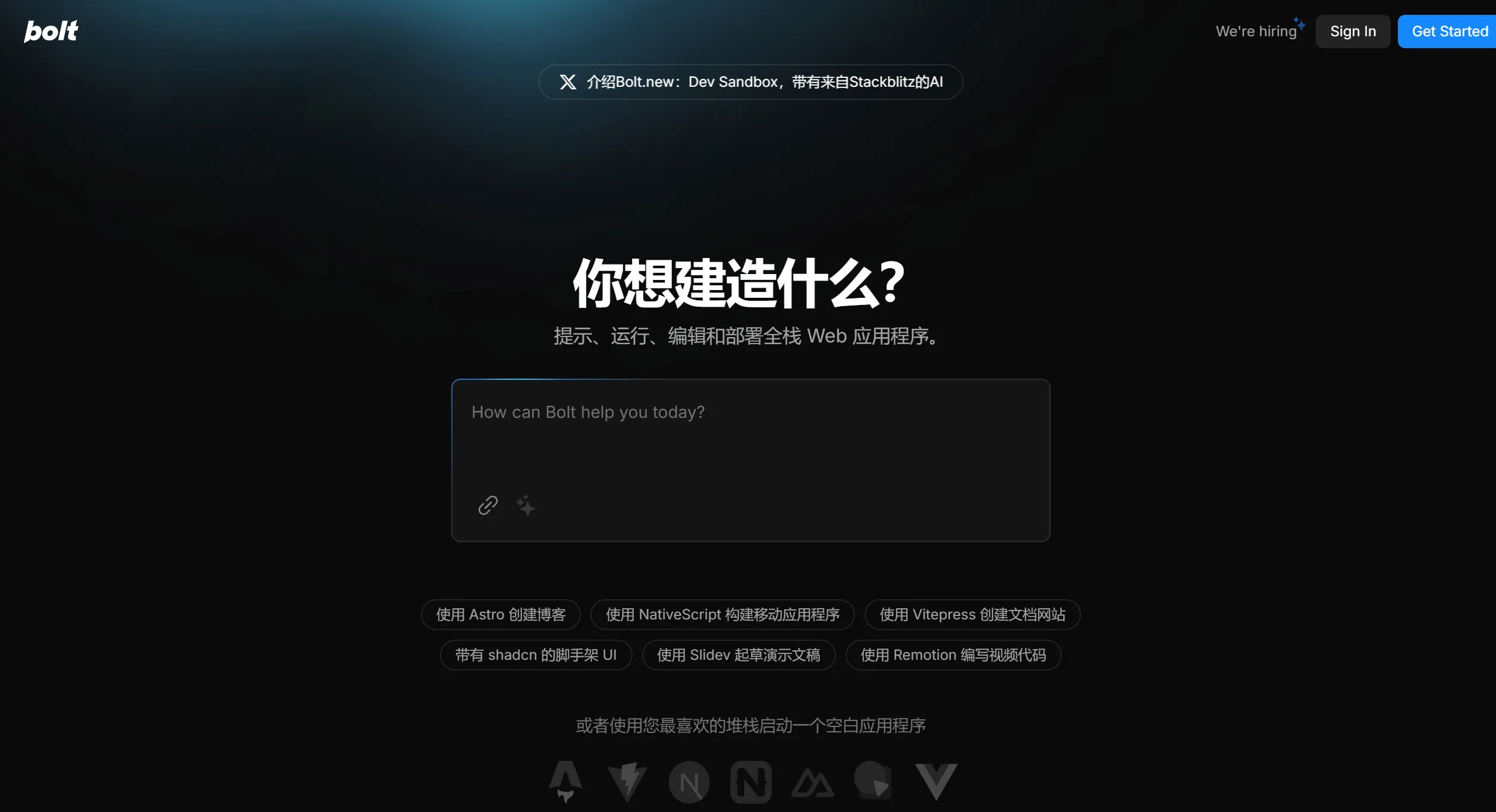
Key Features of Bolt.New:
Zero Installation, Ready to Use Out of the Box
Users simply visit Bolt.new and log in to start creating projects immediately.
No need to download or configure any software, making it ideal for users who are not familiar with computer operations.
Conversational Development: Generate Code with Natural Language
Through AI technology, users can describe their needs in natural language, for example: "Build a blog system with user registration functionality."
The AI automatically generates the required front-end, back-end, and database code, and can update the code in real time based on feedback.
One-Click Deployment: Easily Launch Your Project
After completing code generation, simply click the "Deploy" button, and Bolt․new will deploy the project to the cloud.
Supported deployment platforms include Netlify and Cloudflare, ensuring stable performance and a smooth user experience.
Automatic GitHub Sync: More Convenient Project Management
After logging in with a GitHub account, every modification to the project is saved in real time and synced to a GitHub repository.
Facilitates subsequent version management and team collaboration.
Supports Multiple Programming Languages and Frameworks:
Compatible with popular frameworks such as React, Next.js, Remix, and SvelteKit, as well as various toolchains like Vite.
How to Use Bolt.New?
Registration and Login:
Visit Bolt.new
Create an account and confirm activation via email.
After logging in, you can start creating new projects.
Create a Project:
Describe the project requirements, for example: "Create a simple to-do list application."
The AI will generate the corresponding code structure and basic functional modules based on the description.
Modify and Refine the Code:
View and modify the generated code directly in the in-browser editor.
Preview the results in real time and make adjustments until you are satisfied.
Deploy the Project:
After completing development, click the "Deploy" button in the right sidebar.
Select the target deployment platform (such as Netlify) and follow the prompts to complete the deployment process.
Obtain the project link and share it with others.
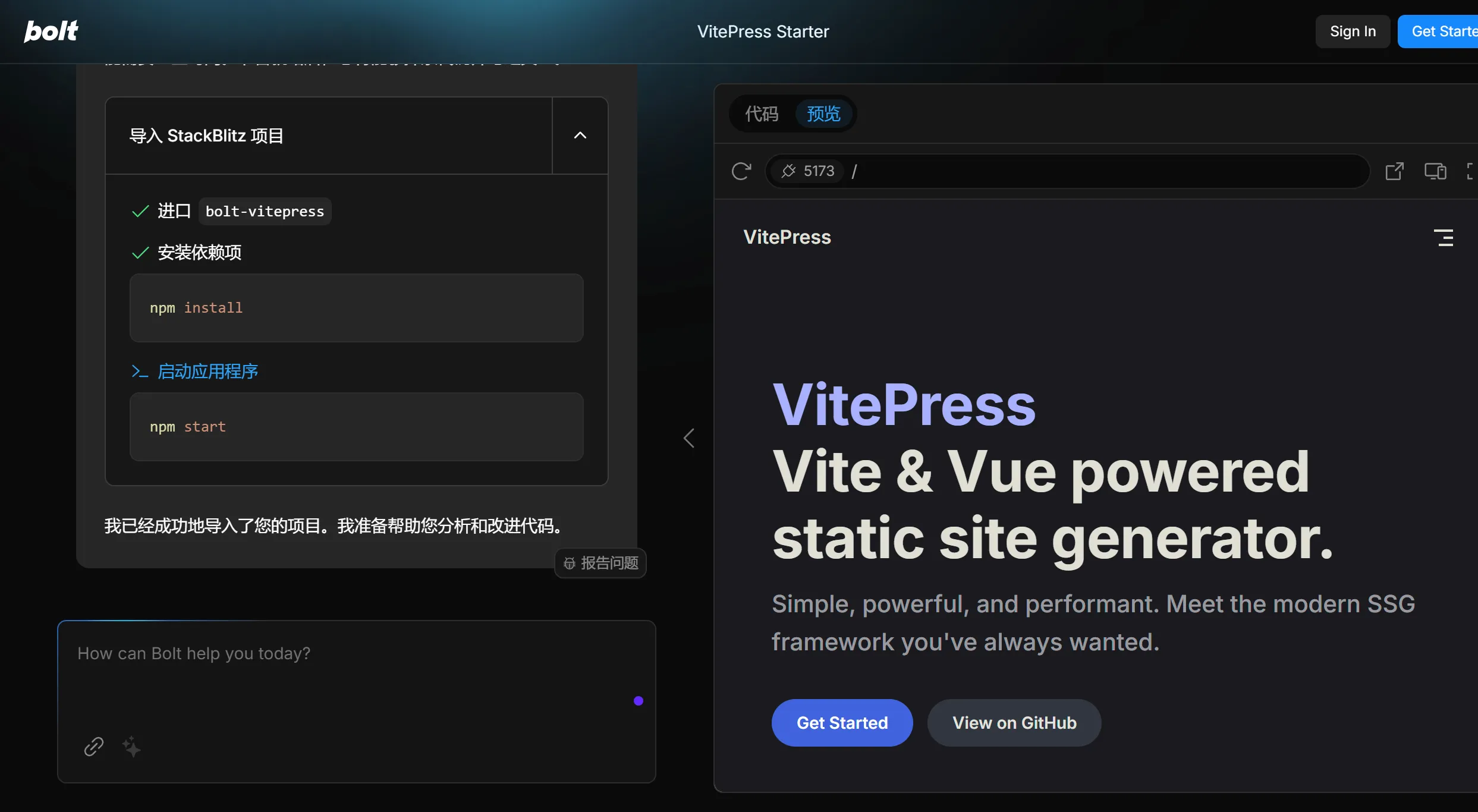
Usage in China:
Due to network reasons, some users in China may encounter access difficulties. To use Bolt․new more effectively in China, you can consider the following aspects:
VPN or Proxy: Use a VPN or proxy server to access overseas resources, thereby smoothly opening the Bolt․new official website.
Mirror Sites: Check whether there are official or other trusted institutions maintaining domestic mirror sites for faster access and service.
Local Deployment:
If you have the conditions and technical background, you can choose to clone the open-source version and run it in a local environment, with steps as follows:
# Install Node.js and pnpm
npm install pnpm -g
# Download the code
git clone https://github.com/little51/bolt.new.local.git
cd bolt.new.local
# Install dependency libraries
pnpm install
# Configure LLMs service
# Edit the .env file and fill in the necessary parameters
VITE_LLM_PROVIDER=OpenAI
VITE_OPENAI_BASE_URL=https://your-openai-api-url/v1
VITE_OPENAI_API_KEY=YOUR_API_KEY
VITE_OPENAI_MODEL_NAME=gpt-4
# Start the development server
pnpm run dev
# Visit http://localhost:8501
Bolt.New Use Cases
Rapid prototype development
Teaching and learning programming
Quick launch of small projects
Bolt․new, as a powerful full-stack development tool, is especially suitable for non-programmers and professional developers who wish to accelerate their development speed. Users can create and deploy high-quality applications in a short amount of time.
Related Information:
14 Recommended AI Programming Assistants for Intelligent Coding and Code Generation!












