
 Script Planner Assistant▸
 AI Apps
 AI News

Magic Resume: Online Resume Editor
Magic Resume: Online Resume EditorIntroduction
What is Magic Resume?
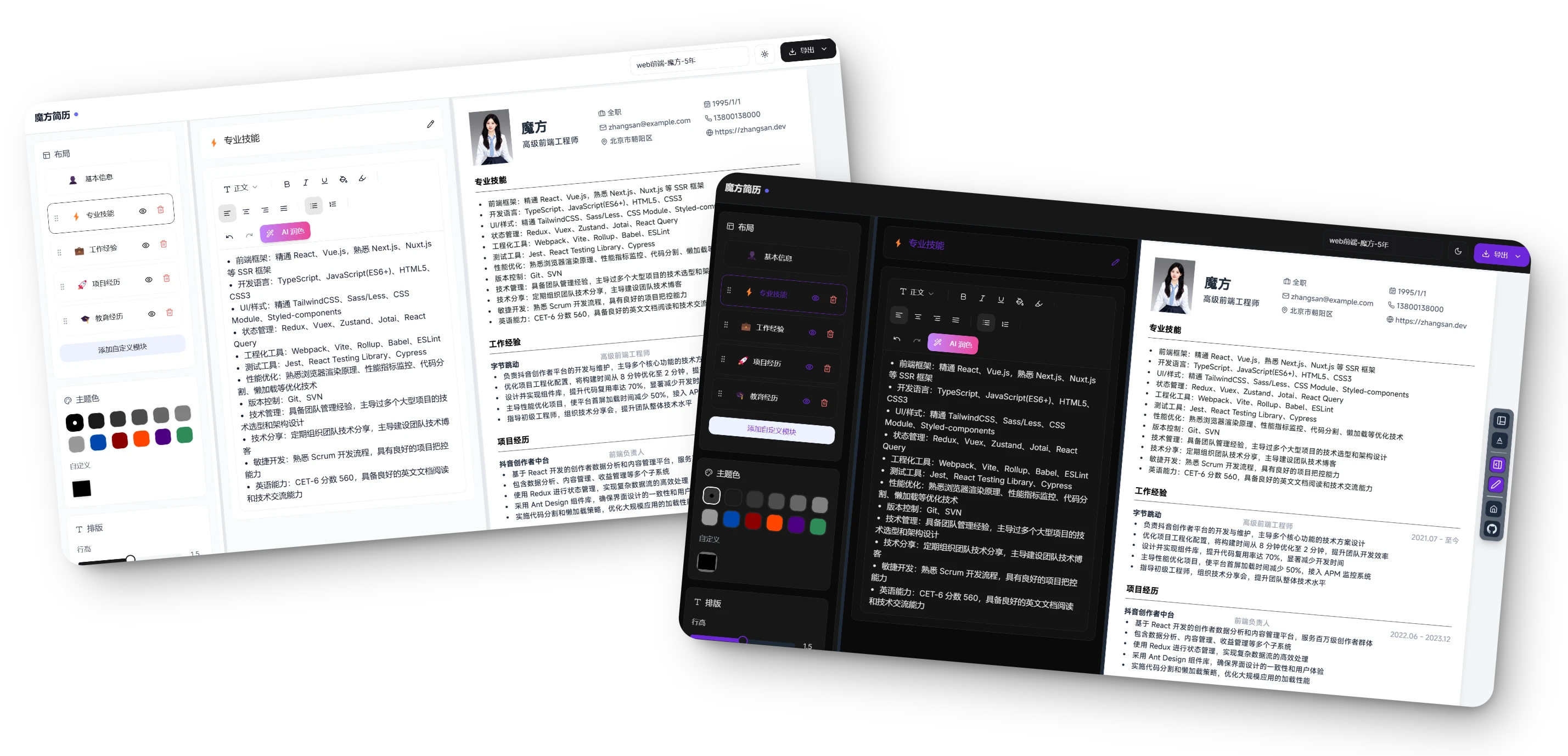
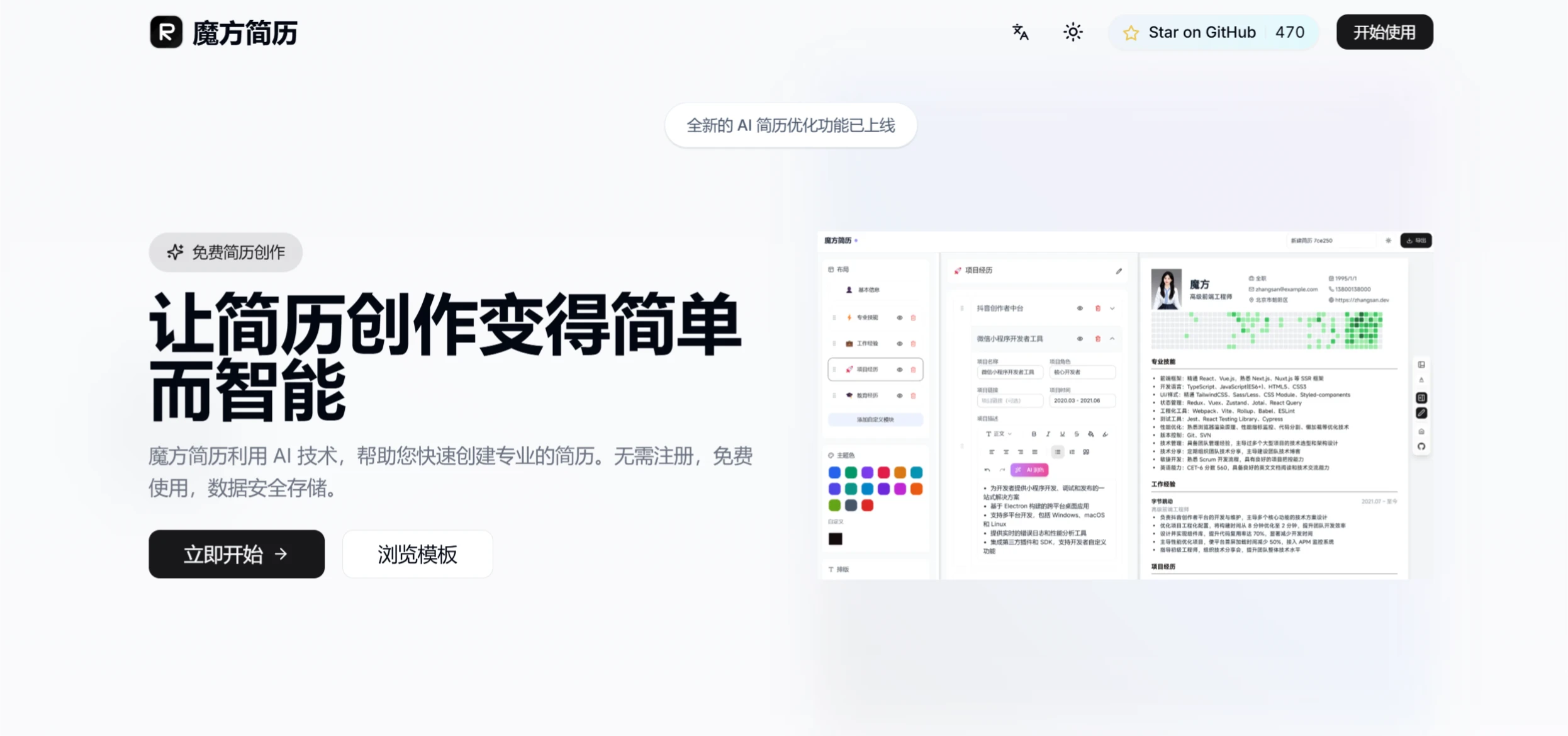
Magic Resume is a modern online resume editor, built on Next.js and Framer Motion, that allows users to easily create professional resumes with real-time previews and customizable resume themes.
Main Features of Magic Resume
Privacy Protection: Magic Resume uses local storage and one-click encrypted JSON export to ensure the security and privacy of user data.
AI Intelligent Polishing: Powered by the DeepSeek large model, the system automatically analyzes job requirements, adds data-driven results to experience descriptions, and optimizes the matching of professional terminology.
Design Freedom: Supports multiple layouts and theme color schemes to meet different scenario needs, while providing dynamic interactive experiences and real-time cross-device preview functionality.
Technical Faith: Built on the Next.js 14 full-stack framework, delivering millisecond-level response times for a smooth editing experience.
Open Source Ecosystem: The tool's code is fully open source, allowing developers to perform secondary development and customization.
Key Characteristics of Magic Resume
Built on Next.js 14+.
Provides smooth animation effects (using Framer Motion).
Supports custom themes, responsive design, and dark mode.
Can be exported to PDF format.
Real-time preview, auto-save, and local storage functionality.
Technology Stack
Frontend Framework: Next.js 14+.
Programming Language: TypeScript.
Animation Library: Framer Motion.
Styling Framework: Tailwind CSS.
UI Component Library: Shadcn/ui.
Icon Library: Lucide Icons.
How to Use Magic Resume
Clone the project: Clone the project to your local machine via Git.
Install dependencies: Run the relevant commands to install project dependencies.
Start the development server: Launch the local development environment.
Access: Open http://localhost:3000 in your browser to view the result.
Deployment Methods
Vercel: Supports one-click deployment to Vercel.
Docker: Can be deployed via Docker Compose or by pulling the image from Docker Hub.
Magic Resume Version Roadmap
AI-Assisted Writing: AI assistance features may be added in the future.
Multi-language Support: Plans to support more languages.
More Templates and Export Formats: Adding more resume templates and export formats.
Smart One-Page: May provide a smart one-page feature.
Online Resume Hosting: May support online resume hosting.














