
 Script Planner Assistant▸
 AI Apps
 AI News
CopyWeb AI: An AI-Powered Website Cloning Tool
CopyWeb AI: An AI-Powered Website Cloning ToolIntroduction
What is CopyWeb ai?
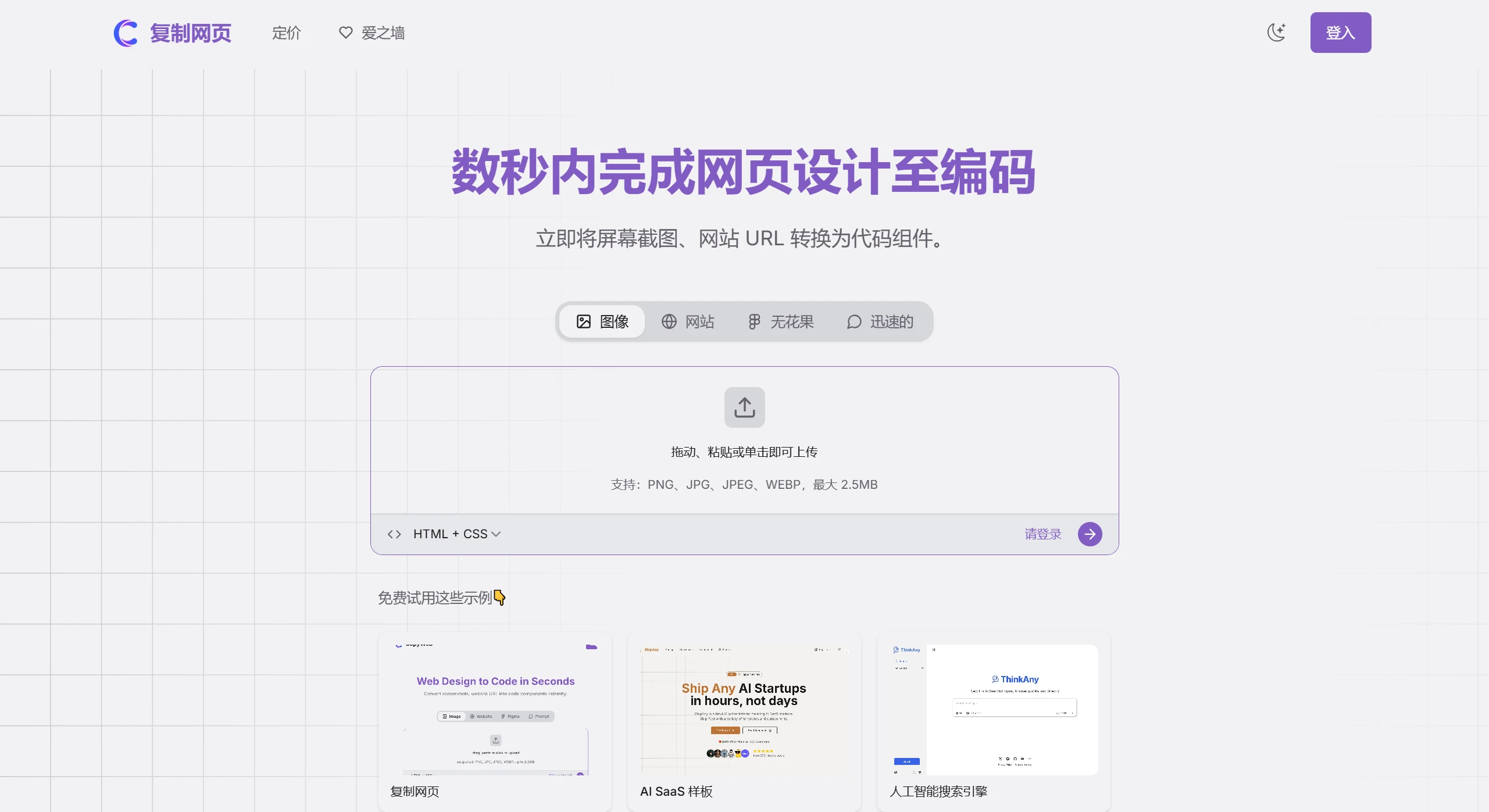
CopyWeb AIis an artificial intelligence-driven webpage cloning tool that can transform any website design or existing webpage content into editable code. Users simply input a URL or upload a screenshot to clone webpage components with a single click. It saves developers a significant amount of time. Currently, CopyWeb focuses on UI components and supports converting designs into React, Vue, and HTML/CSS format code, improving development efficiency.
Features of CopyWeb AI
-
Webpage Cloning: Enter a website URL to automatically clone the entire site's structure and styles, achieving a restoration rate of over 80%.
-
Screenshot to Code: Upload a design screenshot, and the AI will generate responsive HTML/CSS code with pixel-precise restoration.
-
Figma Integration: Import directly from Figma designs and generate frontend code with a single click, greatly shortening the time from design to development.
-
Smart Component Detection: AI automatically identifies UI components, ensuring the generated code is accurate and meets design requirements.
-
Multiple Framework Export: Supports export to various framework code such as React, Vue, Next.js, and Nuxt.js.
-
Responsive Design: The generated code supports mobile devices by default, adapting to different screen sizes.
-
Online Preview and Edit: After code is generated, you can preview the effect online and make adjustments.
Use Cases of CopyWeb AI
-
Rapid Prototyping: Quickly demonstrate website prototypes to clients or teams.
-
Learning and Research: Clone excellent websites to analyze their code structure and improve skills.
-
Inspiration Realization: Quickly convert excellent designs you see into usable code, inspiring more creative possibilities.
-
Team Collaboration: A bridge between designers and developers, accelerating project progress.
How to Use CopyWeb AI?
1. Sign Up and Log In: Visit the CopyWeb official website and register an account. After logging in, you can start using it.
2. Clone a Webpage via URL:
-
Select the "URL to Code" tab on the homepage.
-
Enter the target website's URL.
-
Click "Generate", wait a few seconds, and the AI will analyze the webpage and generate code.
-
View the real-time effect in the "Preview" window and click the "Export" button to download the code.
3. Screenshot to Code:
-
Prepare your design screenshot (JPG and PNG formats are supported).
-
Go to the "Screenshot to Code" tab and click "Upload" to upload the file.
-
Wait for the AI to finish processing and generate the corresponding frontend code.
-
Preview online and adjust code details, then export once confirmed.
4. Figma Design to Code:
-
In the "Figma to Code" tab, click "Connect Figma".
-
Authorize CopyWeb to access your Figma account.
-
Select the target design file and click "Generate" to create the code.
-
Supports direct export as React components for easy use by development teams.
5. Online Preview and Edit: After each code generation, click "Preview Online" to view the effect. You can directly modify the code in the right-side code editor, and the preview window will update synchronously.












