
 Script Planner Assistant▸
 AI Apps
 AI News

iFlyCode: iFlytek Spark Intelligent Coding Assistant
iFlyCode: iFlytek Spark Intelligent Coding AssistantIntroduction
Smart coding assistant iFlyCode is an AI programming tool developed by iFlytek, focused on the code level. Built on the iFlytek Spark V2.0 large model, it offers features such as code generation, code completion, code error correction, code explanation, and unit test generation. It supports development tools including VSCode and the JetBrains series (IntelliJ IDEA, Clion, PyCharm, WebStorm, Android Studio, etc.), as well as a dozen-plus programming languages, with Python, Java, JavaScript, and C++ delivering the best results.
iFlyCode aims to make programming easier and creativity freer through advanced intelligent technology, helping developers improve coding efficiency and accuracy. Boost programming efficiency. It can automatically identify errors and potential issues in code based on the programmer's input and context, and provide corresponding suggestions and fixes. In addition, iFlyCode offers code auto-completion, syntax checking, code refactoring, and other features to help programmers quickly write high-quality code.
At the same time, iFlyCode also provides an enterprise R&D quality and efficiency management platform and an enterprise model customization tool to meet the customized needs of businesses.
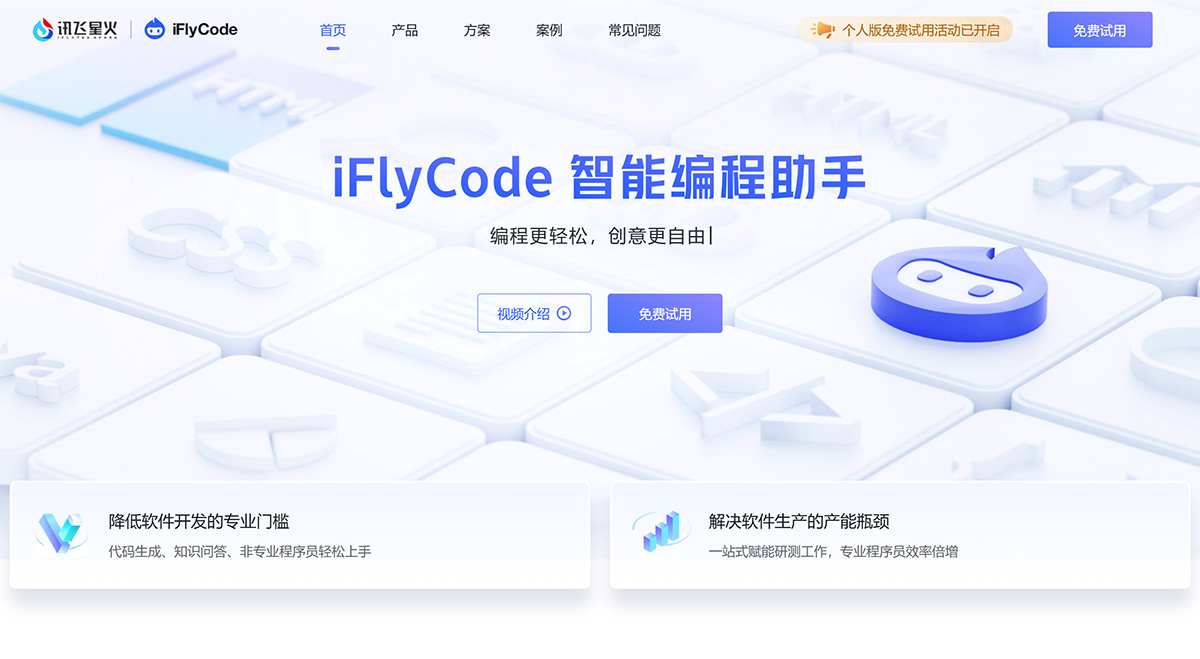
1. Lowering the Professional Barrier to Software Development
iFlyCode's code generation and knowledge Q&A enable non-professional programmers to get started easily
Generate code from natural language for quick onboarding, with seamless switching between natural language and programming code, eliminating tedious programming processes.
A massive library of standard code snippets available at any time, easily finding and using the snippets you need on demand, reducing repetitive work.
Detailed explanations of code content for worry-free learning, thoroughly analyzing code to meet learning needs and enhance professional skills.
2. Solving the Capacity Bottleneck of Software Production
iFlyCode empowers R&D and testing end-to-end, doubling the efficiency of professional programmers
One-click generation of various types of code for doubled efficiency, supporting multiple programming languages and development environments, with a clean and effective experience that improves coding.
Detect and fix code issues for guaranteed quality, enhancing code quality, uncovering potential problems, and improving overall project quality.
A convenient and easy-to-use coding assistant that liberates productivity, connecting the entire software development workflow so programmers can focus on creativity and business logic implementation.
Features of the FlyCode Intelligent Coding Assistant:
1. Smart Trigger, One-Click Code Output
Intelligently generate single-line or function-level code suggestions
Automatically generate code based on comments and function names
Complete code based on method names, context, and other information
2. Select a Snippet, Understand It Instantly
Detailed explanations of classes, functions, and their roles
iFlyCode supports line-by-line code comments
Learn from a massive library of patterns for fast and accurate interpretation
3. Smart Recognition, Easy Fixes
Precisely locate spelling, syntax, and logic errors
Provide targeted correction suggestions
Compare old and new code, support one-click modifications
4. Fast Generation, Worry-Free Self-Testing
Select code, one-click generate unit test cases
iFlyCode supports multiple mainstream unit testing frameworks
Intelligently generate unit test data
5. Professional Knowledge, Accurate Access
iFlyCode supports asking questions on selected code and conversational free-form Q&A
Professional answers to code-related questions
Ask questions directly within the IDE interface, no switching required
The iFlyCode plugin is an intelligent coding assistant developed based on a large code model. It is installed in each user's terminal development environment, while the code large model is deployed on a separate server. After the user enters a request in the plugin's input box and sends it to the large model, the plugin directly displays the response returned by the model. The plugin shields users from the underlying interaction process with the code large model, allowing them to focus more on coding or other tasks.












